Free Photo Colorizer Online - Colorize Black and White Photos

Turn black & white photos into stunning, lifelike color instantly. Powered by advanced deep-learning models that restore skin tones, sky colors, objects, and historical scenes with remarkable accuracy.

After - Colorized
Before - Black and White
⇄
Before - Black and White
After - Colorized

Upload to colorize your photo

Loading...

πŸ’‘ Tip: You can also paste images from clipboard (Ctrl+V / Cmd+V)

By uploading an image or URL you agree to our Terms of Use and Privacy Policy.

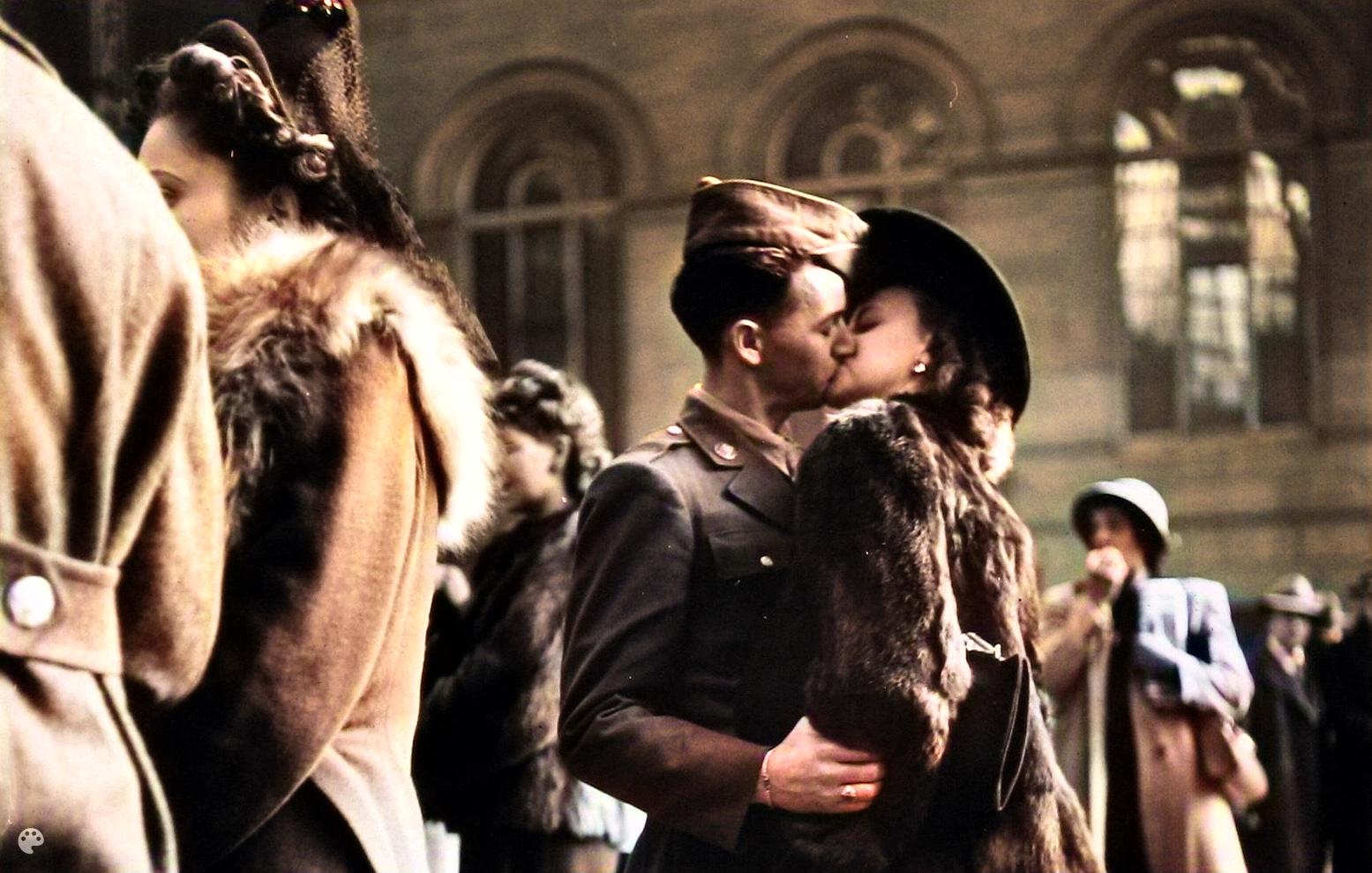
After - Natural Skin Tones and Colors
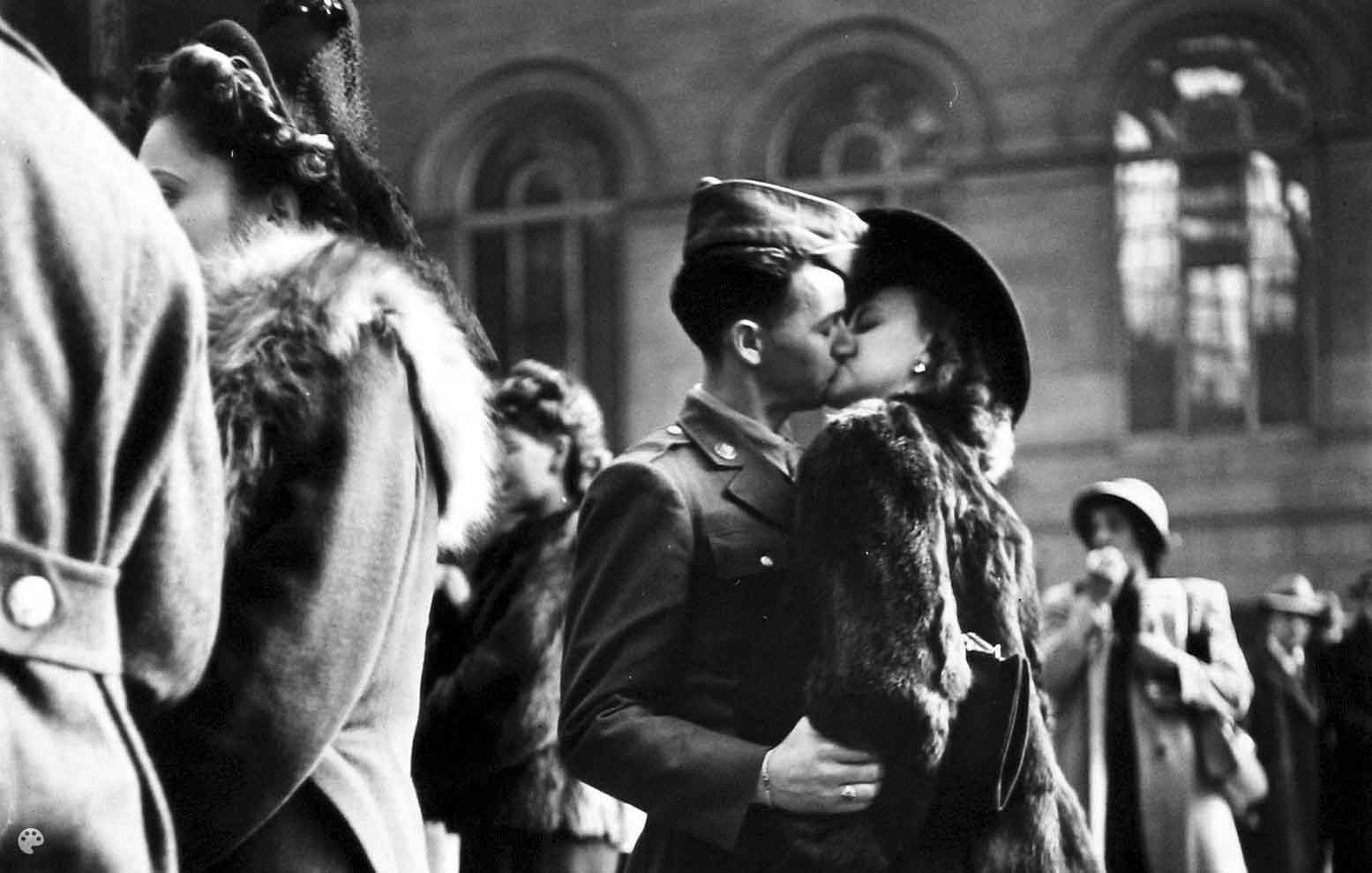
Before - Black and White Portrait
⇄
Before - Black and White Portrait
After - Natural Skin Tones and Colors

Realistic Skin Tones and Natural Colors

Our AI technology intelligently analyzes facial features, lighting conditions, and historical context to apply realistic skin tones that look natural and authentic. The colorization process respects individual characteristics, ensuring that each person's unique appearance is preserved while bringing the photo to life with vibrant, true-to-life colors.
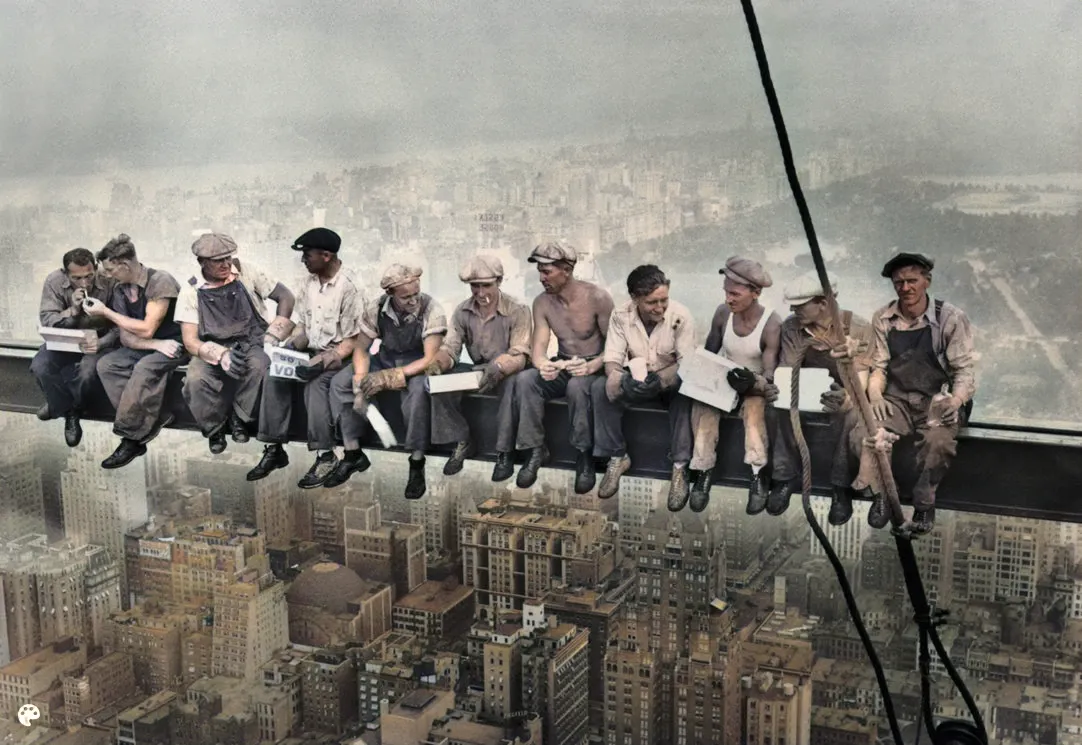
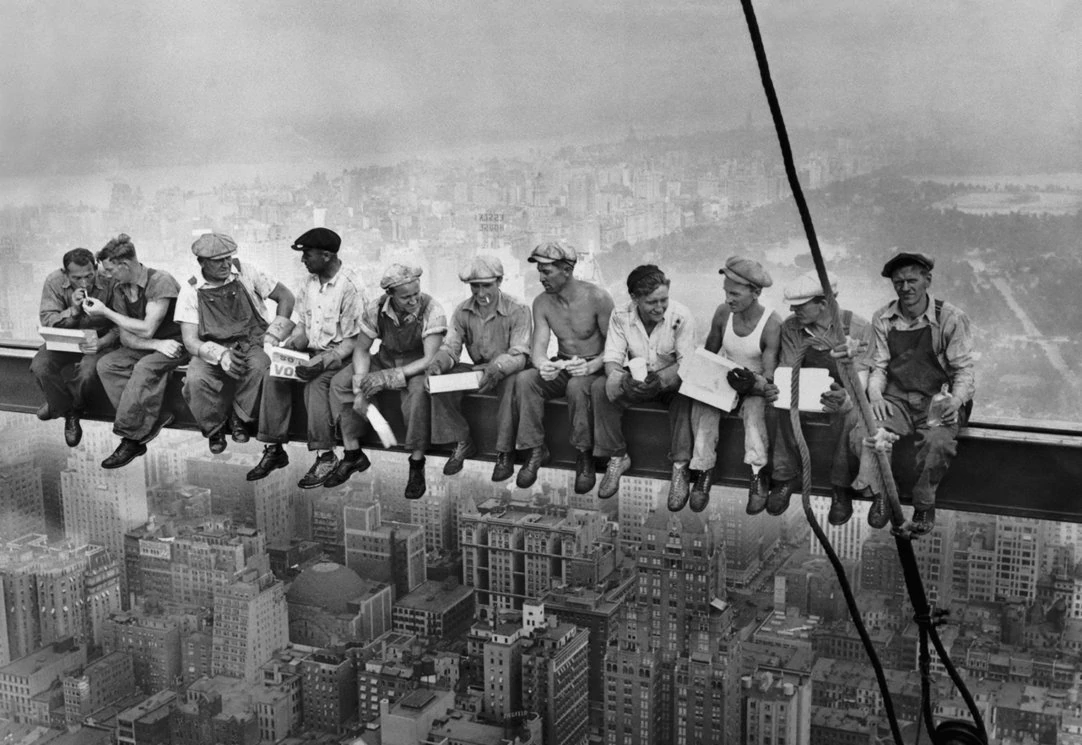
After - Historically Accurate Colorization
Before - Historical Black and White Photo
⇄
Before - Historical Black and White Photo
After - Historically Accurate Colorization

Historical Accuracy and Context-Aware Colorization

Unlike simple color filters, our AI analyzes luminance, contrast, and object boundaries to apply context-aware colors that respect the historical accuracy of the original scene. The system understands seasonal tones, period-appropriate clothing colors, natural sky hues, and environmental elements, ensuring that your colorized photos maintain their authentic historical character.
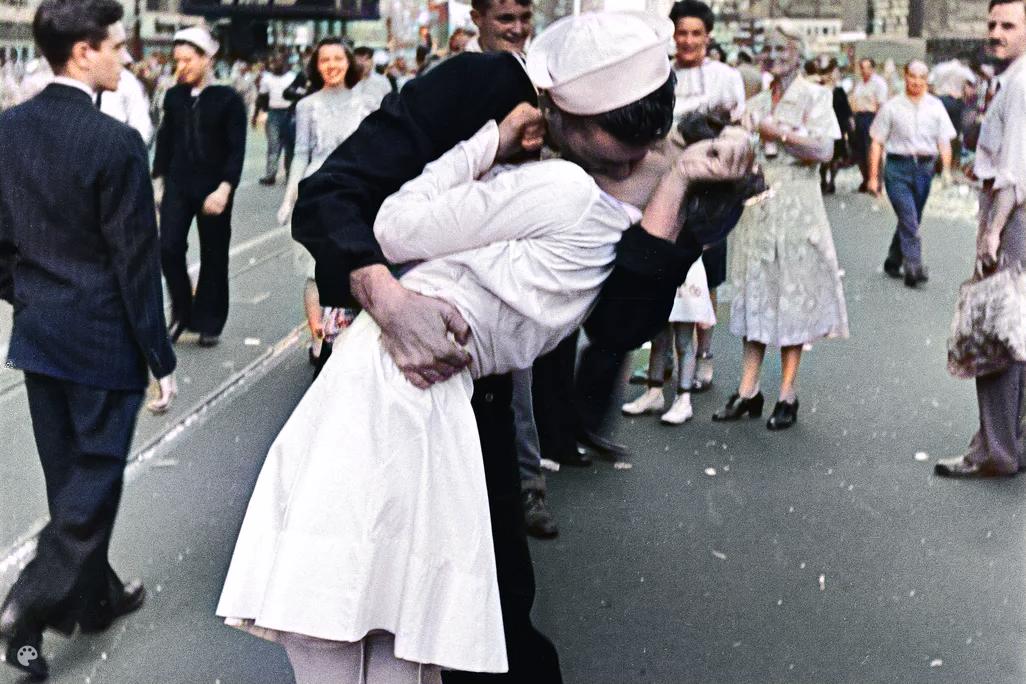
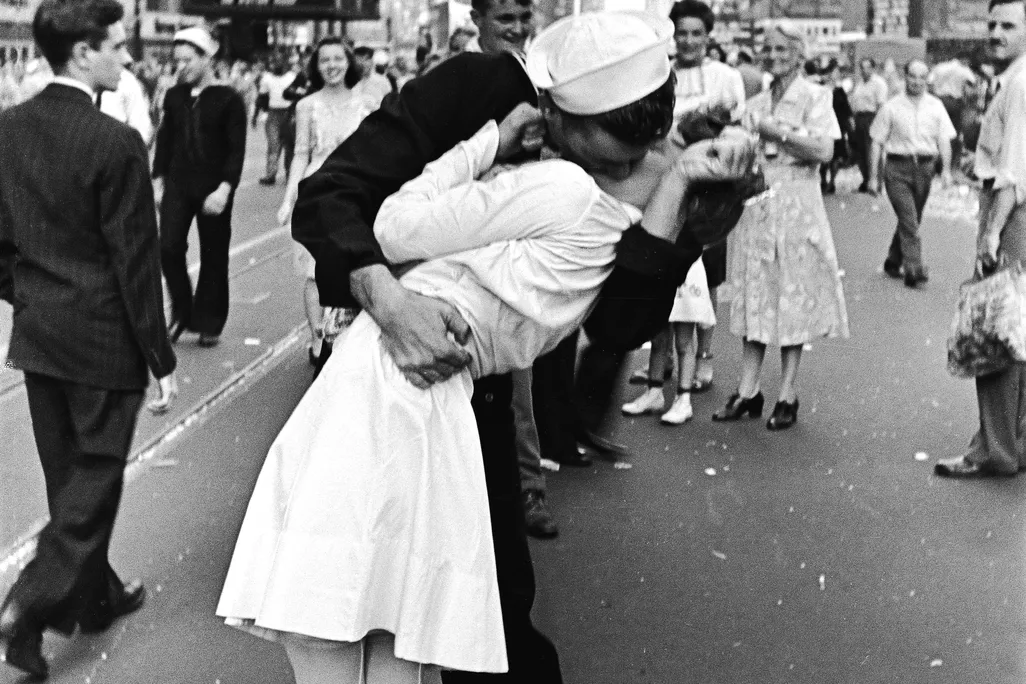
After - Restored and Colorized
Before - Damaged Black and White Photo
⇄
Before - Damaged Black and White Photo
After - Restored and Colorized

Restore and Colorize Damaged Photos

Our "Restore & Colorize" mode is perfect for damaged or low-quality black and white photos. The AI first repairs scratches, cracks, stains, and missing parts, then applies realistic colorization. This two-step process ensures that even severely damaged family photos can be restored to their full-color glory, bringing precious memories back to life.
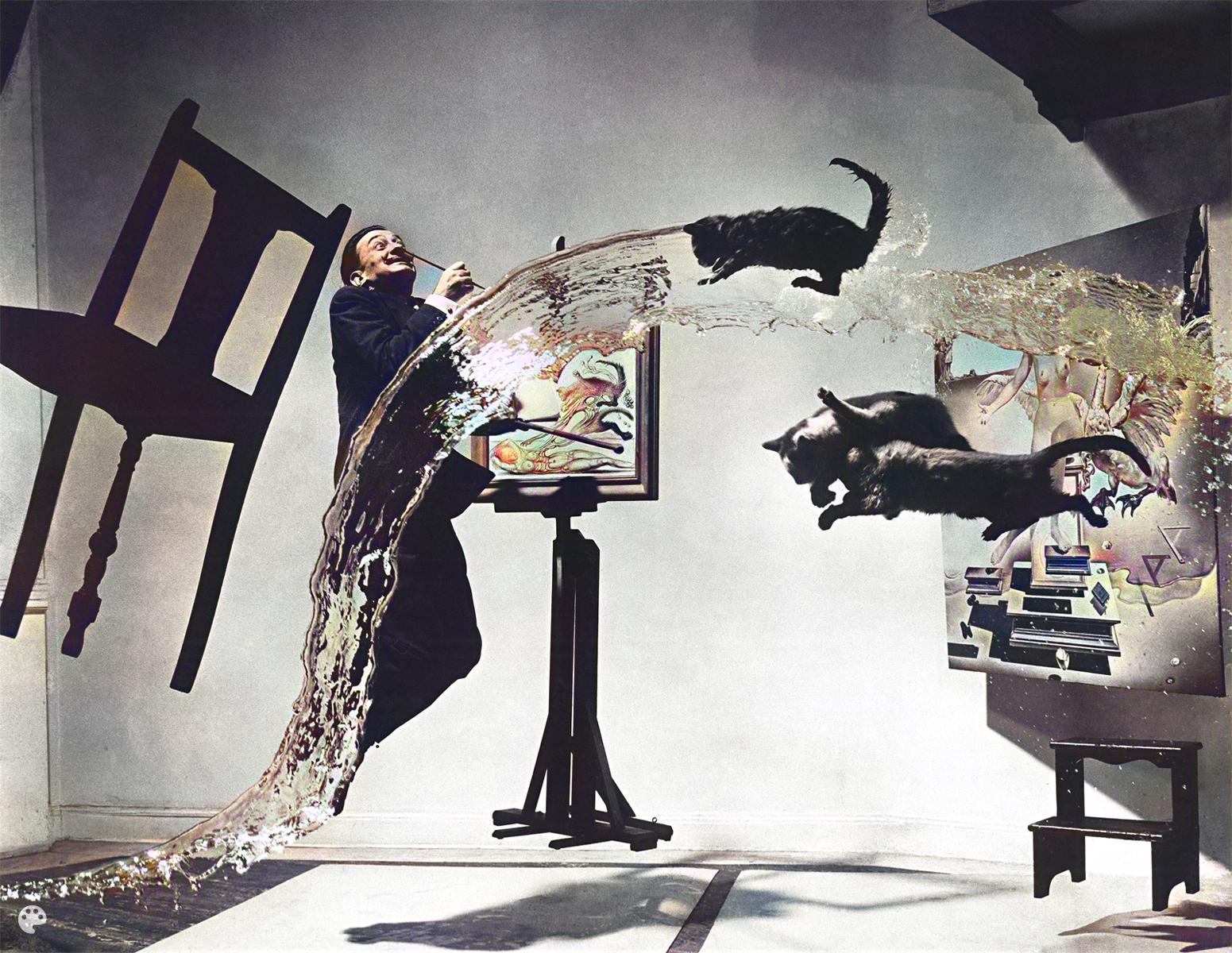
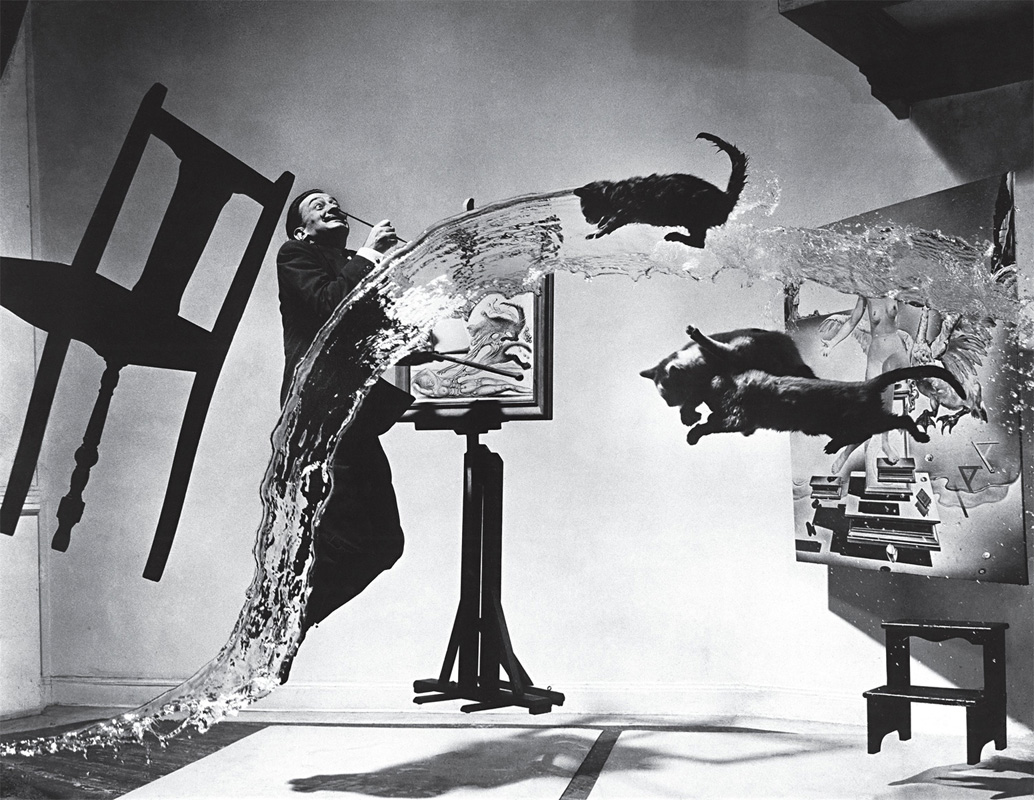
After - Batch Colorized Photos
Before - Multiple Black and White Photos
⇄
Before - Multiple Black and White Photos
After - Batch Colorized Photos

Batch Colorize Multiple Photos

Save time by processing up to 3 photos simultaneously. Our batch colorization feature allows you to transform entire photo collections efficiently, maintaining consistent quality and color accuracy across all images. Perfect for family historians, genealogists, and anyone working with large collections of black and white photographs.
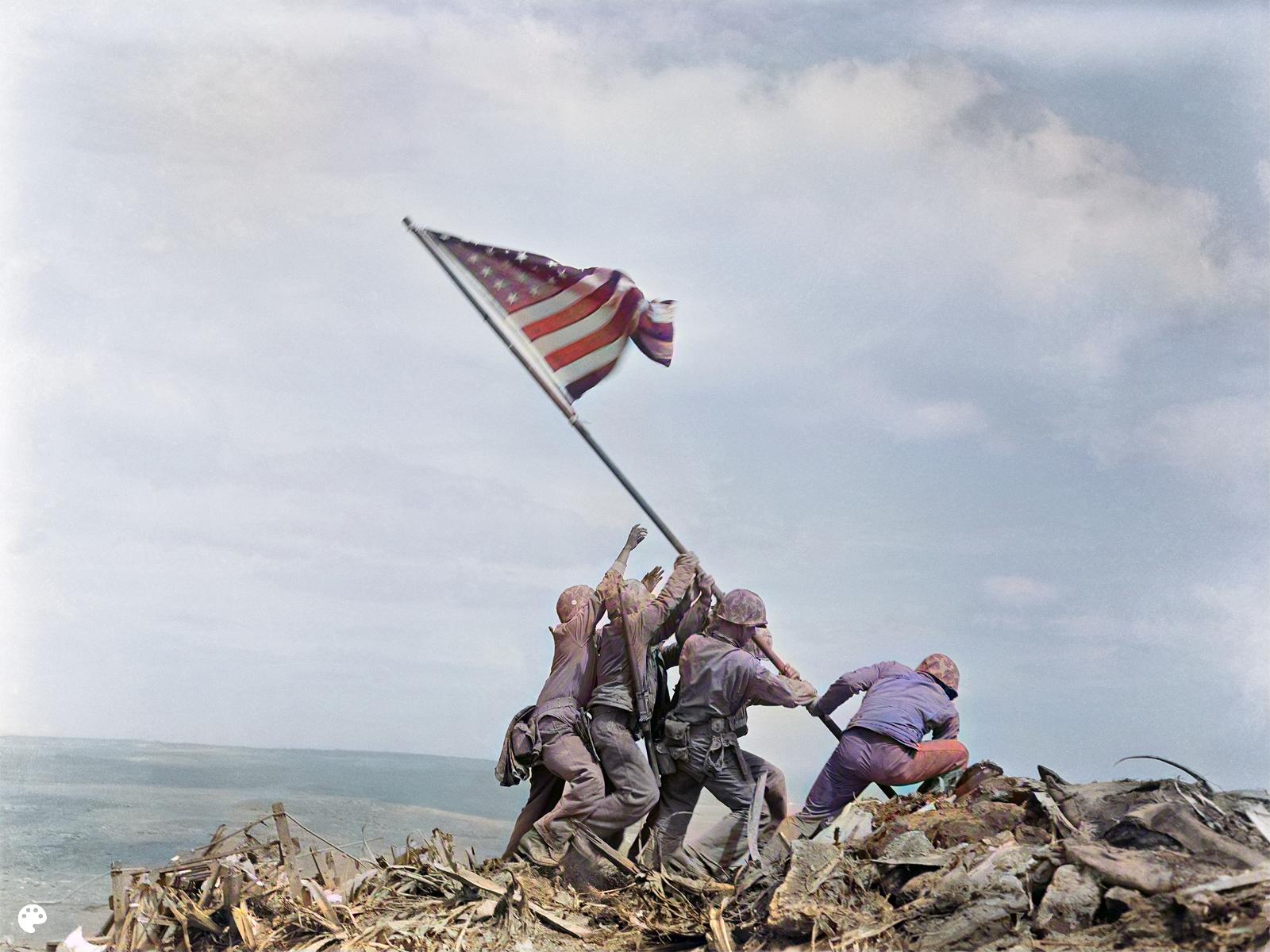
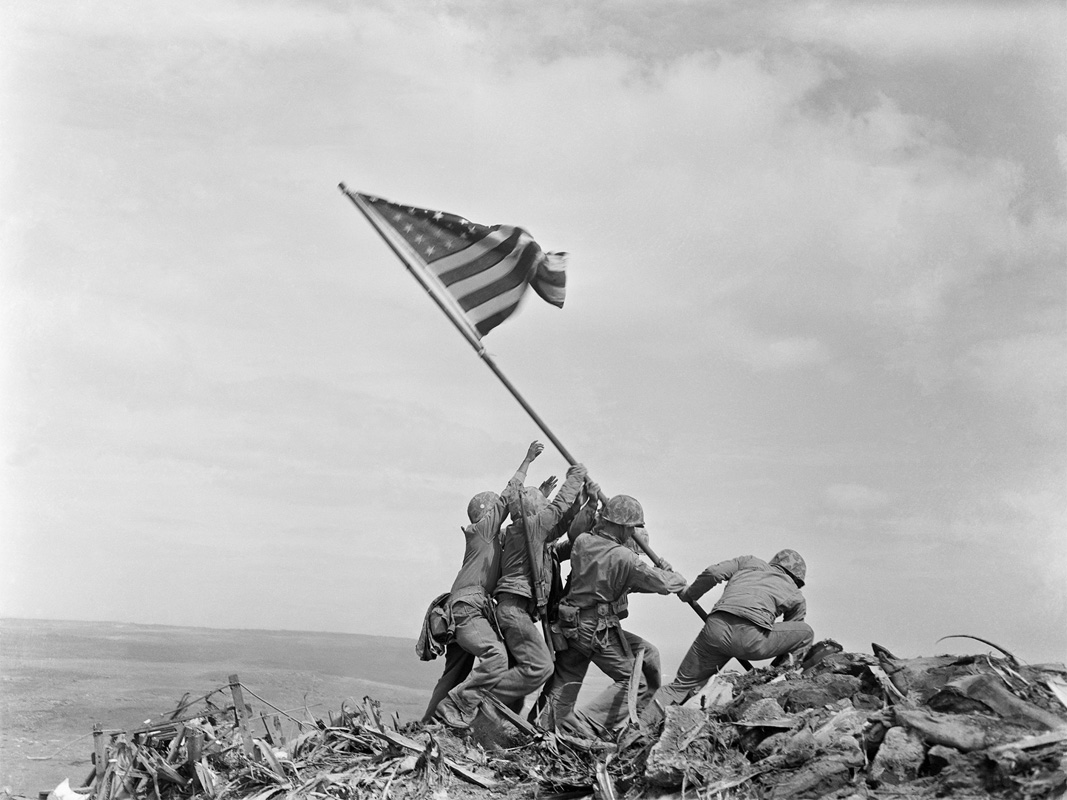
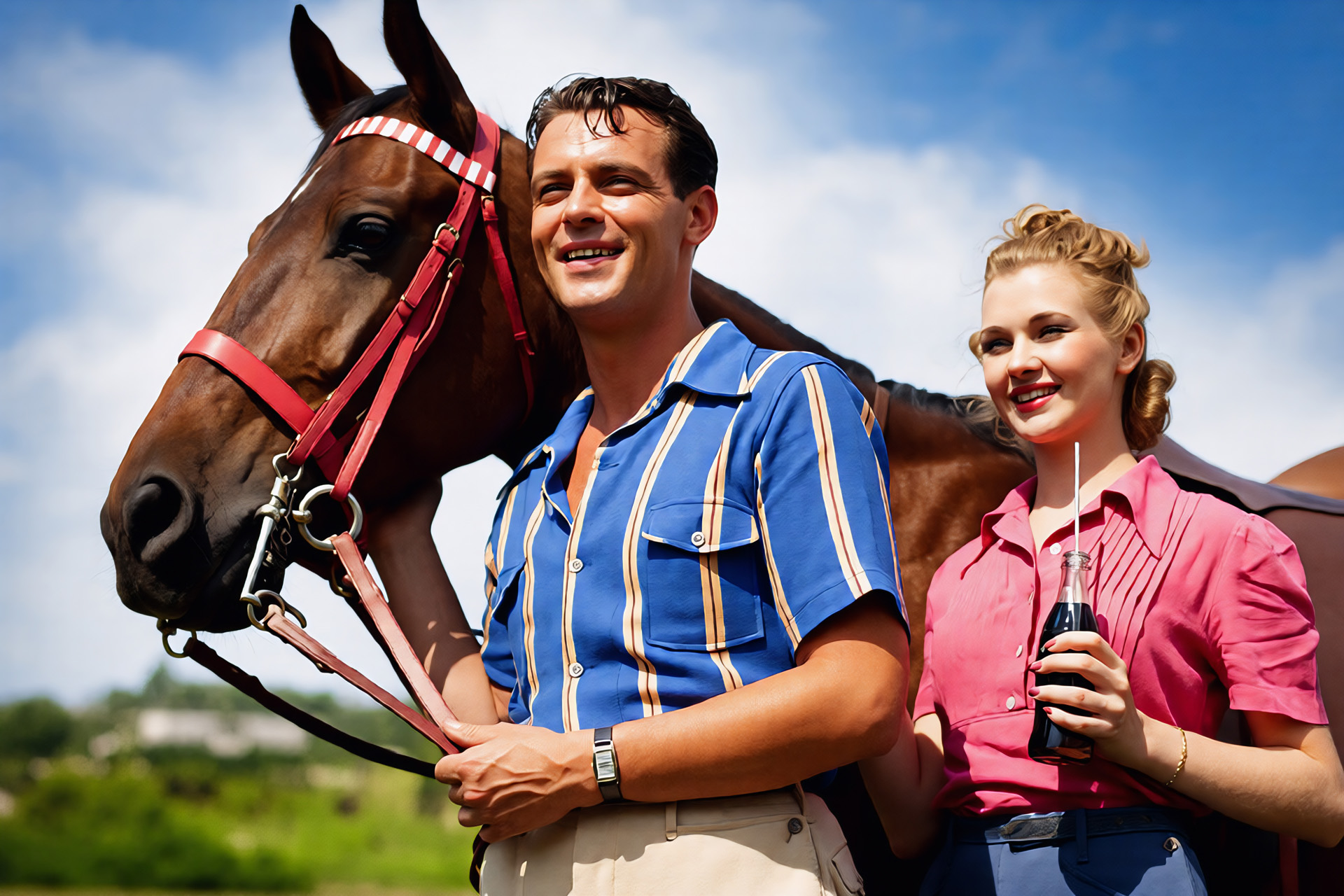
After - Colorized with Vintage Feel Preserved
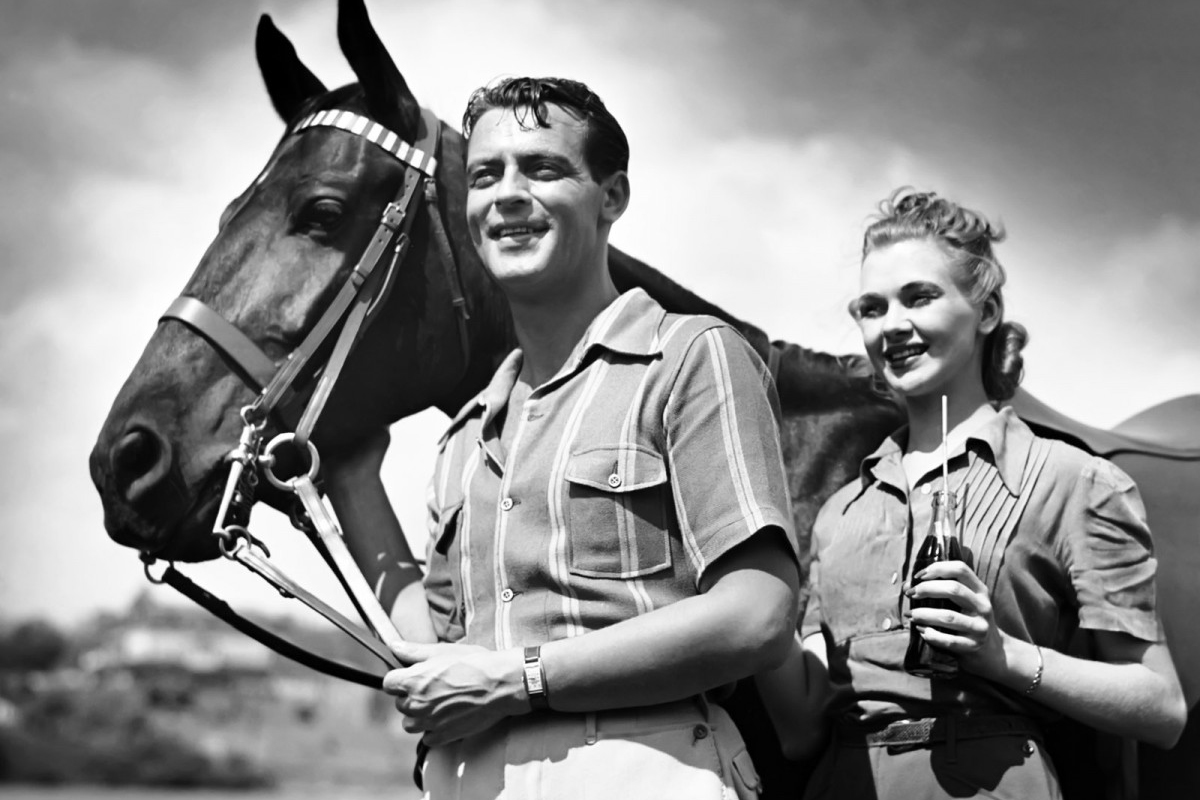
Before - Vintage Black and White Photo
⇄
Before - Vintage Black and White Photo
After - Colorized with Vintage Feel Preserved

Preserve Authentic Vintage Feel

Our colorization technology enhances photos while preserving their authentic vintage character. The AI respects the original photo's grain, texture, and period-appropriate color palette, ensuring that colorized images don't look like modern digital photos. The result maintains the nostalgic charm of the original while adding the warmth and depth that only color can provide.

Start Colorizing Now

Frequently Asked Questions

How do I colorize a black and white photo?+
It's easy! Upload your photo, pick either 'Colorize' or 'Restore & Colorize' mode, and click upload. The AI does the rest. 'Restore & Colorize' fixes damage and improves quality first, then adds color.
Will the colors look realistic?+
Yes! Our AI analyzes the image to apply colors that make senseβ€”natural skin tones, sky colors, and object colors. It respects the scene and keeps things looking authentic, not like a filter.
Is it safe to use for family photos?+
Yes. We delete processed images after 24 hours and never share or use your photos for anything else. If you're worried about sensitive photos, you might want to skip uploading them.
Can I colorize low-res or damaged photos?+
Yes! Use 'Restore & Colorize' mode. It fixes damage, reduces noise, and improves quality first, then adds realistic colors. It even restores details like skin tones, hair color, and fabric textures.
Is this good for historical photos?+
Yes! The AI applies colors that fit the time period and scene. It's not just a color filterβ€”it analyzes the composition to make colors feel natural and historically appropriate. Great for preserving family memories.
Can I colorize multiple photos at once?+
Yes! Upload up to 3 images at the same time. They'll all process using the same mode you pick, so you can colorize a batch of photos in one go.
Will the results look natural?+
Yes! The AI creates natural-looking results using the same tech that powers professional restoration tools. Colors match the original scene and feel authentic, not fake or overdone.
Do I need editing skills?+
No! Just upload your photo, pick a mode, and let the AI work. No sliders, no masking, no editing experience needed. Everything's automated.