Free Old Photo Restoration Online - Restore Old Photos

AI restore faded & damaged photos. Restore old photos with advanced AI technology. Free, fast, and easy to use.

After - Restored
Before - Old Photo
⇄
Before - Old Photo
After - Restored

Upload to restore the old photo

Loading...

πŸ’‘ Tip: You can also paste images from clipboard (Ctrl+V / Cmd+V)

By uploading an image or URL you agree to our Terms of Use and Privacy Policy.

Discover More Tools with OnlineImageUpscaler.com AI
After - Sharpened and Restored
Before - Blurry Old Photo
⇄
Before - Blurry Old Photo
After - Sharpened and Restored

Sharpen Blurry Photos While Preserving Their Character

With built-in photo enhancer, sharpen image, and enhance photo quality technology, OnlineImageUpscaler.com refines contours, textures, and facial features without making the image look overly sharp or artificial.
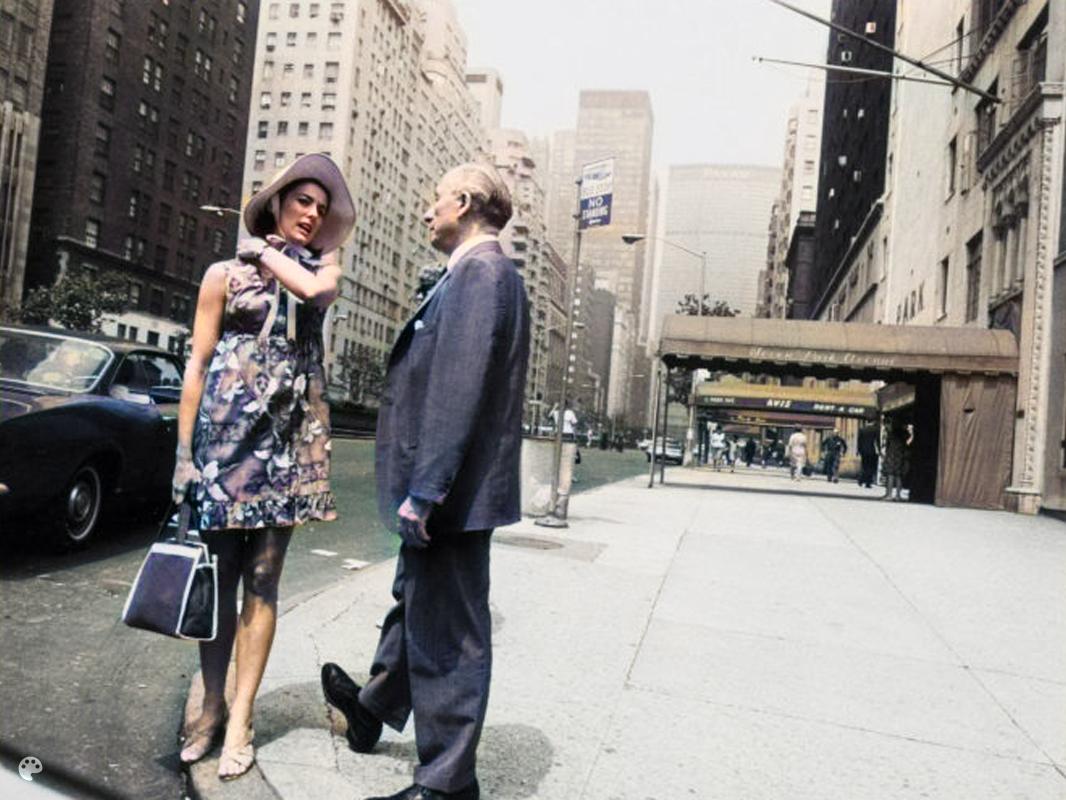
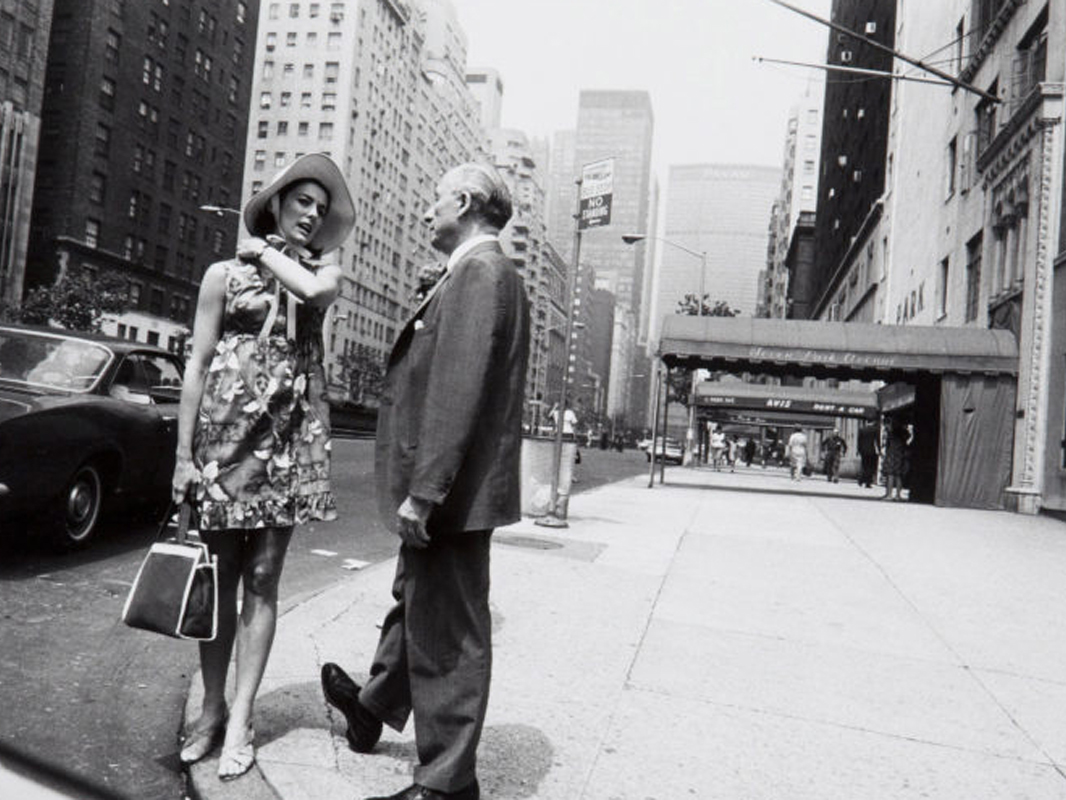
After - Colorized with Natural Colors
Before - Black and White Photo
⇄
Before - Black and White Photo
After - Colorized with Natural Colors

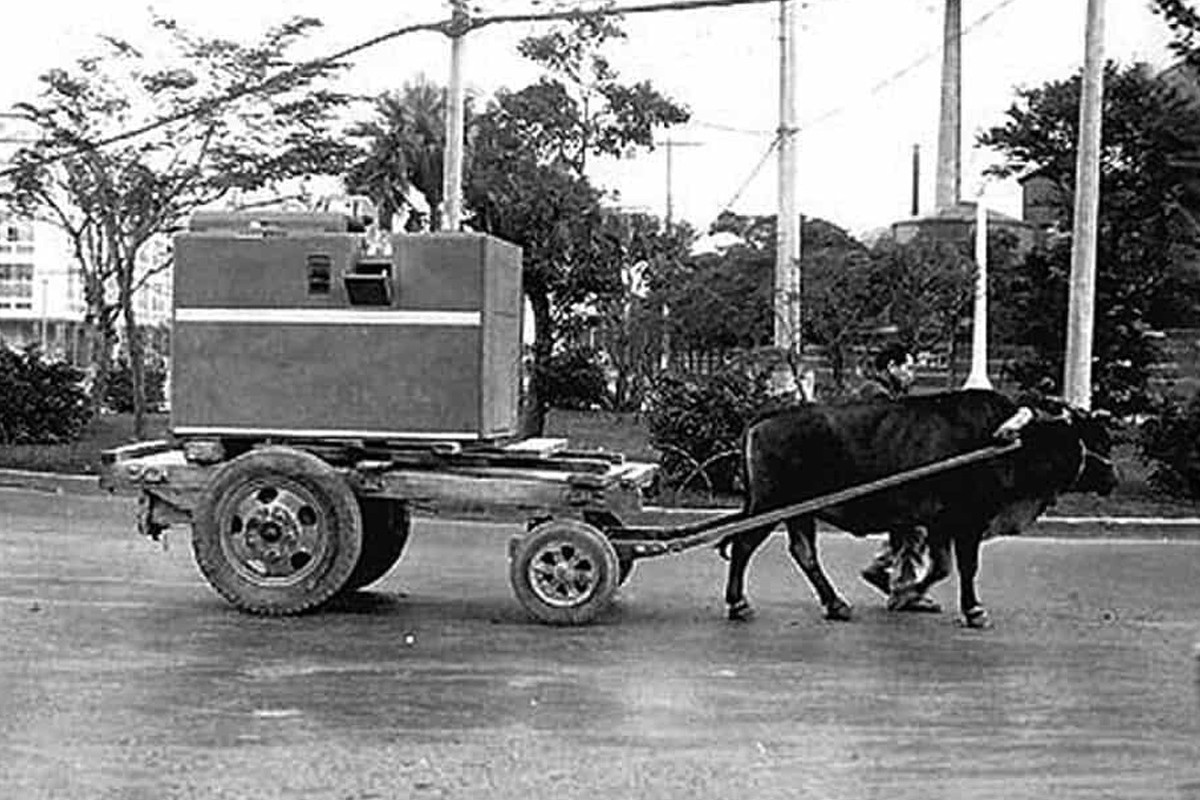
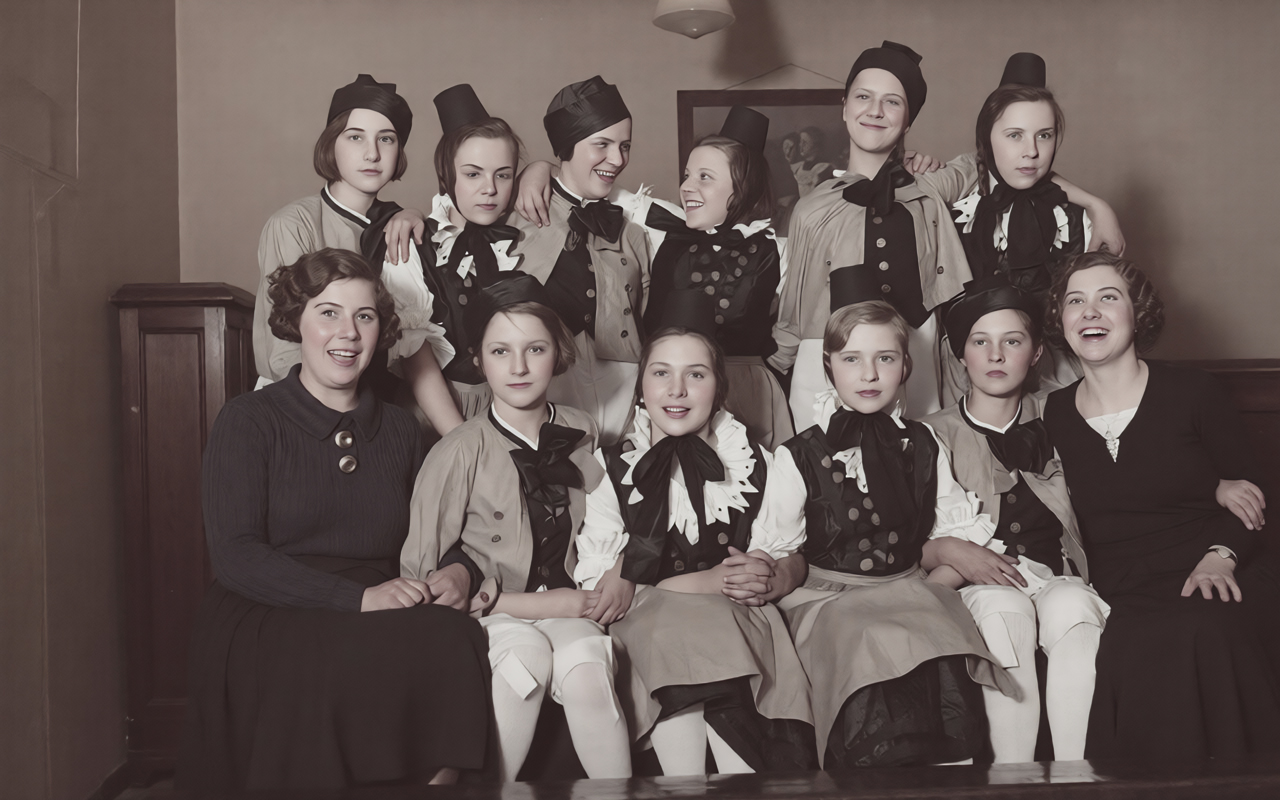
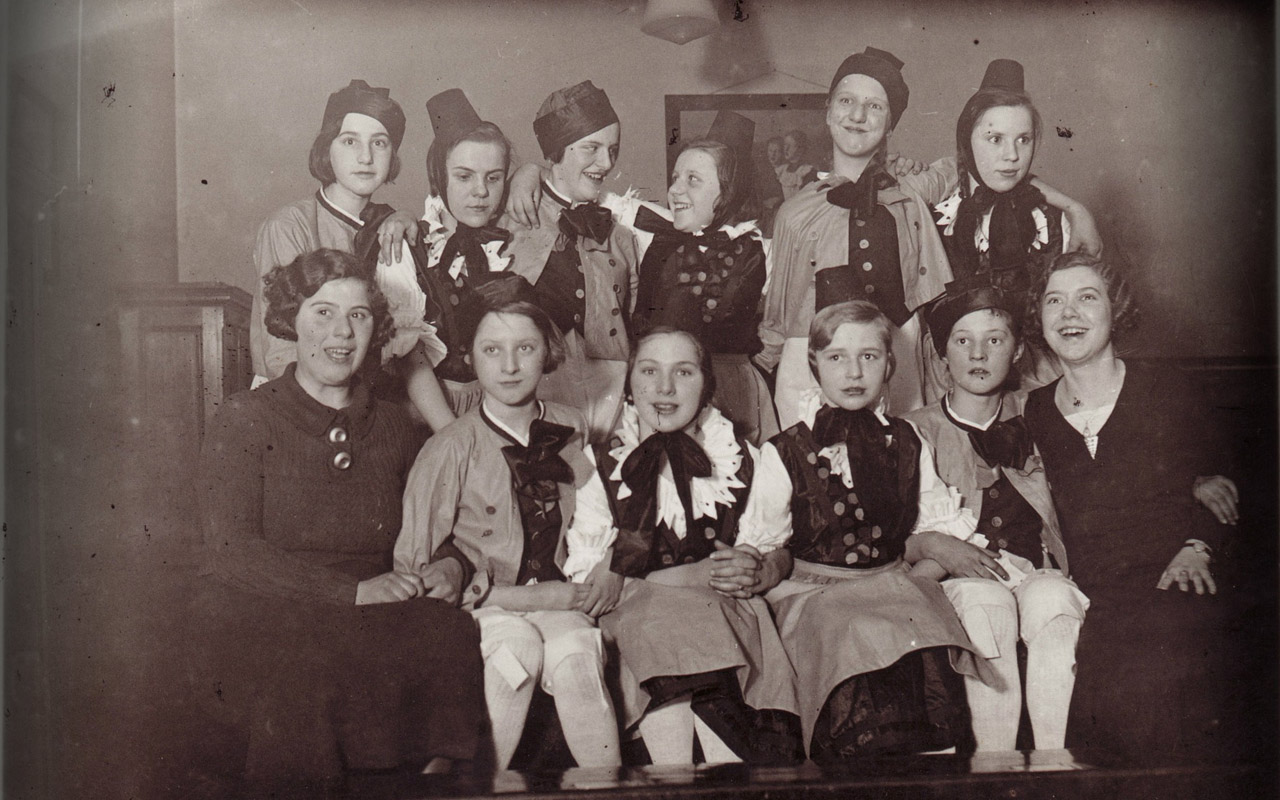
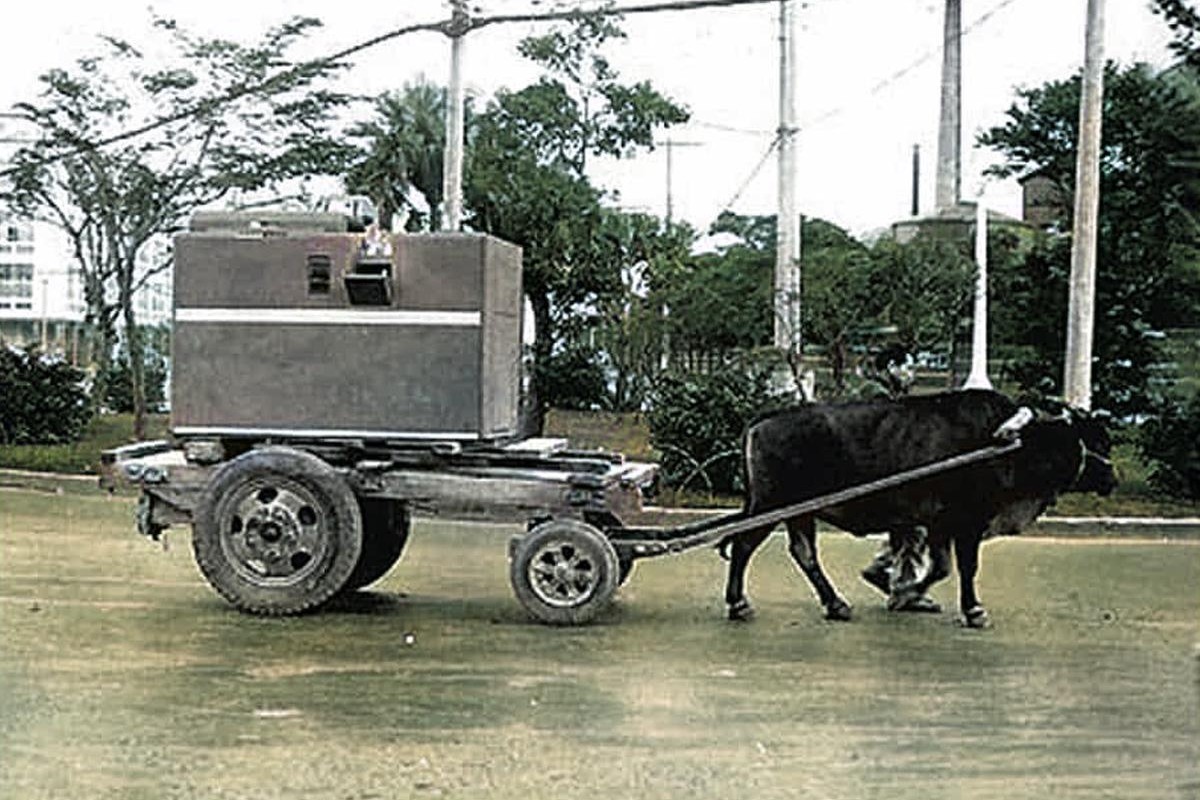
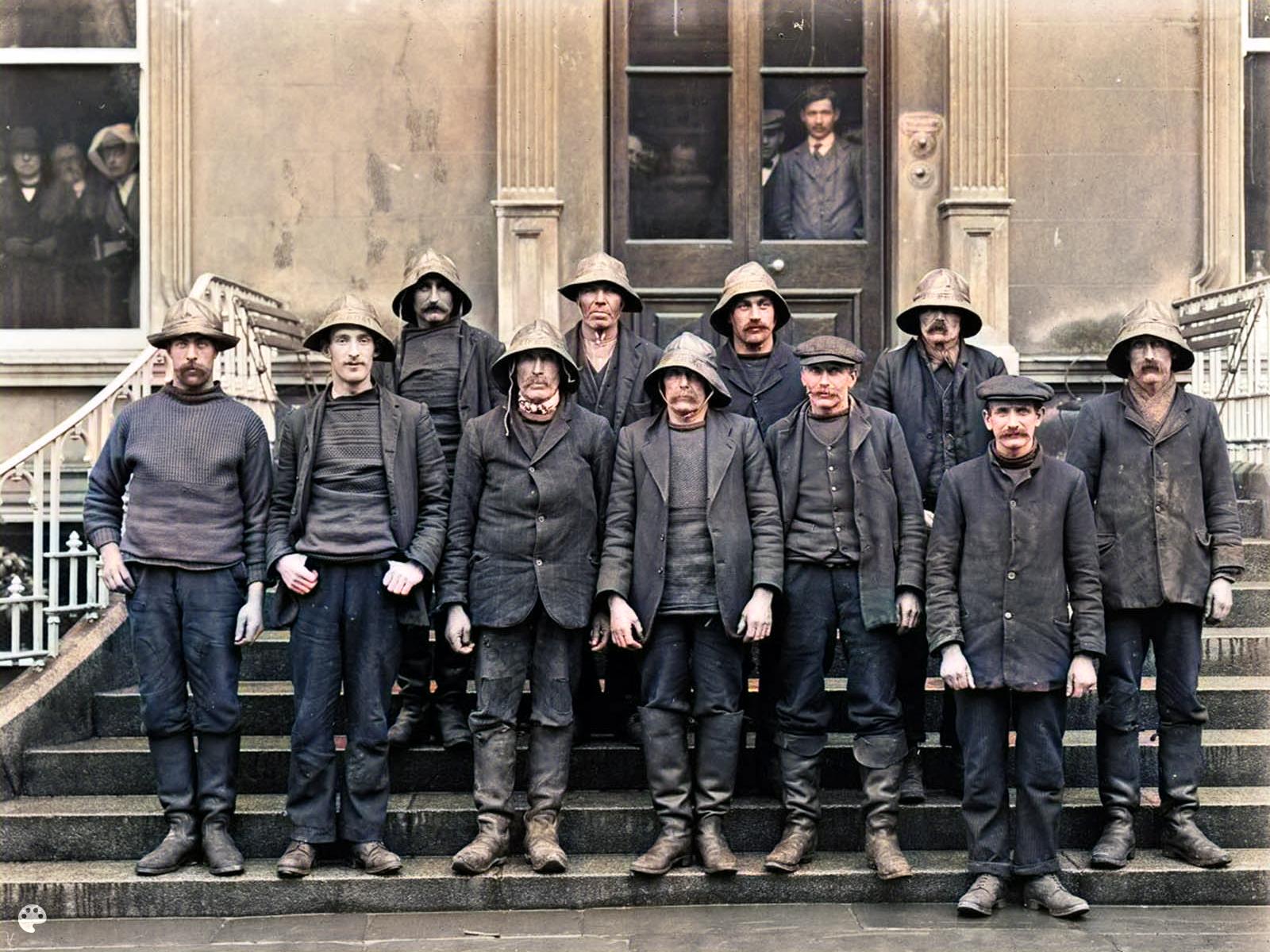
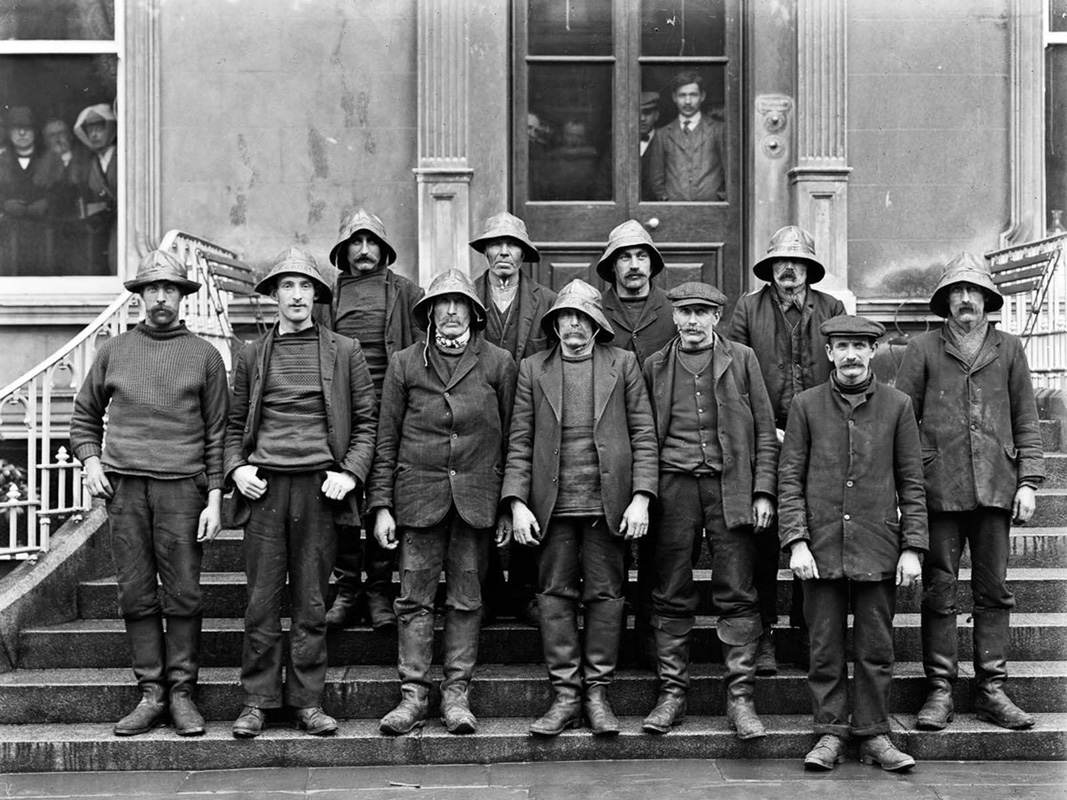
Colorize Black-and-White Photos with Natural, Era-True Color

When you colorize photo using OnlineImageUpscaler.com, the tool analyzes brightness, texture, and scene composition to apply colors that feel natural and historically appropriate. Skin tones, clothing, and backgrounds are colorized with attention to detail and authenticity.
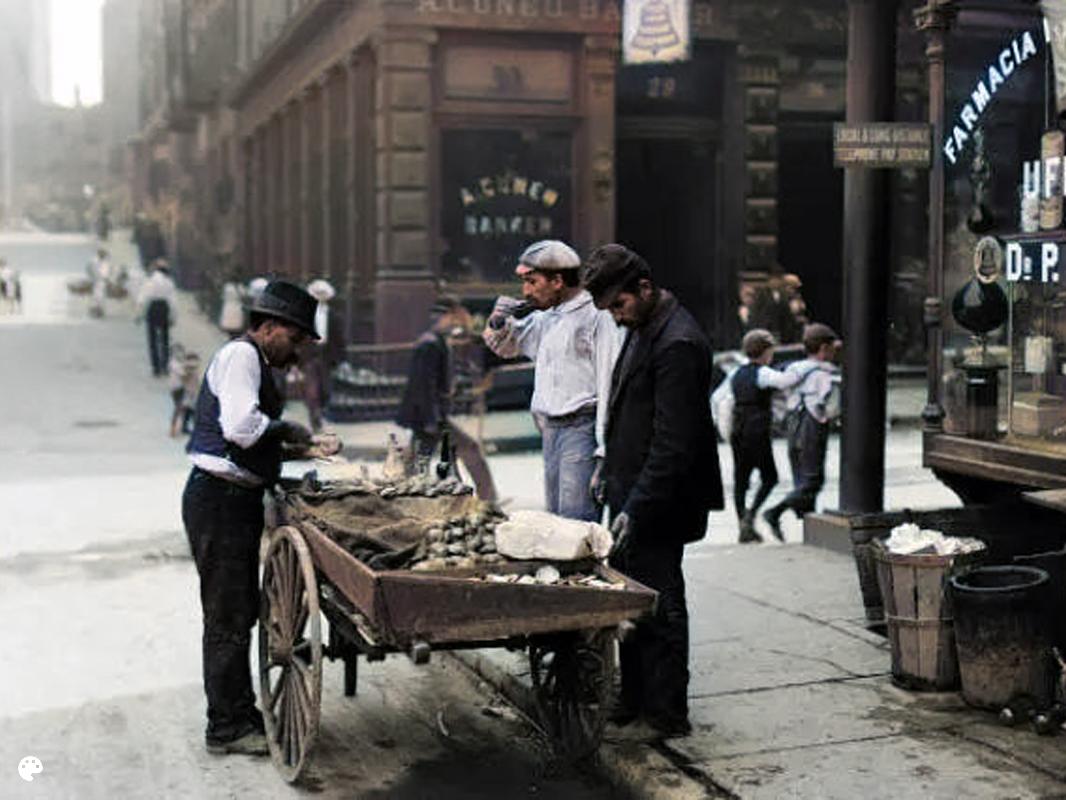
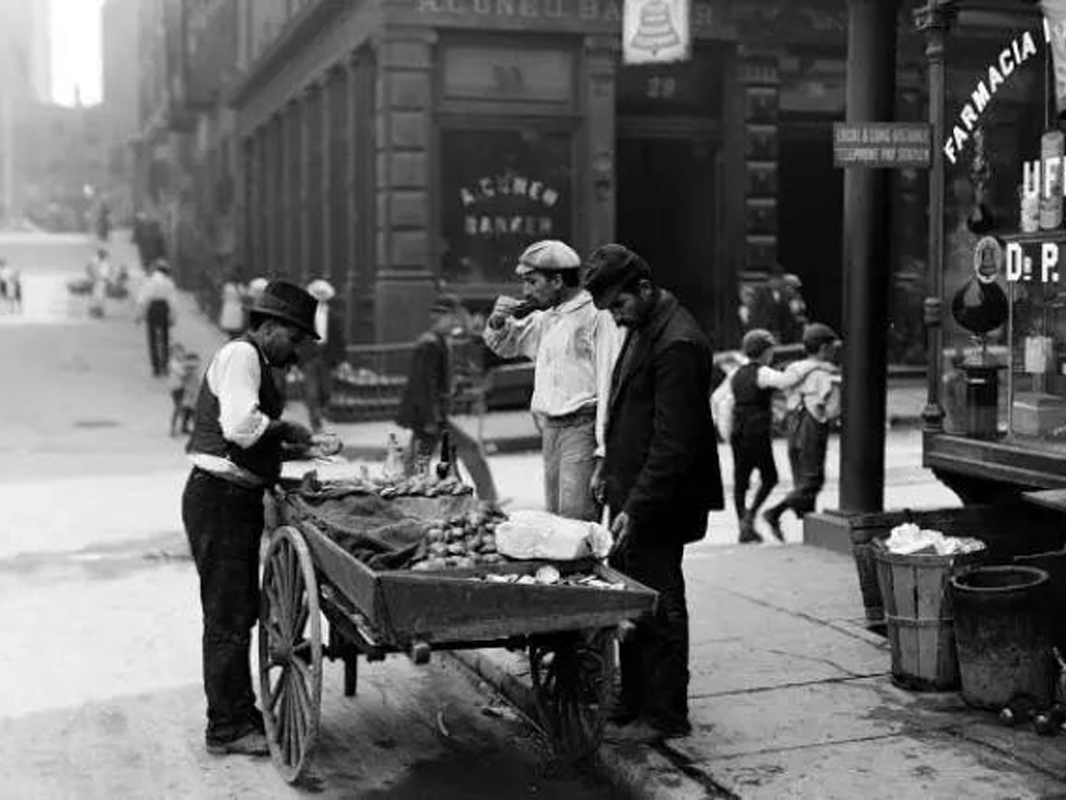
After - Clean and Denoised
Before - Noisy and Grainy Photo
⇄
Before - Noisy and Grainy Photo
After - Clean and Denoised

Clean, Denoise, and Upscale Image While Keeping Real Texture Intact

Old scanned photos often include grain, noise, and dust. OnlineImageUpscaler.com removes these distractions while keeping natural texture and light intact. The upscale image feature boosts resolution without introducing artifacts, making your restored photos suitable for printing at larger sizes.
After - Scratches Removed and Restored
Before - Photo with Scratches and Damage
⇄
Before - Photo with Scratches and Damage
After - Scratches Removed and Restored

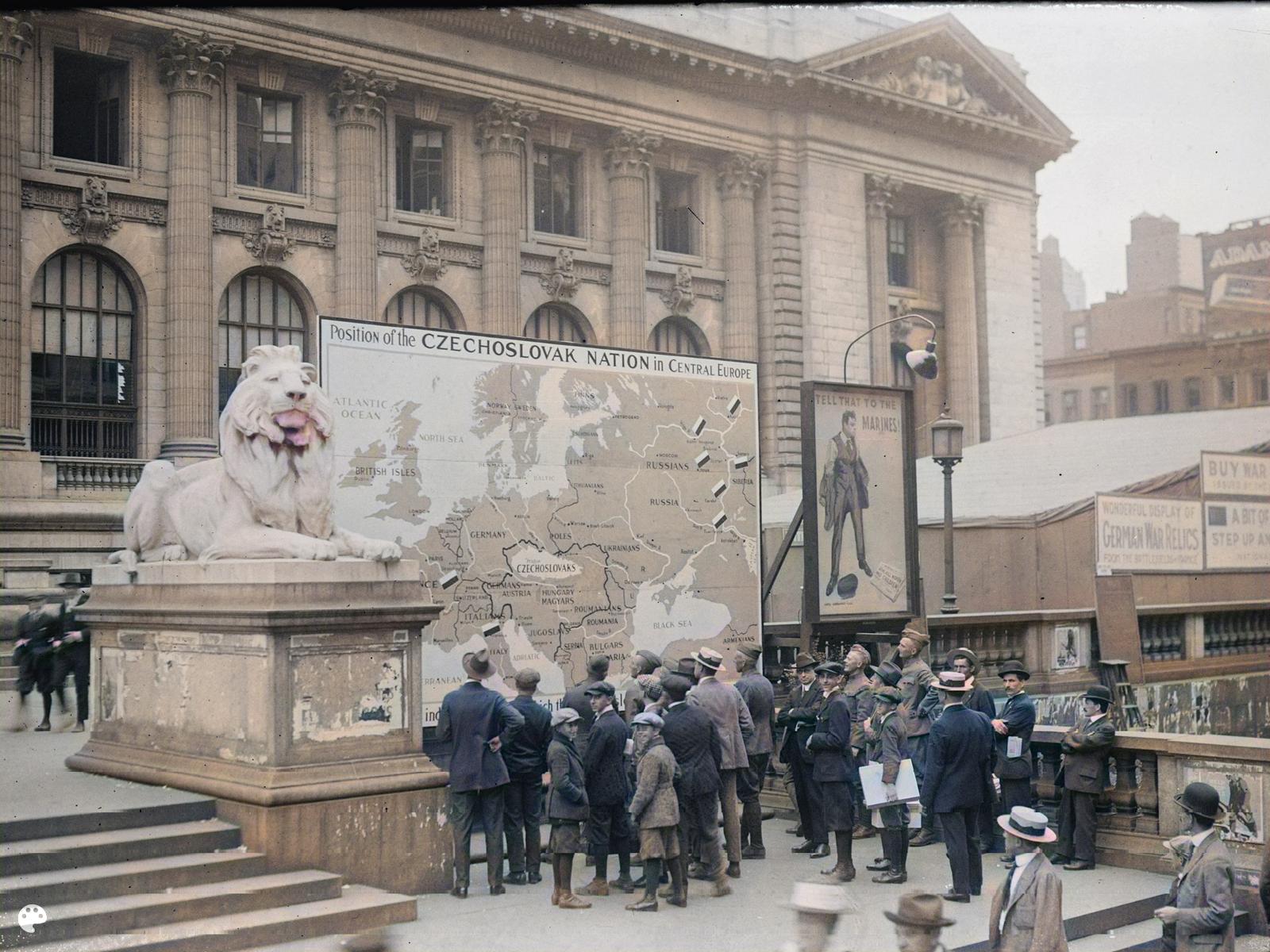
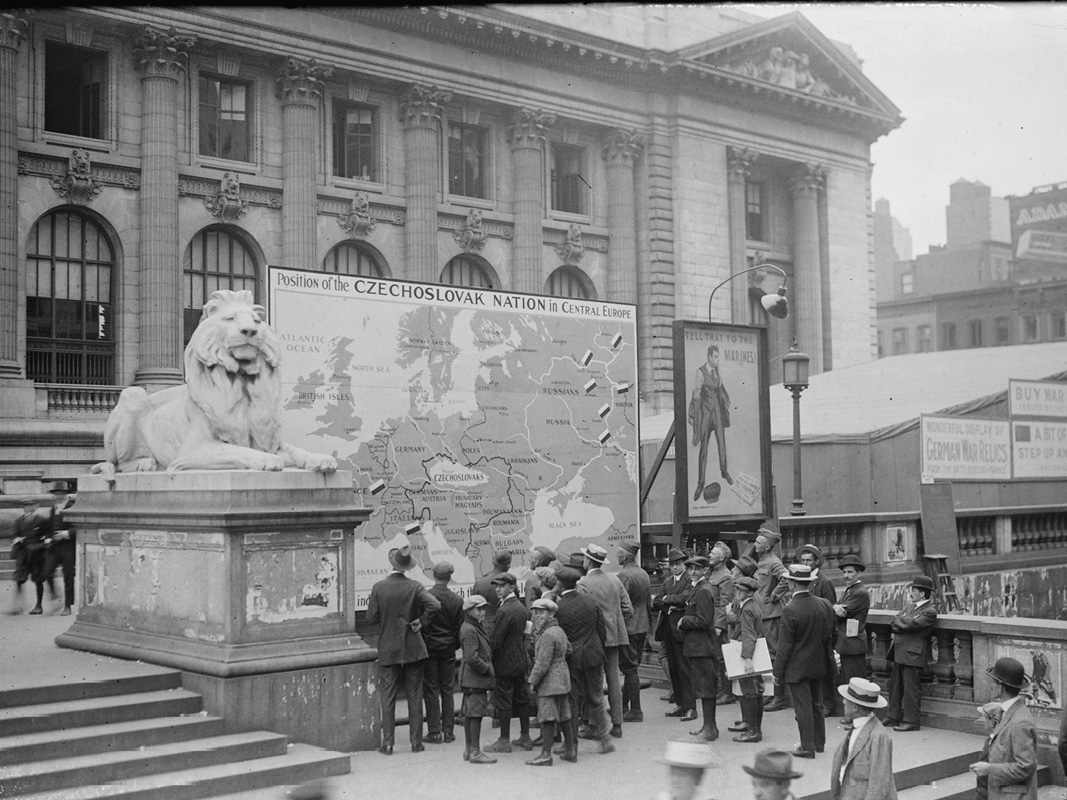
Remove Scratches, Cracks, and Stains Completely

Our AI technology intelligently detects and removes scratches, cracks, stains, tears, and spots from old photos. The restoration process fills in missing parts naturally, ensuring your photos look complete and damage-free while maintaining their authentic vintage character.
After - Enhanced and Clear Faces
Before - Blurry Facial Features
⇄
Before - Blurry Facial Features
After - Enhanced and Clear Faces

Enhance Facial Features with Priority Restoration

Faces are the most important part of any photo. OnlineImageUpscaler.com prioritizes facial feature restoration, ensuring eyes, expressions, and skin textures are clear, sharp, and natural. The AI preserves original facial characteristics while enhancing clarity and detail.
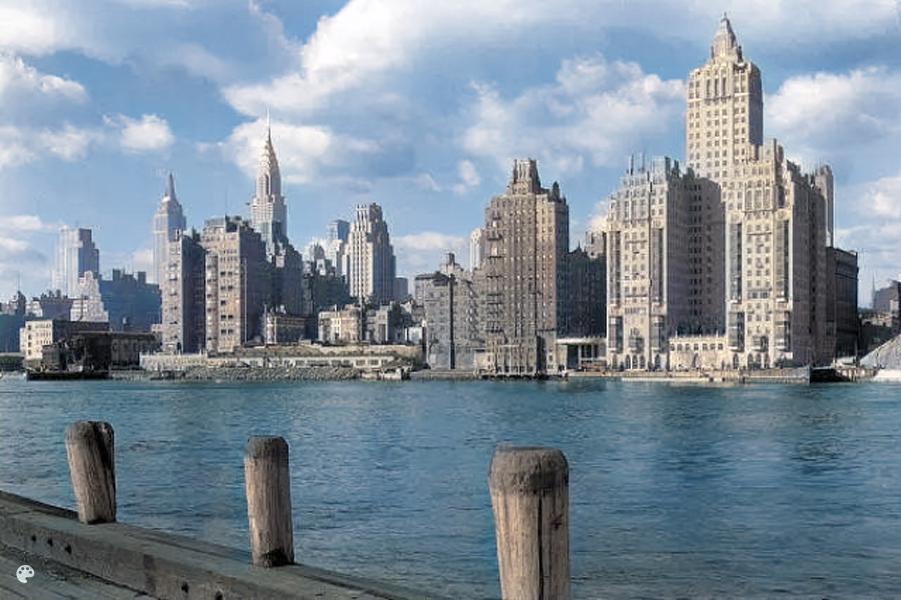
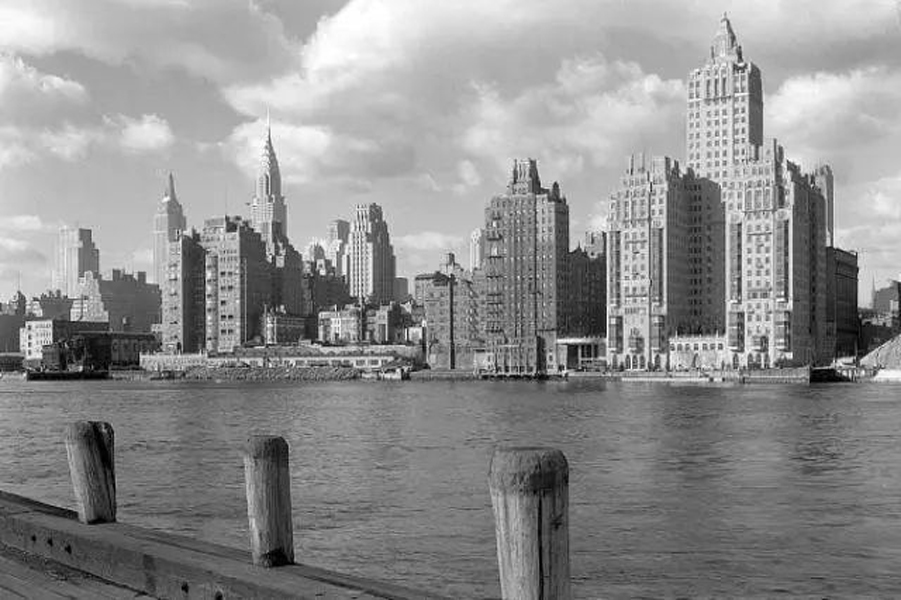
After - Restored with Authentic Vintage Feel
Before - Damaged Vintage Photo
⇄
Before - Damaged Vintage Photo
After - Restored with Authentic Vintage Feel

Preserve Authentic Vintage Photo Grain and Feel

Unlike other restoration tools that make photos look overly digital, OnlineImageUpscaler.com maintains the authentic vintage photo grain and texture. Your restored photos keep their historical character and feel, looking like they were originally captured in high quality rather than artificially enhanced.

Start using Old Photo Restoration

Frequently Asked Questions

What does the old photo restoration tool do?+
It's a free AI tool that fixes faded, damaged, and old photos. It repairs scratches, removes noise, enhances colors, and improves quality while keeping the original character and details intact.
Will it change faces or details?+
No. The AI preserves original facial features and details. It fixes and enhances the image without changing how people look, so restored photos stay authentic.
Can it colorize black and white photos?+
Yes! It adds natural, era-appropriate colors. The AI looks at brightness, texture, and scene composition to apply colors that fitβ€”natural skin tones, clothing, and backgrounds.
Will it look fake or over-edited?+
No. The restoration keeps things looking natural. It refines contours, textures, and facial features without making images look too sharp or artificial.
Can it fix really damaged or blurry photos?+
It handles scratches, fading, blur, and noise pretty well. If your photo has large missing sections, results may be limited. For best results, upload the highest quality scan you have.
Can I use restored photos for printing?+
Yes! The tool can upscale resolution while keeping quality, so restored photos work great for larger prints. It preserves the original character and details.
Do I need editing skills?+
No! Just upload your old photo, pick a restoration model, and let the AI work. Everything's automatedβ€”no technical skills needed.
What file formats work?+
You can upload JPG, JPEG, PNG, or WebP files. Keep files under 10MB each. For best results, upload high-quality scans of your old photos.
Can I restore multiple photos at once?+
Yes! Upload up to 3 images at the same time. They'll all process together, so you can restore a batch of old photos in one session.
Is it safe for family photos?+
Yes. We delete processed images after 24 hours and never share or use your photos for anything else. If you're worried about sensitive photos, you might want to skip uploading them.
Is this really free?+
Yes! You can restore up to 3 images at once for freeβ€”no sign-up required. Some advanced features are in premium plans, but the core restoration is free.