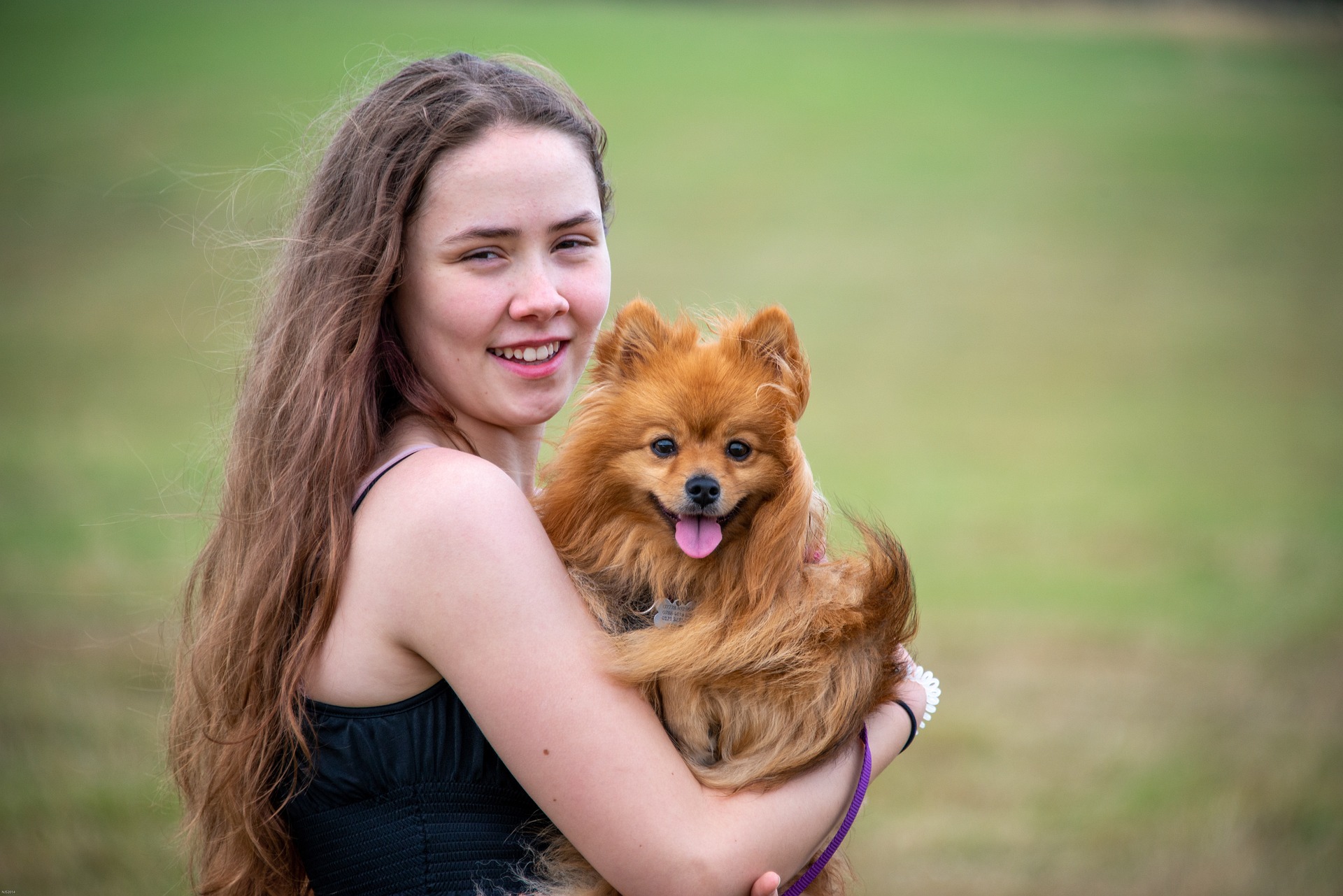
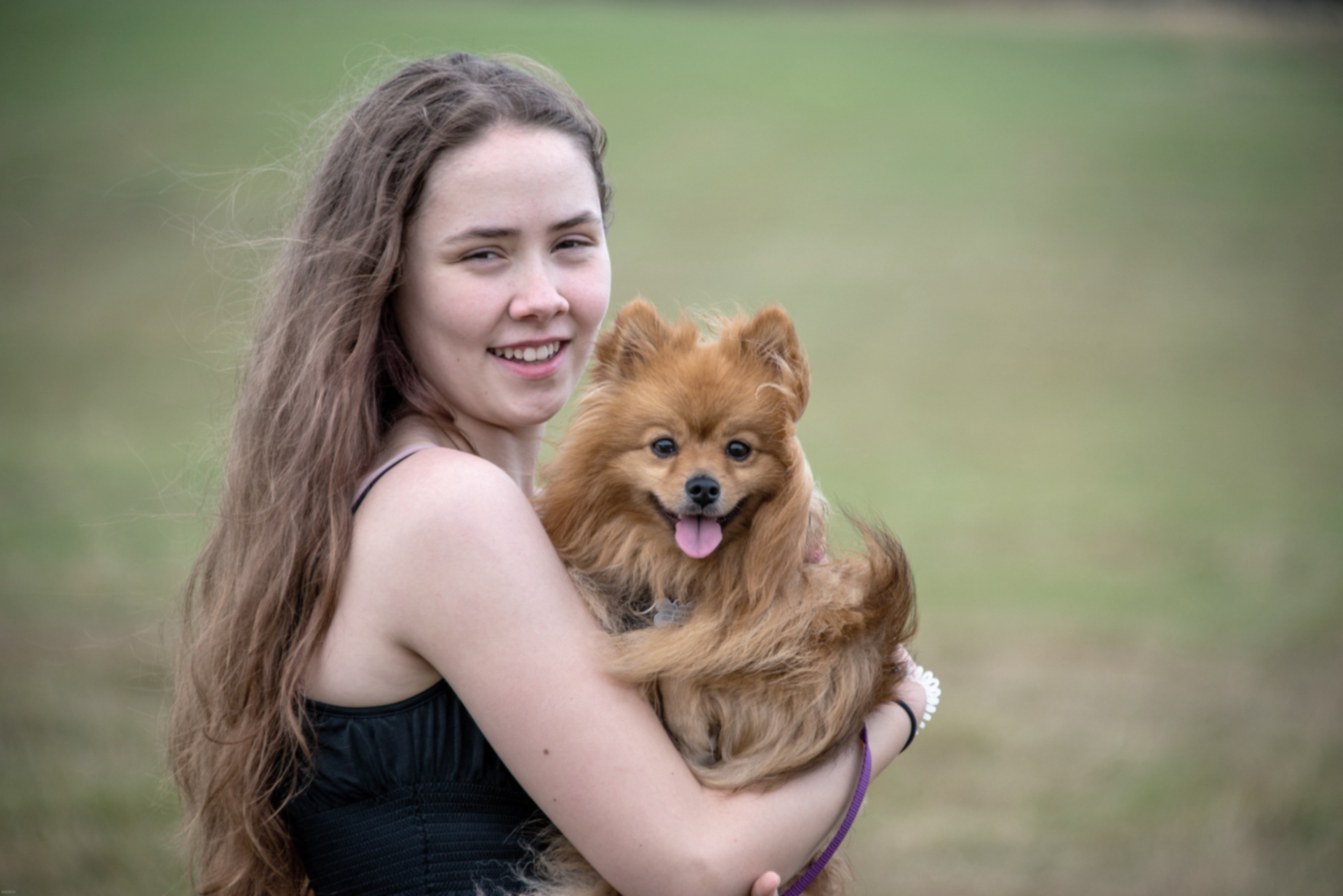
Upload to get high resolution of image
Loading...
💡 Tip: You can also paste images from clipboard (Ctrl+V / Cmd+V)
By uploading an image or URL you agree to our Terms of Use and Privacy Policy.
Discover More Tools with OnlineImageUpscaler.com AI
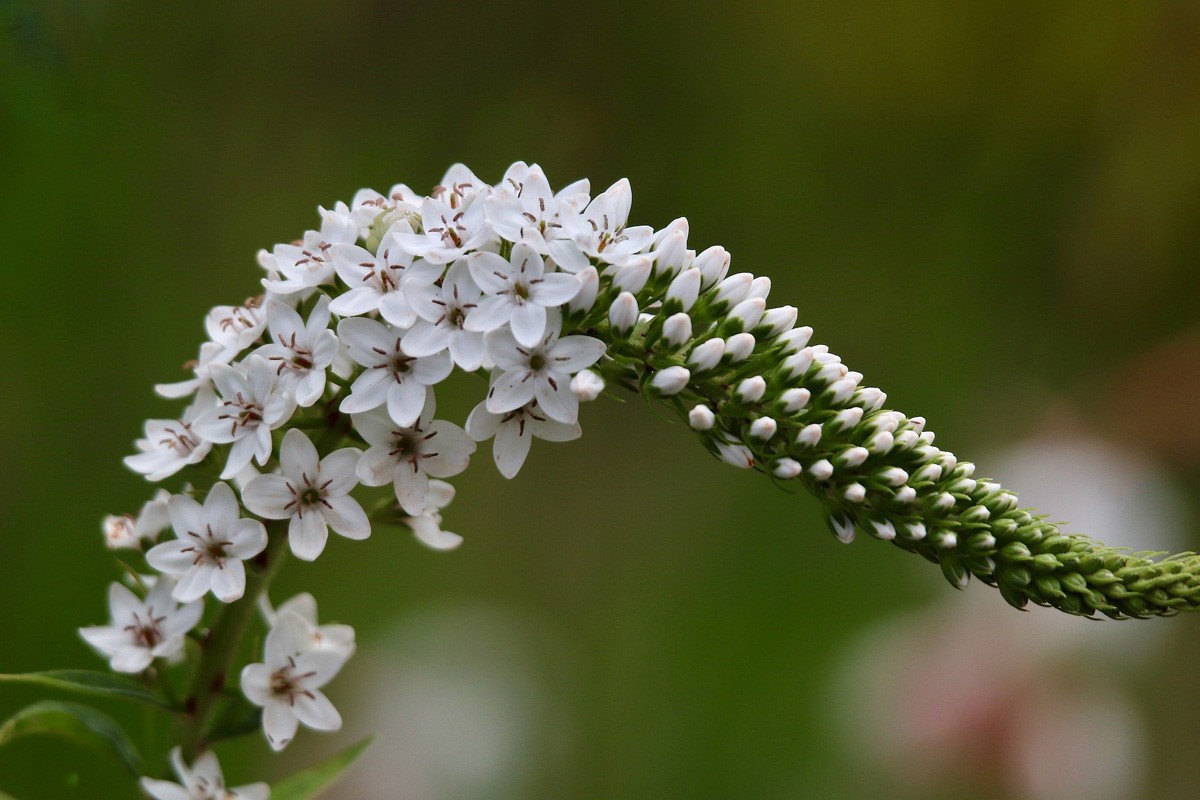

Crystal-Clear Photo Enhancement Without Distortion
Our AI-powered photo enhancer uses deep learning to rebuild missing details at the pixel level. Unlike basic upscaling tools, OnlineImageUpscaler.com can enhance image quality while keeping every element of your photo sharp and natural. Whether it's a portrait, landscape, or product photo, you can upscale it to 2K, 4K, 8K, or 16K without introducing blur or artifacts. That's why our photo enhancer is more than just an image resolution enhancer—it's a tool that redefines visual clarity.
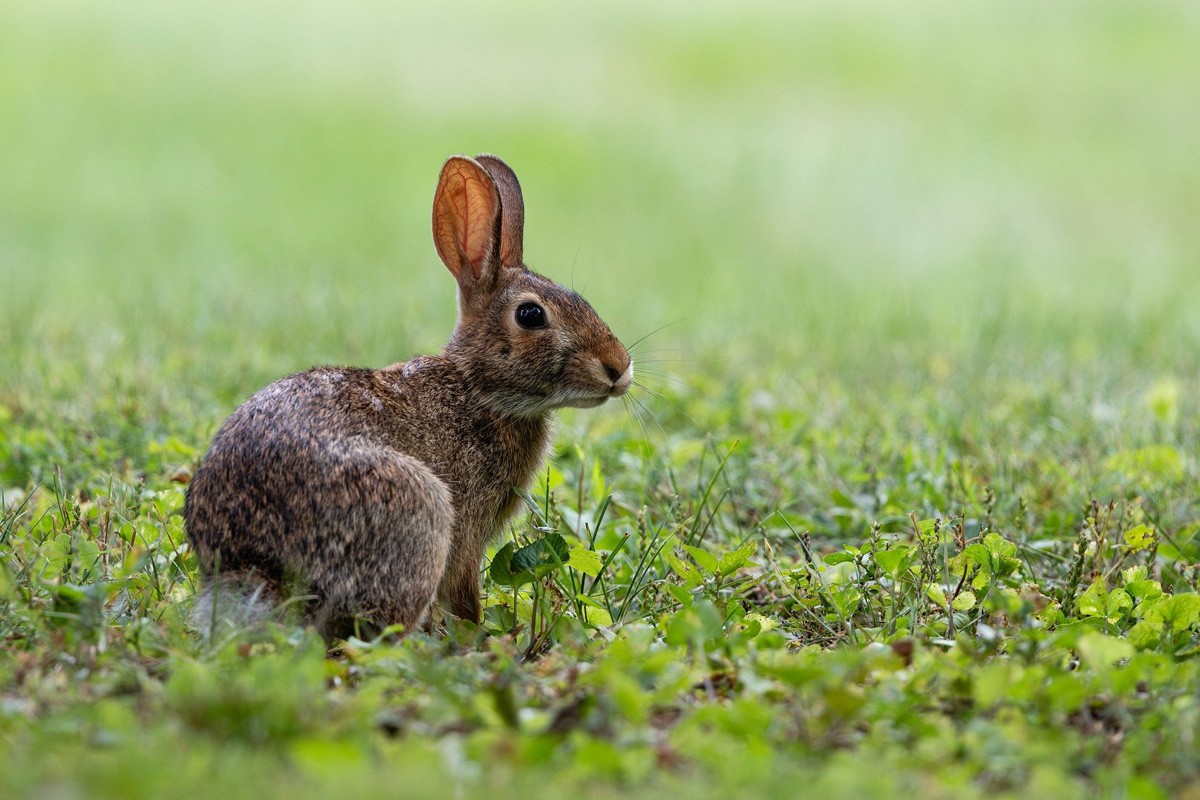
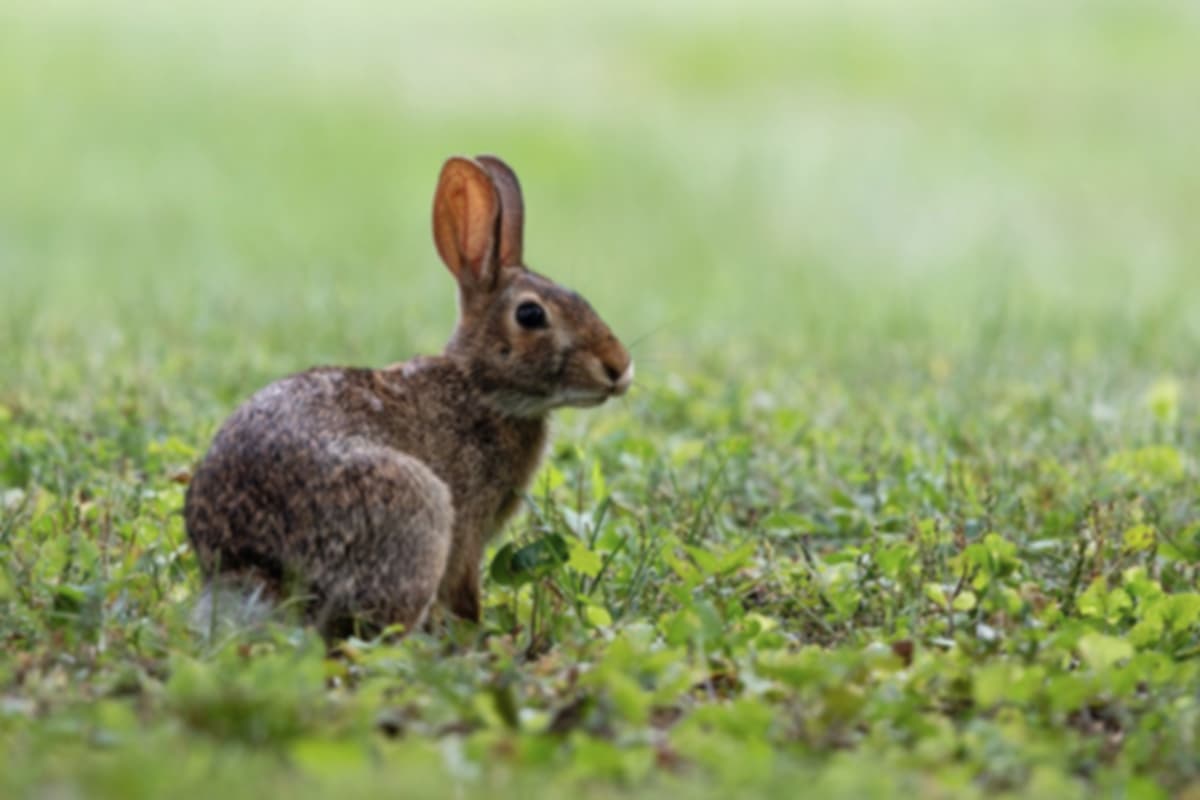
Preserve Original Details with AI Precision
Other tools often sacrifice authenticity when they enhance images. Our photo enhancer ensures every fine line, texture, and color tone is preserved. It is designed to enhance photo resolution to 4K or higher while maintaining the original look. From restoring old family pictures to upgrading digital artwork, OnlineImageUpscaler.com is a trusted photo quality enhancer that guarantees natural and accurate results.
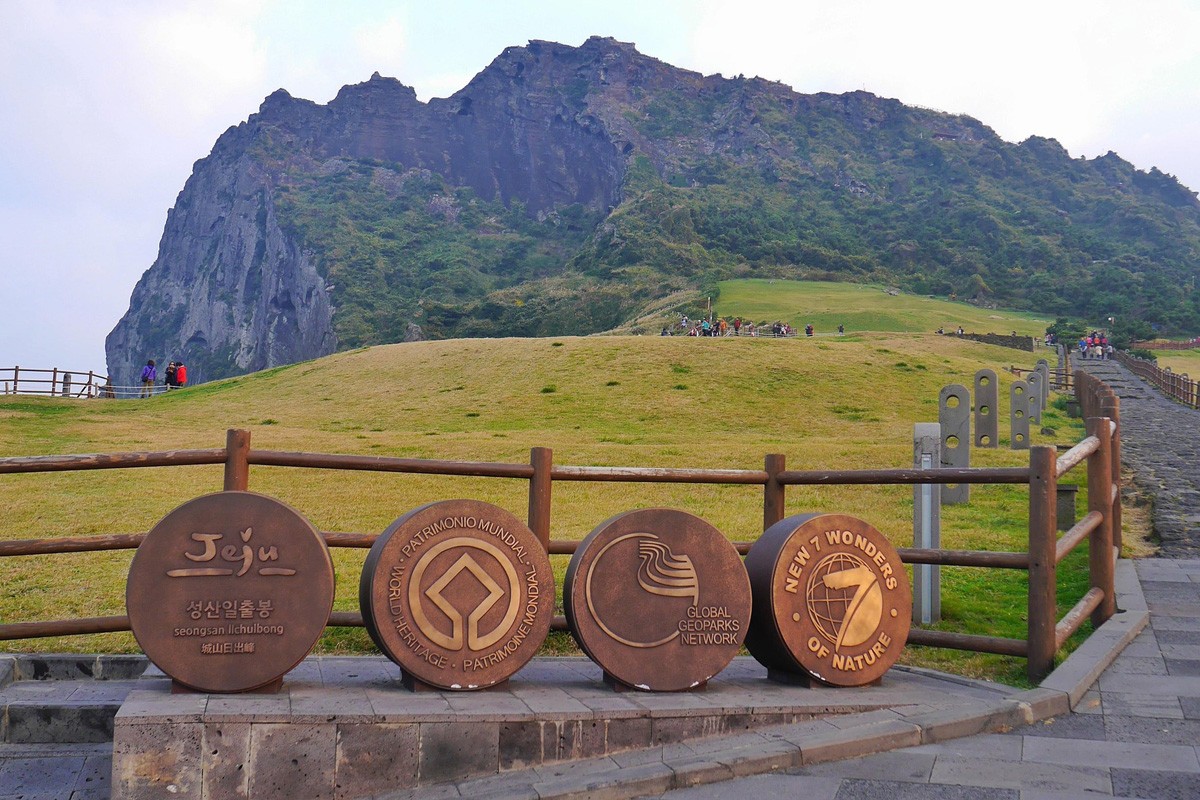
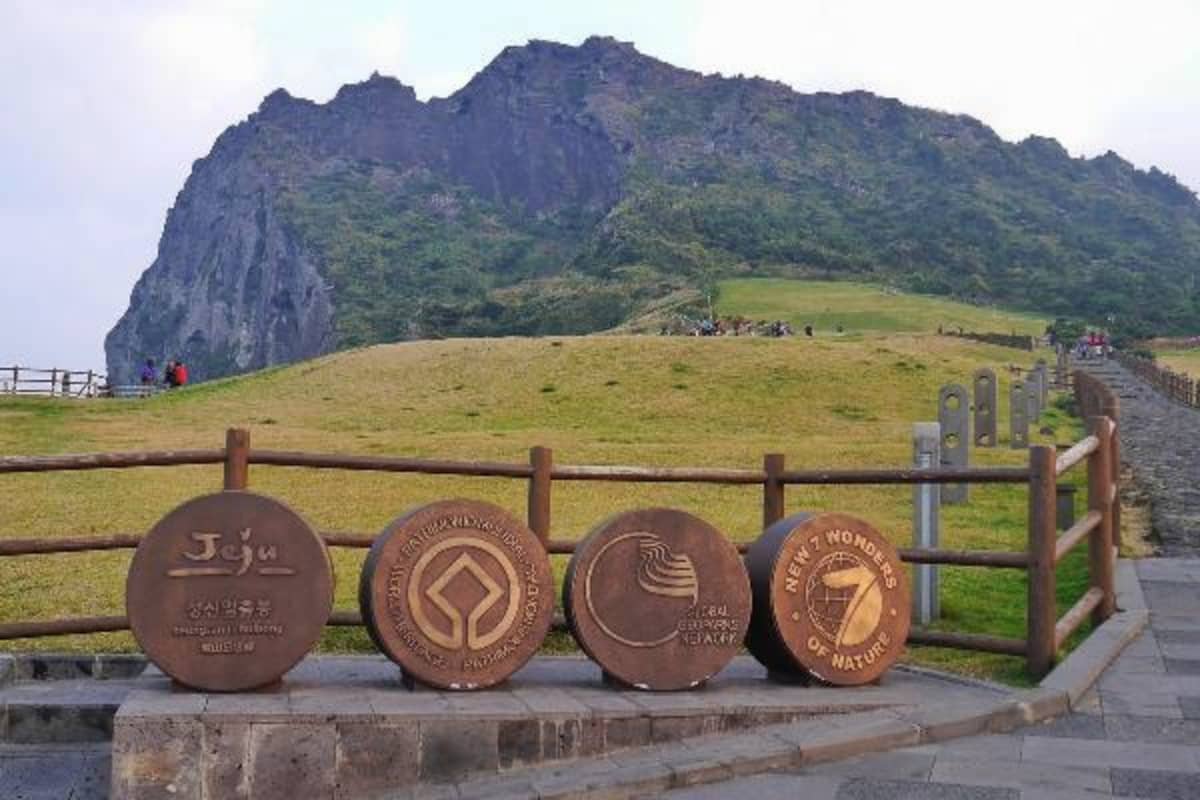
Scale Up to 16K Without Losing Quality
Many free image enhancers stop at 2K or 4K, but OnlineImageUpscaler.com pushes the limits with upscaling up to 16K resolution. This makes it the go-to photo enhancer for professionals who need billboard-ready graphics, print-quality photography, or ultra-high-definition video stills. No matter how large you scale, the output stays crisp and lifelike.
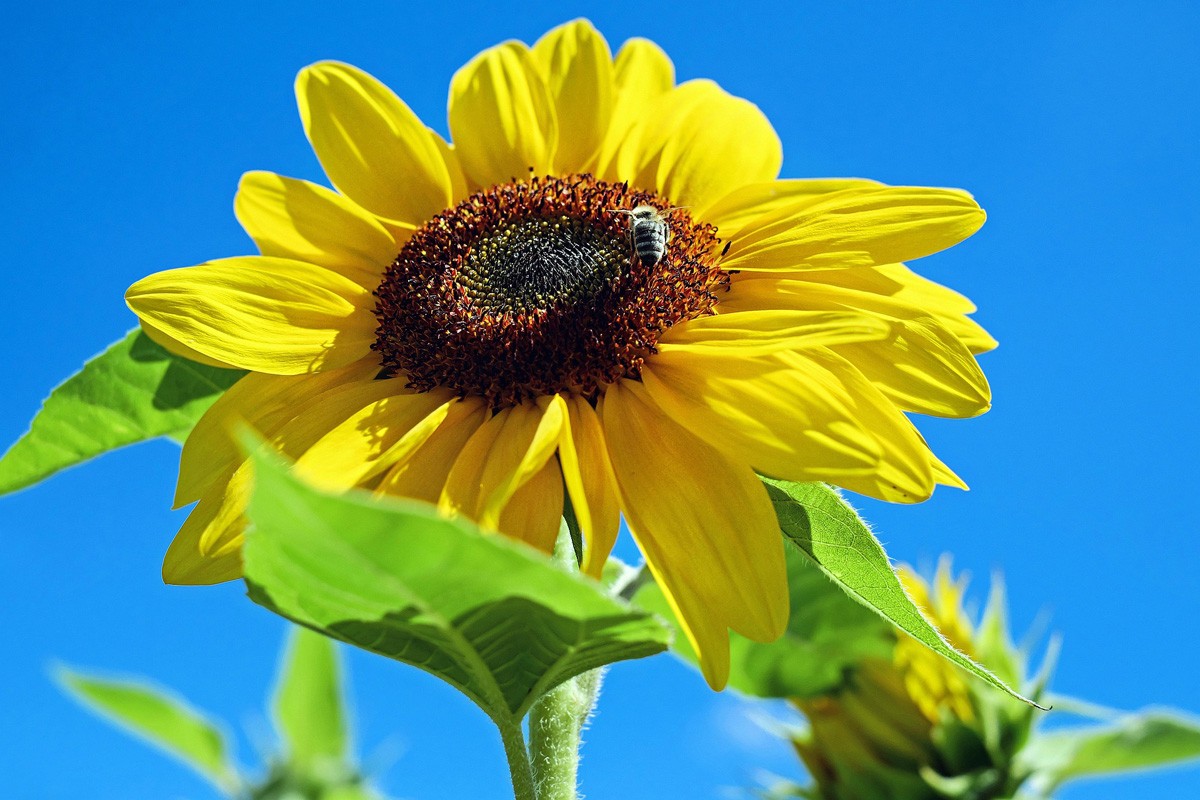
Natural Results Without Over-Smoothing
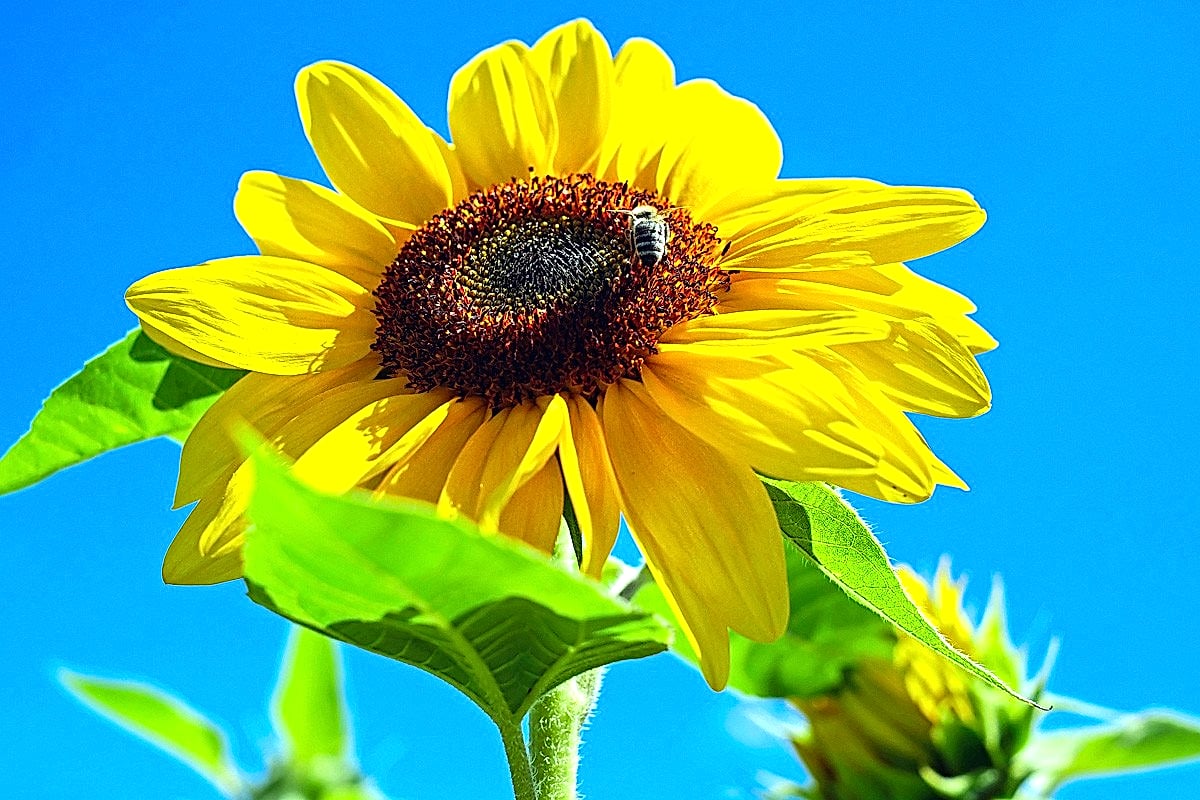
Some tools leave photos looking artificial, with waxy faces or cartoonish details. Our photo enhancer was trained on millions of real-world samples to avoid over-processing. This means you get sharper edges, richer colors, and enhanced clarity, but never lose the authentic feel of your image. The result is professional-quality enhancement that looks natural and realistic.
Faster, Smarter, and Fully Online with Batch Processing
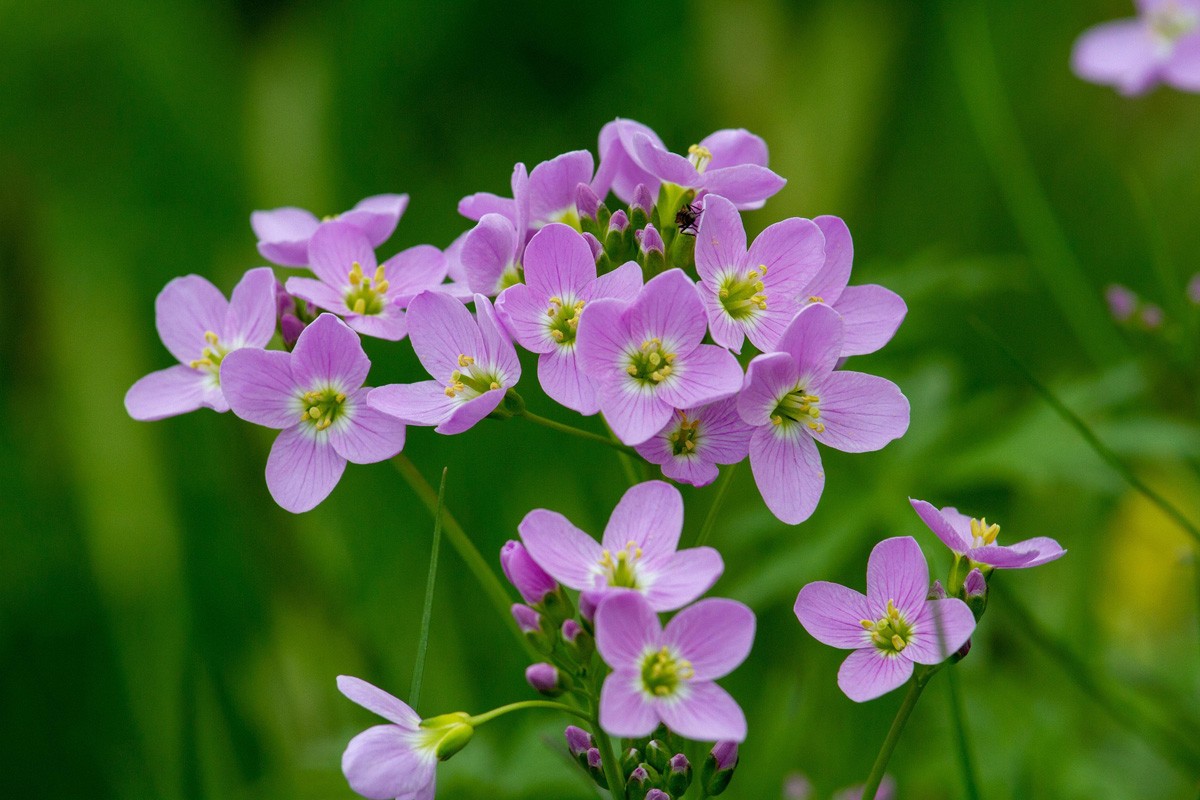
You don't need to download heavy software like Photoshop or waste hours editing manually. OnlineImageUpscaler.com is a next-generation photo enhancer that works instantly and online. Simply upload your images, choose the target resolution (2K, 4K, 8K, or 16K), and let our AI do the rest. Unlike many other tools, we allow you to enhance image quality for up to three photos at the same time, saving you valuable time while maintaining consistent professional-grade results. Whether you're fixing product images, restoring family photos, or preparing visuals for a campaign, our photo quality enhancer delivers fast, reliable, and ultra-clear results in seconds—no installation, no learning curve, just effortless enhancement.