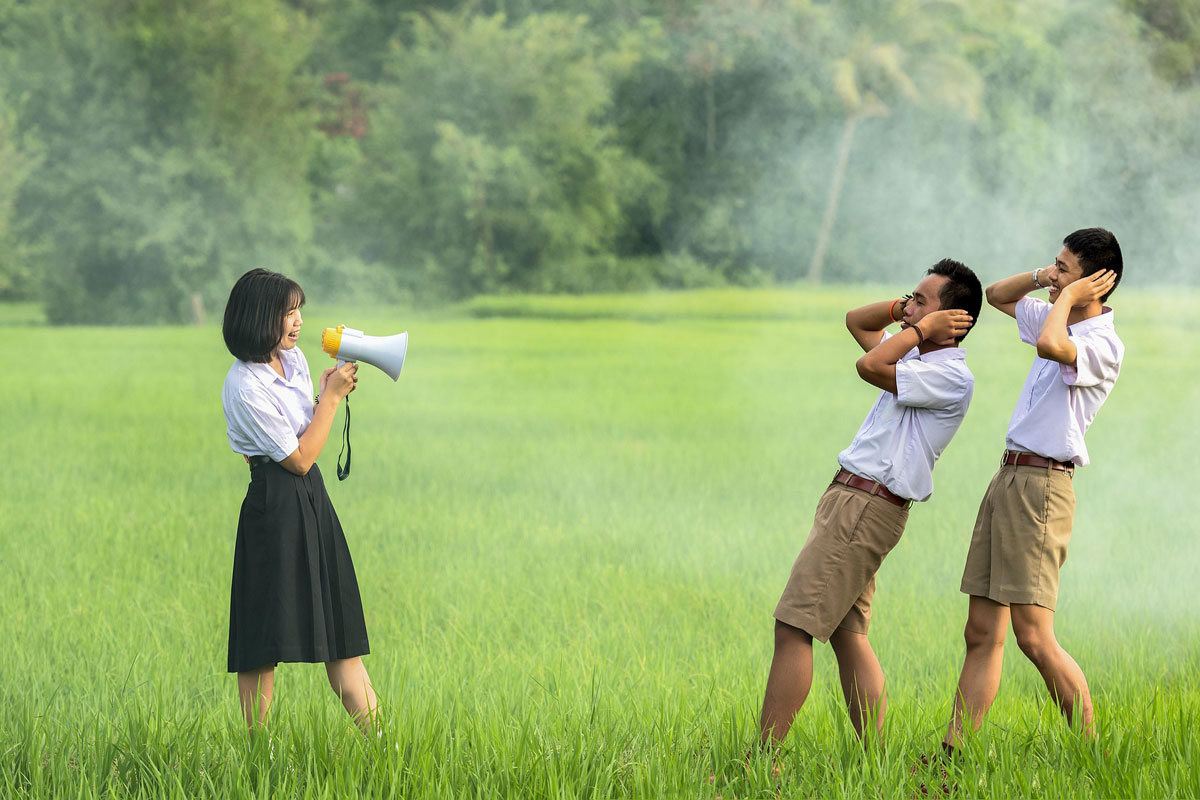
Upload a blurry photo
Loading...
💡 Tip: You can also paste images from clipboard (Ctrl+V / Cmd+V)
By uploading an image or URL you agree to our Terms of Use and Privacy Policy.
Discover More Tools with OnlineImageUpscaler.com AI
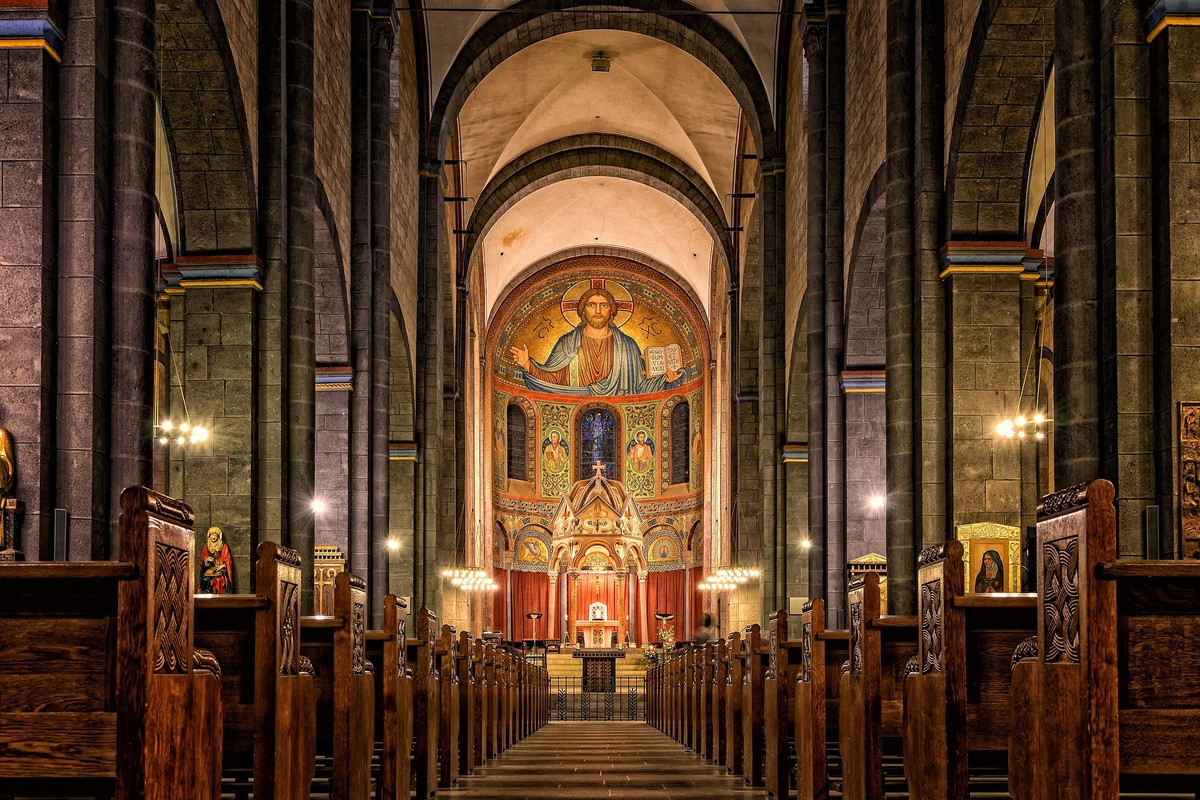
Enhance Edge Definition and Clarity
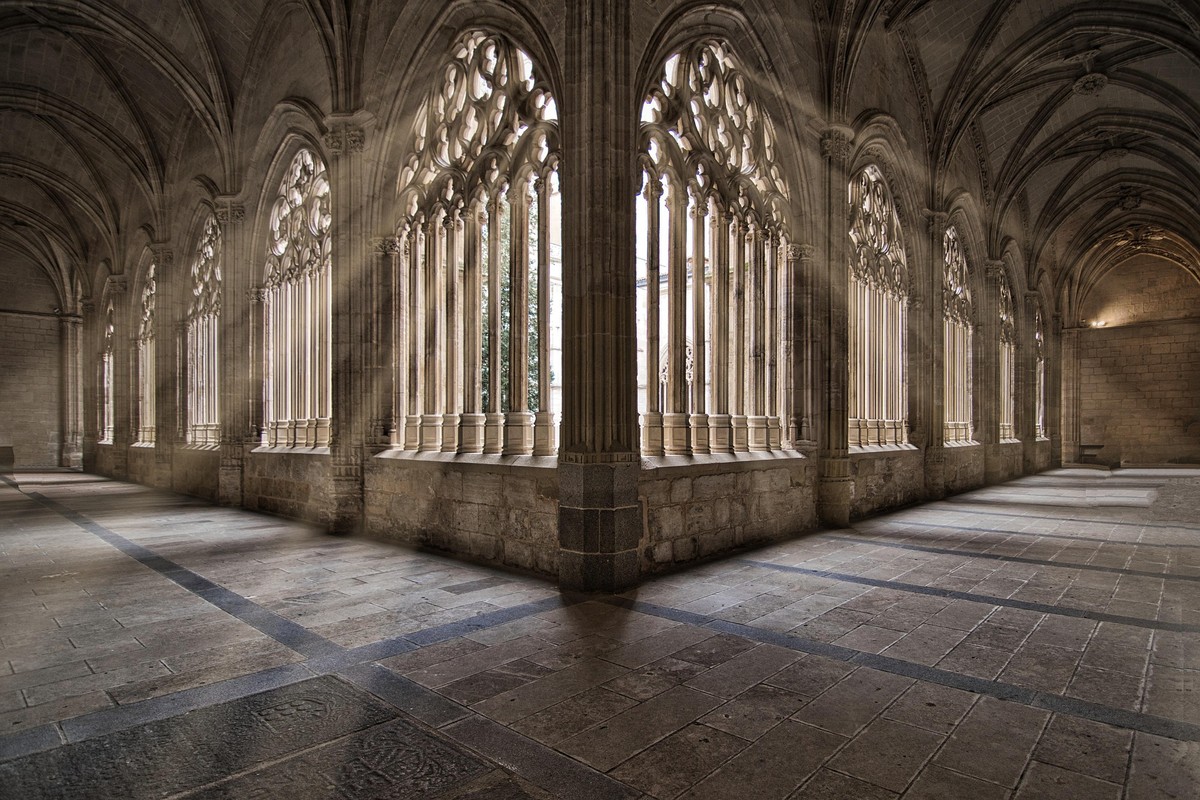
Our AI sharpening technology intelligently enhances edge definition, making lines, borders, and boundaries crisp and clear. Whether you're working with architectural photos, product images, or portraits, the sharpening algorithm identifies and enhances edges while preserving natural textures. The result is a noticeably sharper image with improved clarity and definition.
Fix Blurry and Out-of-Focus Photos
Transform blurry, soft, or out-of-focus photos into sharp, clear images. Our advanced AI sharpening technology can recover details lost due to camera shake, motion blur, or focus issues. The algorithm analyzes the image structure and applies intelligent sharpening that restores clarity without introducing artifacts or over-sharpening effects.
Improve Text and Fine Details
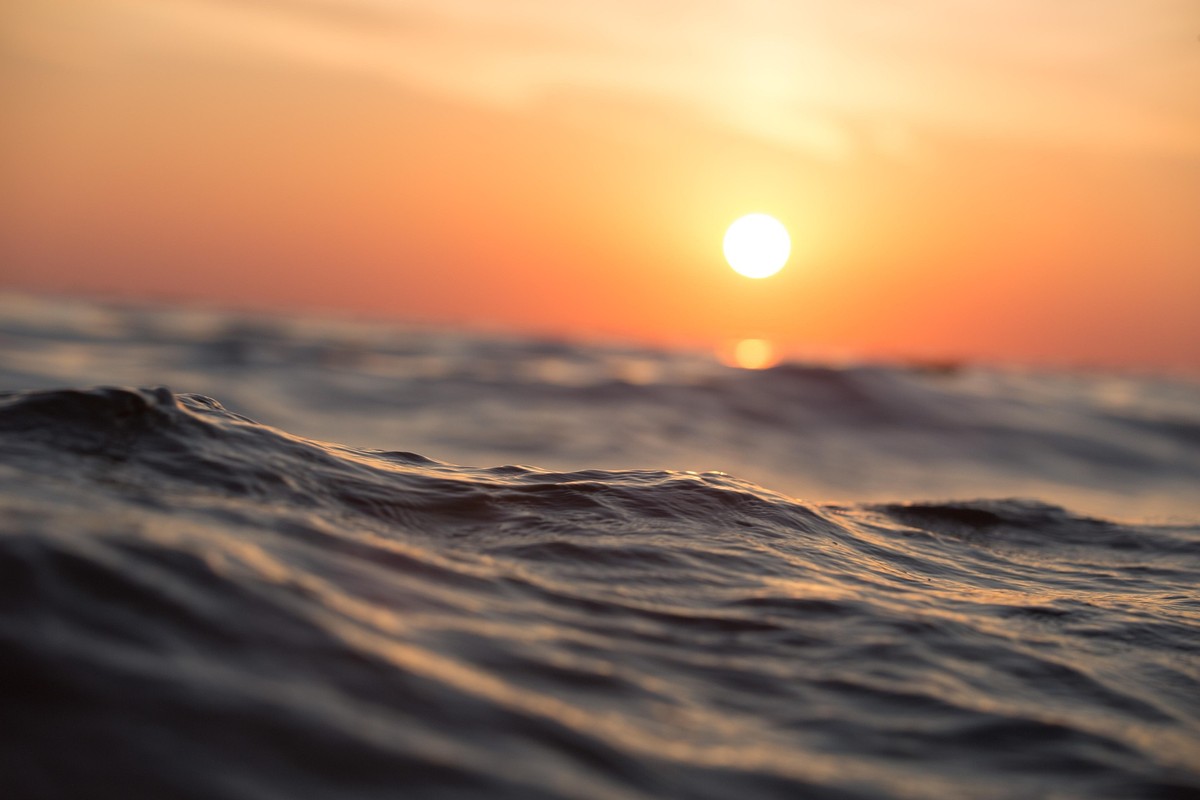
Perfect for enhancing documents, screenshots, and images containing text. Our sharpening technology significantly improves text readability by enhancing character definition and edge clarity. Fine details like textures, patterns, and small elements become more visible and defined, making your images more professional and easier to read.
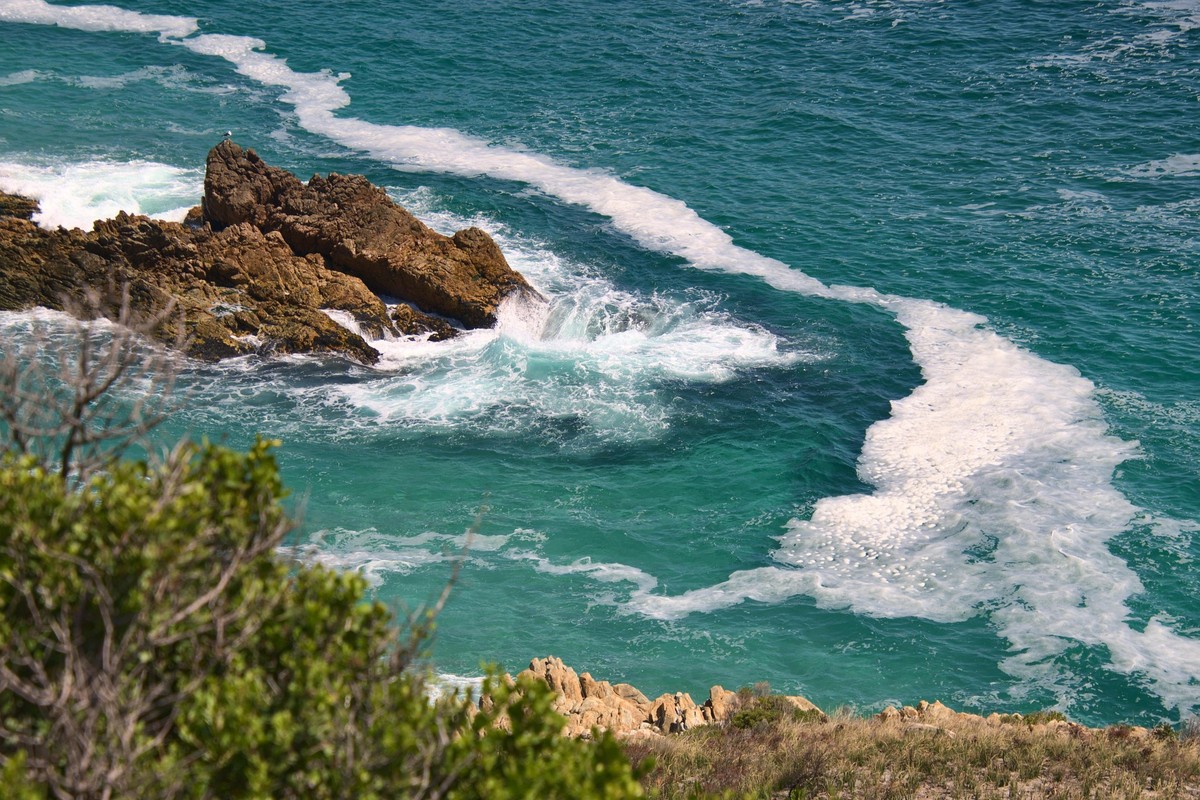
Professional Quality for Print and Display
Ensure your images meet professional standards for printing and large-format display. Sharpened images look crisp and clear when printed, displayed on screens, or used in presentations. The enhanced clarity and definition make your photos stand out, whether they're used in photo books, posters, marketing materials, or digital displays.
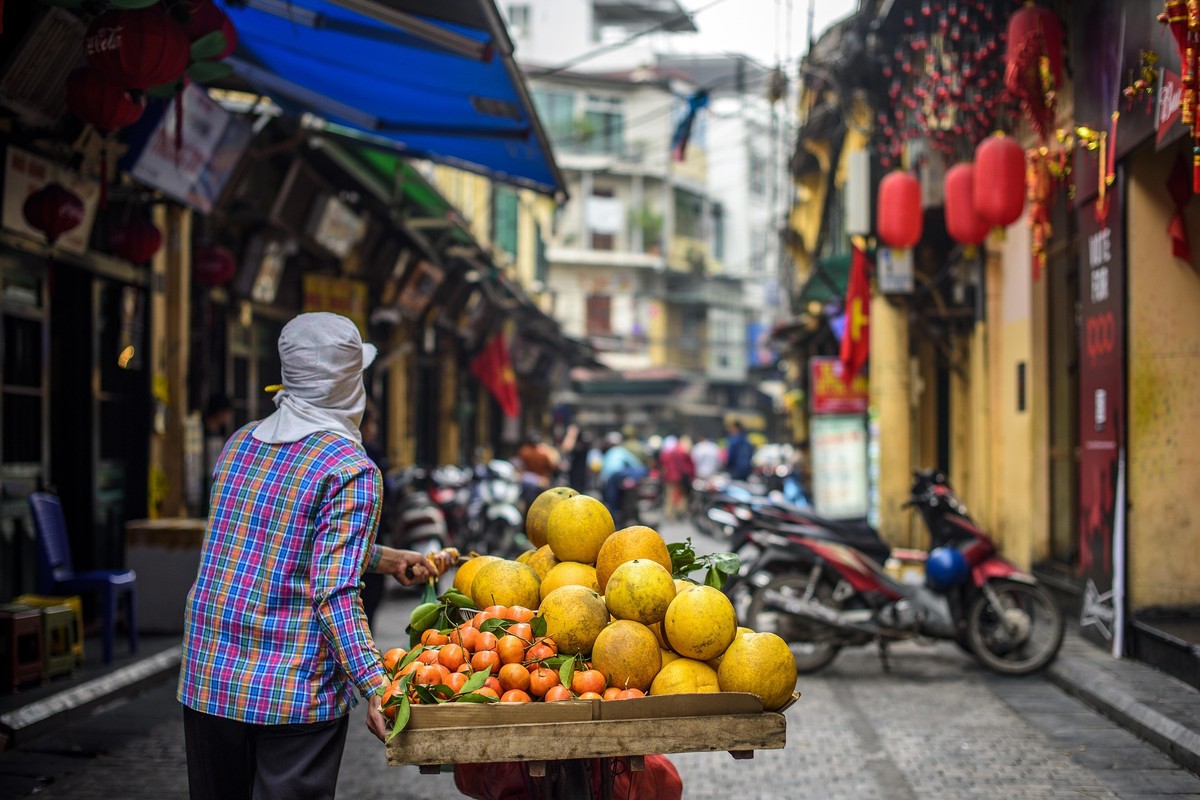
Natural-Looking Results Without Artifacts
Our AI sharpening technology creates natural-looking results without the halos, oversharpening, or artifacts common in traditional sharpening methods. The algorithm intelligently applies sharpening only where needed, preserving smooth gradients and natural textures while enhancing edges and details. The result is a sharp, professional image that looks authentic and natural.