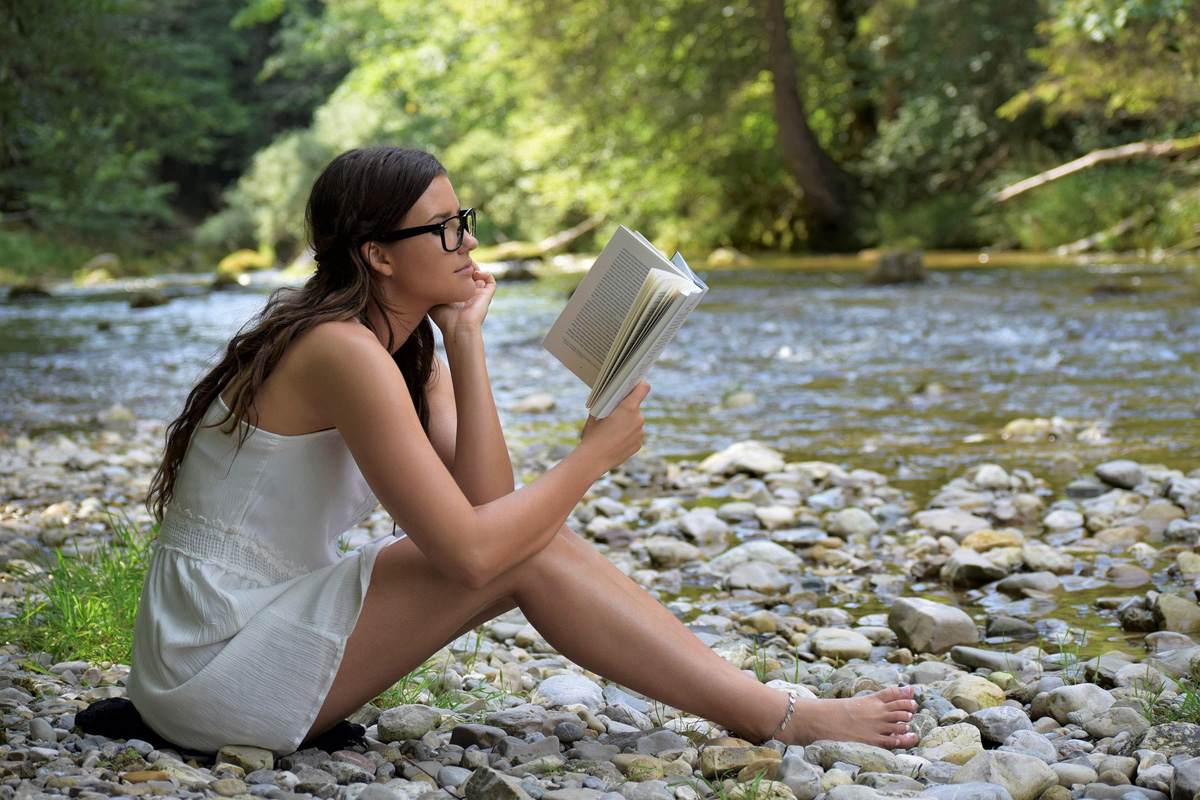
Upload to get high resolution of image
Loading...
💡 Tip: You can also paste images from clipboard (Ctrl+V / Cmd+V)
By uploading an image or URL you agree to our Terms of Use and Privacy Policy.
Discover More Tools with OnlineImageUpscaler.com AI
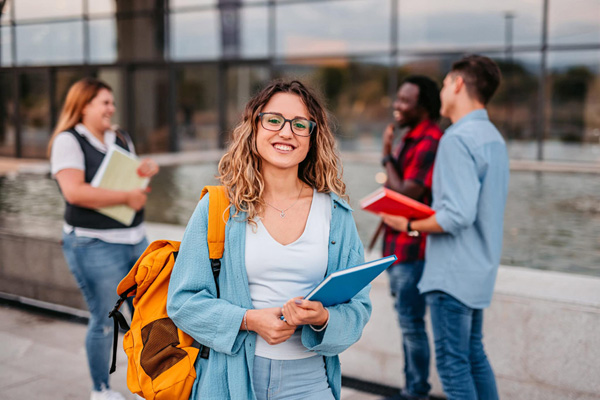
Convert Low-Resolution to 2K/4K/8K/16K
Transform any low-resolution image into stunning high-definition quality. Our HD photo converter supports upscaling to 2K, 4K, 8K, and even 16K resolutions, perfect for large-format printing, digital displays, and professional presentations. Whether you're working with old photos, web images, or compressed files, our AI technology intelligently enhances resolution while preserving natural details.
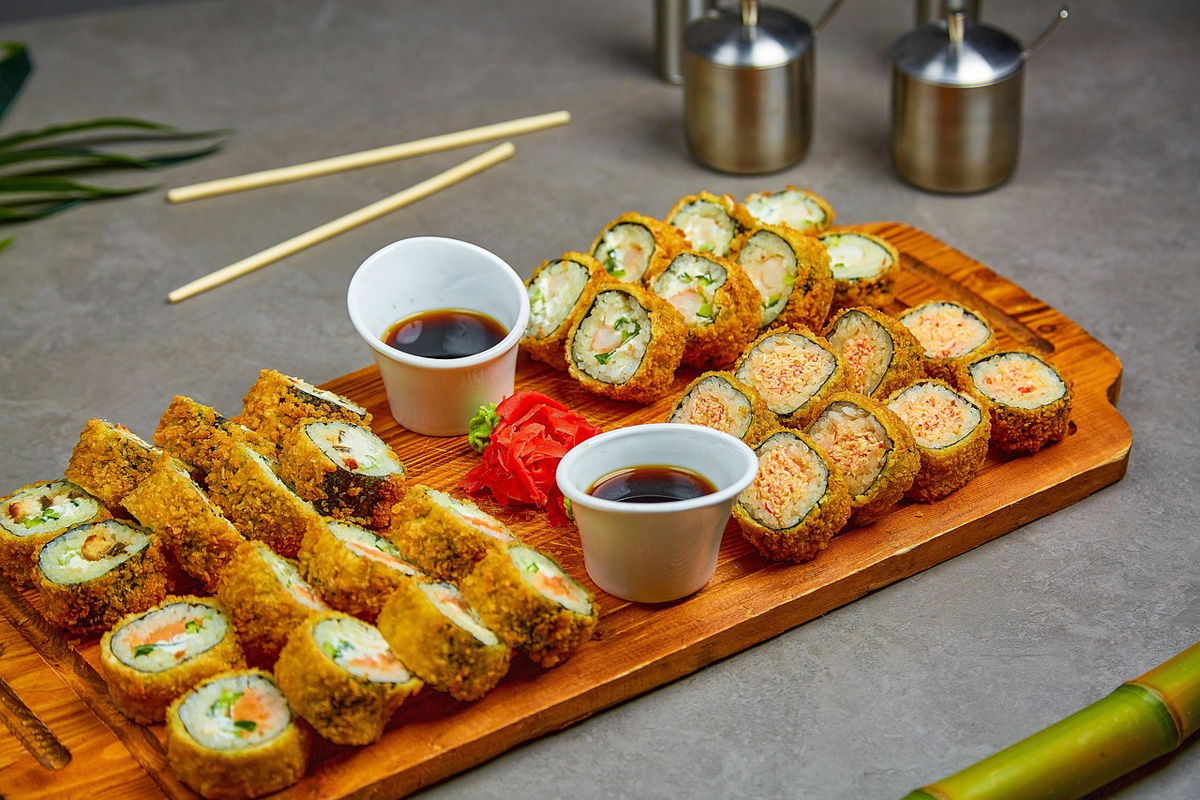

Enhance Details and Clarity
Our advanced AI algorithms don't just increase resolution—they intelligently enhance image details, reduce noise, and improve overall clarity. Fine textures, facial features, and intricate patterns become sharper and more defined. The result is a high-quality image that looks natural and professional, without the artificial sharpening artifacts common in traditional upscaling methods.
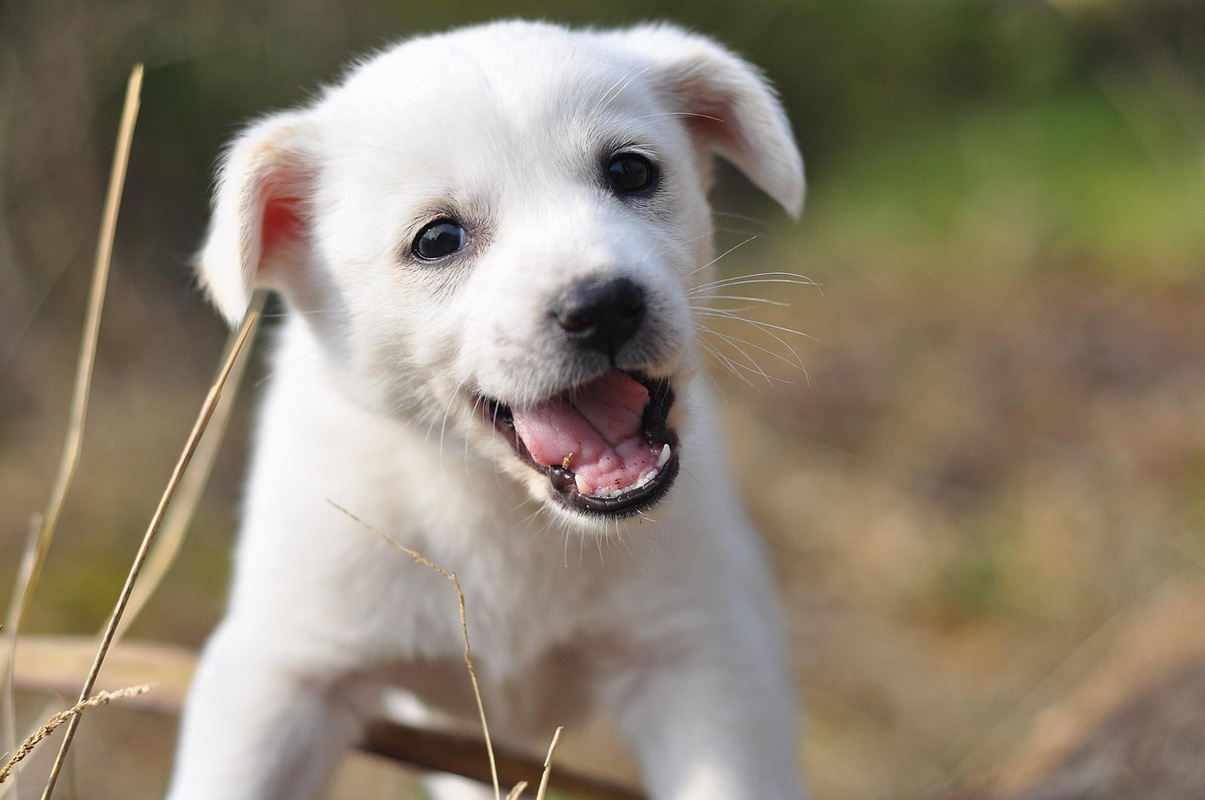
Perfect for Printing and Display
Whether you're creating photo books, posters, canvas prints, or large-format displays, our HD photo converter ensures your images meet professional printing standards. Upscale your photos to the exact resolution needed for your project, from standard prints to billboard-sized displays. The enhanced images maintain sharpness and detail even at large sizes, making them ideal for both digital and physical presentations.
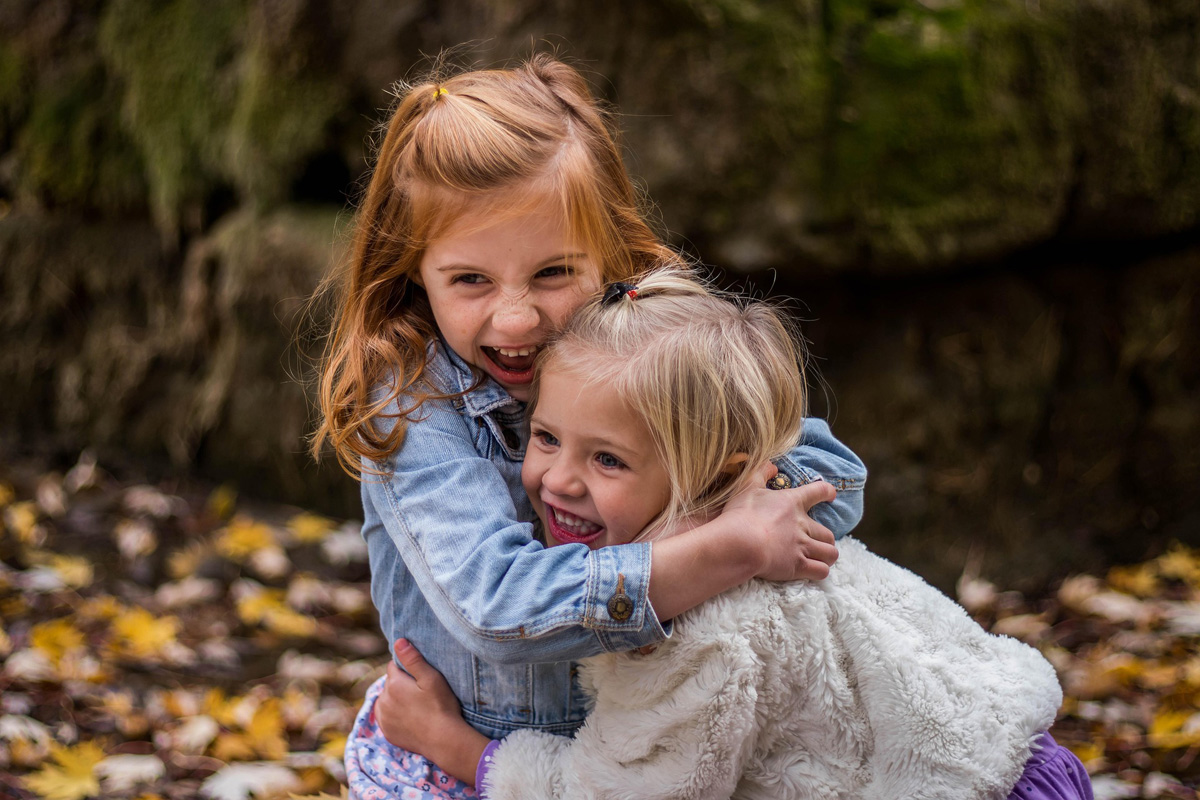

Batch Process Multiple Images
Save time by processing up to 3 images simultaneously. Our batch processing feature allows you to convert multiple photos to HD in a single session, maintaining consistent quality across all images. Perfect for photographers, designers, and content creators who need to enhance entire photo collections efficiently. All images are processed with the same high-quality standards, ensuring uniform results.
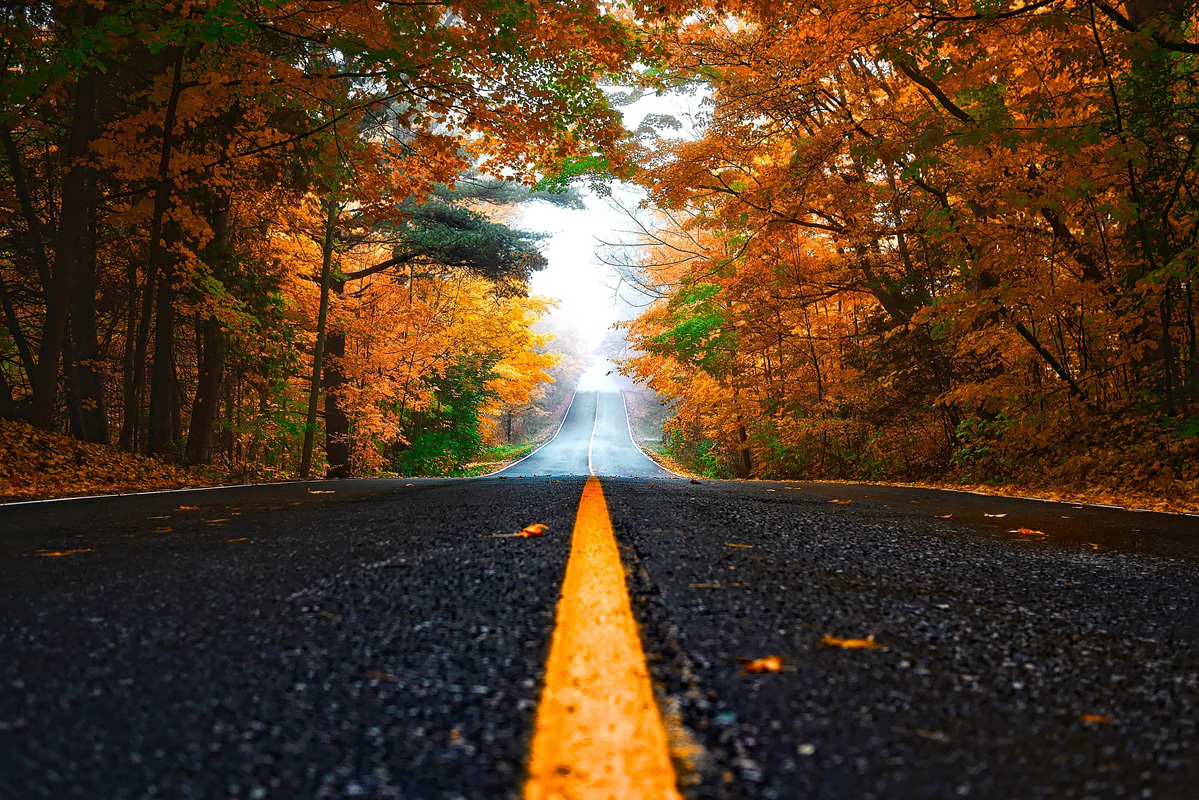
Maintain Natural Appearance
Our AI technology is designed to enhance images while preserving their authentic character. Unlike traditional upscaling methods that can produce artificial-looking results, our HD photo converter maintains natural skin tones, realistic textures, and genuine color accuracy. The enhanced images look as if they were originally captured in high resolution, without any over-processing or unnatural artifacts.