Free Old Photo Restoration Online - Restore Old Photos

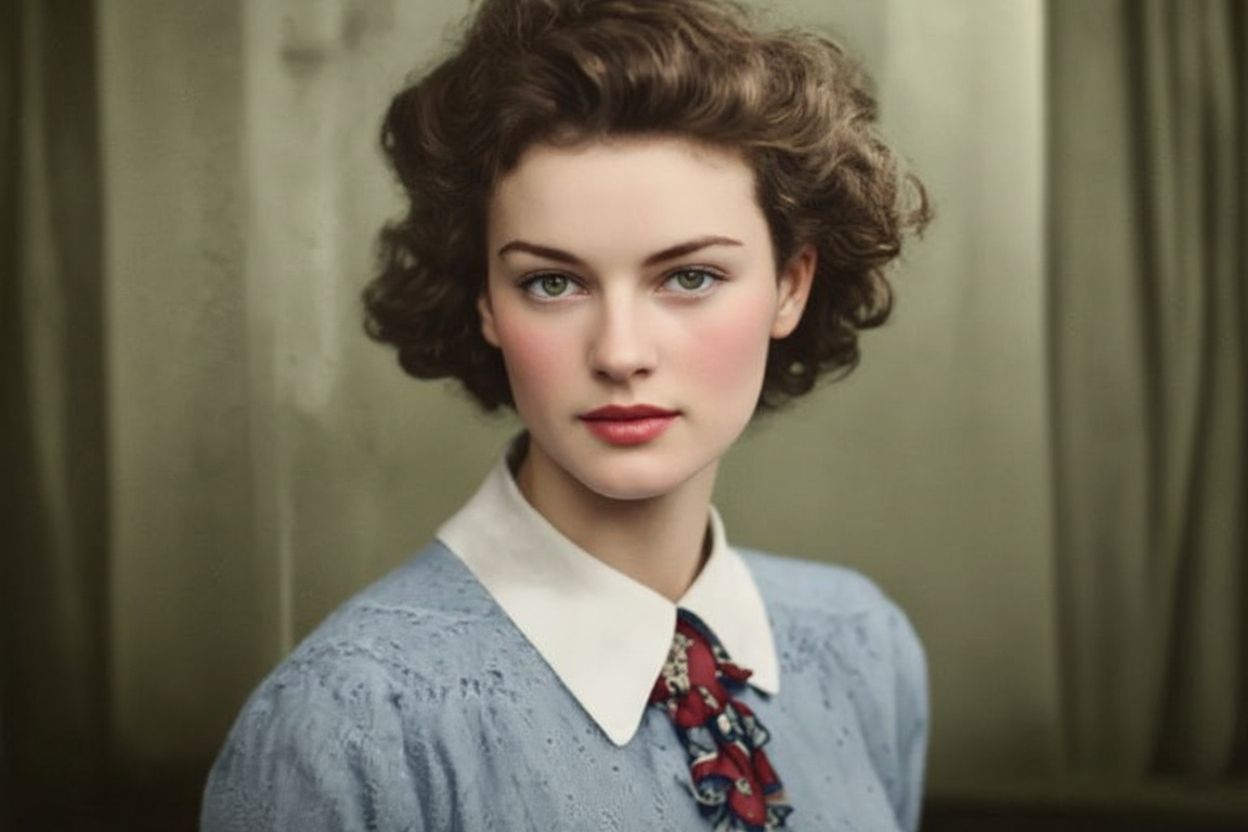
With Nano Banana photo restoration, you can easily restore photo online free and turn faded or damaged pictures into clear, colorful, and high-resolution images.

After - Restored
Before - Severely Damaged
⇄
Before - Severely Damaged
After - Restored

Upload old photos for advanced restoration

Loading...

πŸ’‘ Tip: You can also paste images from clipboard (Ctrl+V / Cmd+V)

By uploading an image or URL you agree to our Terms of Use and Privacy Policy.

Discover More Tools with OnlineImageUpscaler.com AI
After - Scratches Removed
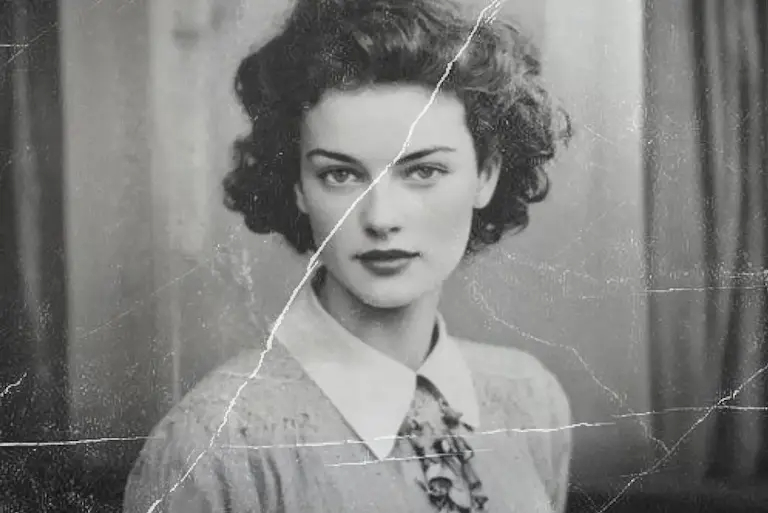
Before - Scratched and Damaged
⇄
Before - Scratched and Damaged
After - Scratches Removed

Remove Scratches, Cracks, and Stains

Our advanced Nano Banana AI technology can completely remove scratches, cracks, stains, tears, and spots from old photos. The algorithm intelligently analyzes the damage pattern and fills in missing areas with contextually appropriate details, restoring your photos to their original condition while preserving their authentic vintage character.
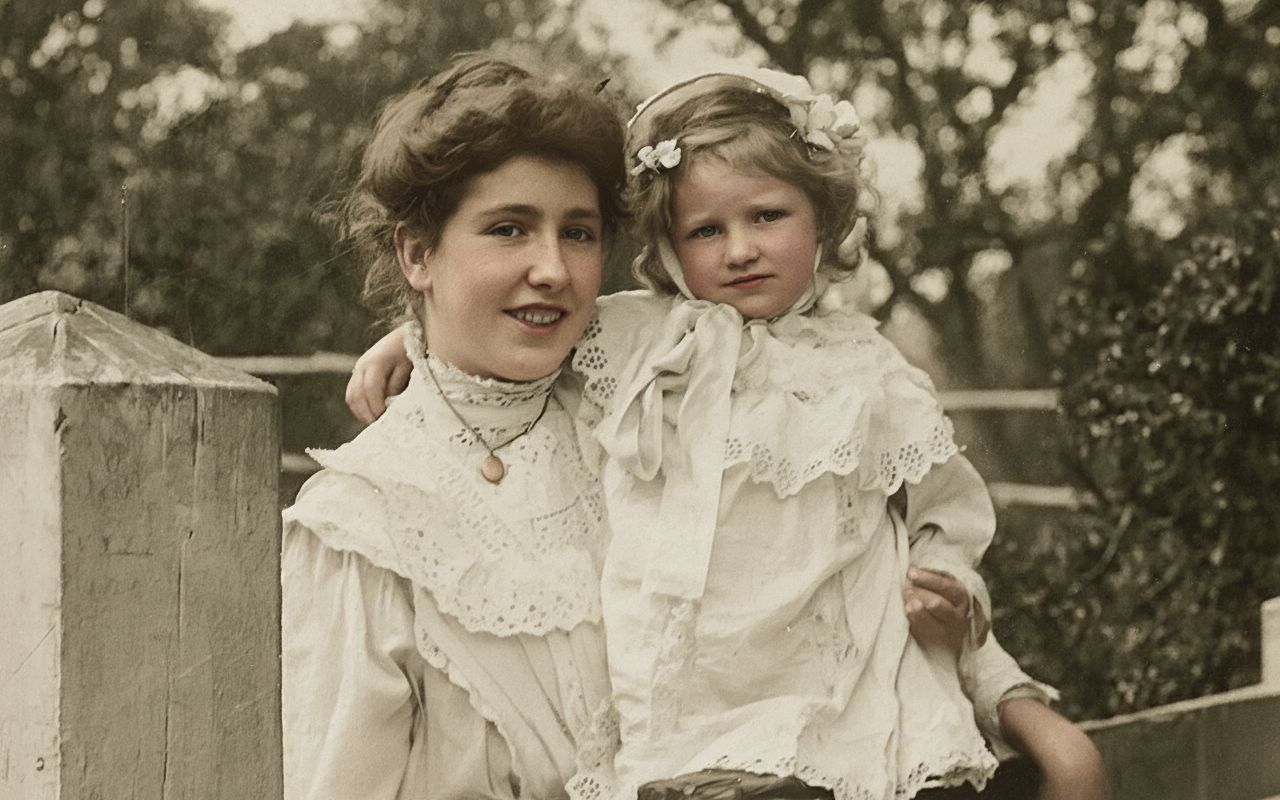
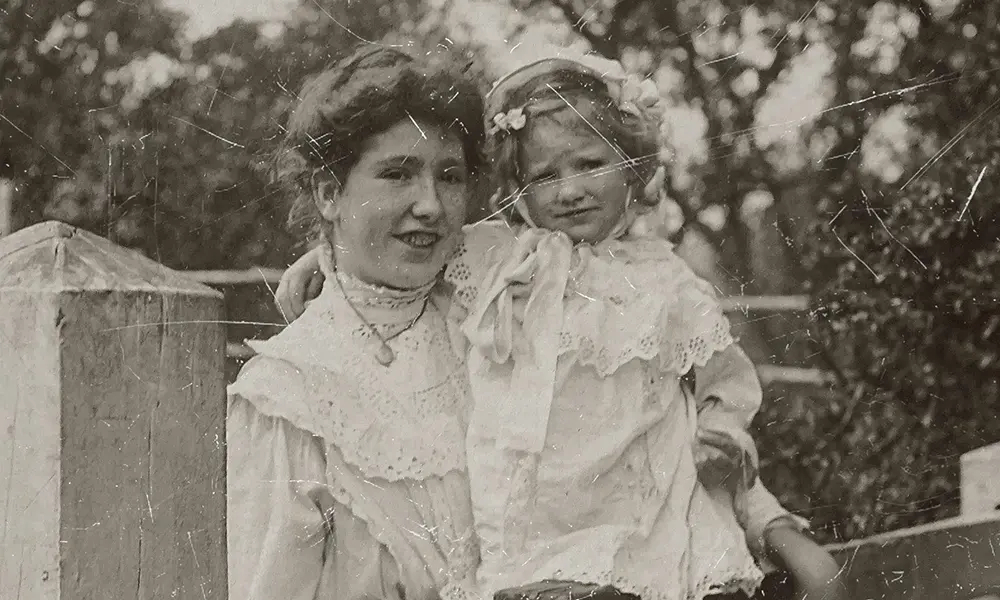
After - Enhanced Facial Features
Before - Damaged Facial Features
⇄
Before - Damaged Facial Features
After - Enhanced Facial Features

Enhance Facial Features with Priority

Nano Banana technology prioritizes restoring facial features, ensuring they are clear, sharp, and look natural. The AI understands human facial structure and intelligently reconstructs damaged or missing facial details, including eyes, expressions, and skin textures. The result is a restored portrait that maintains the subject's unique characteristics while looking authentic and lifelike.
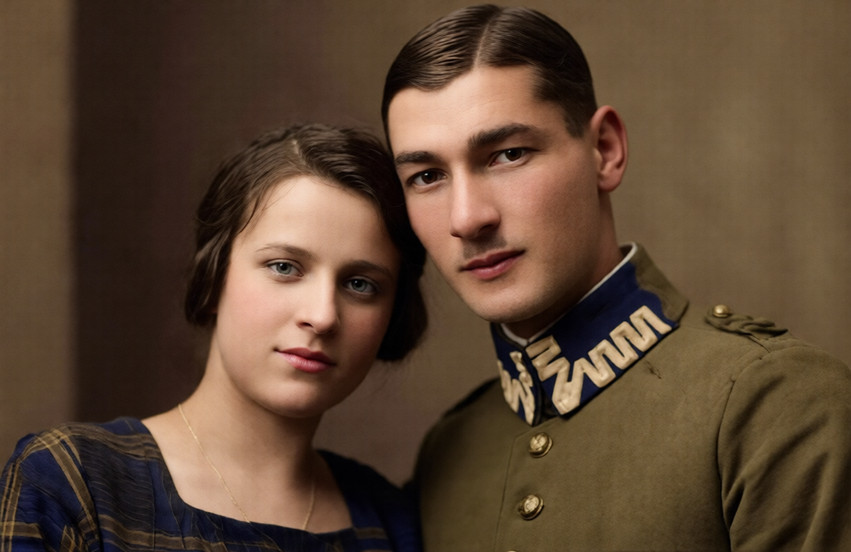
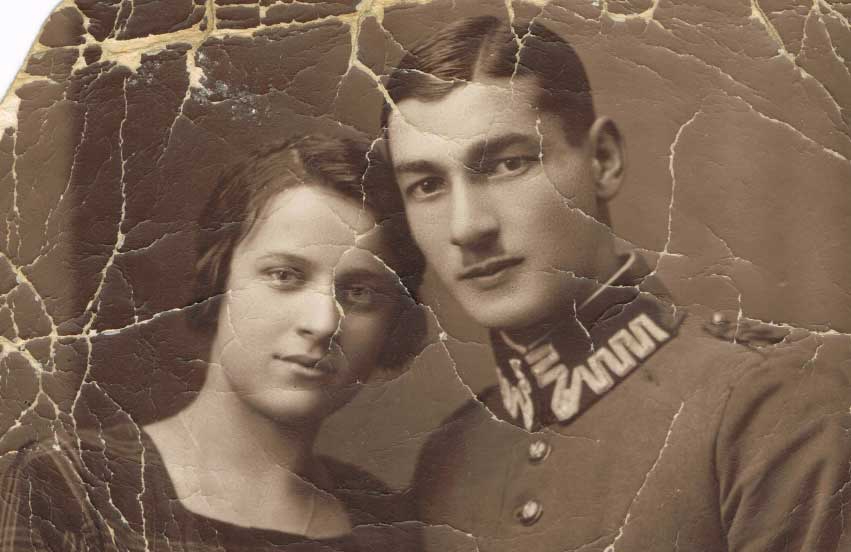
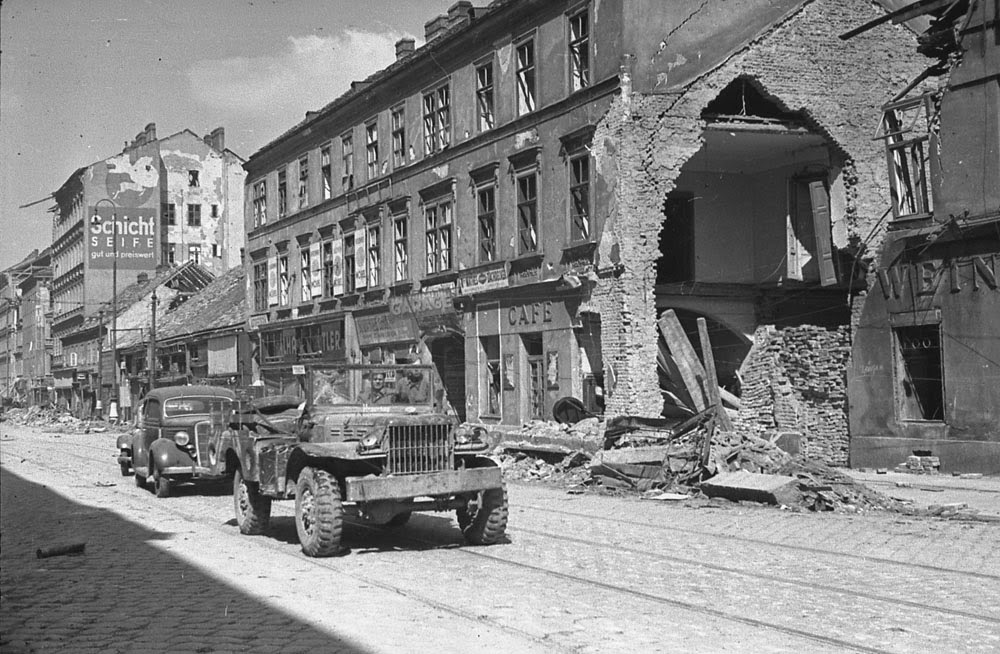
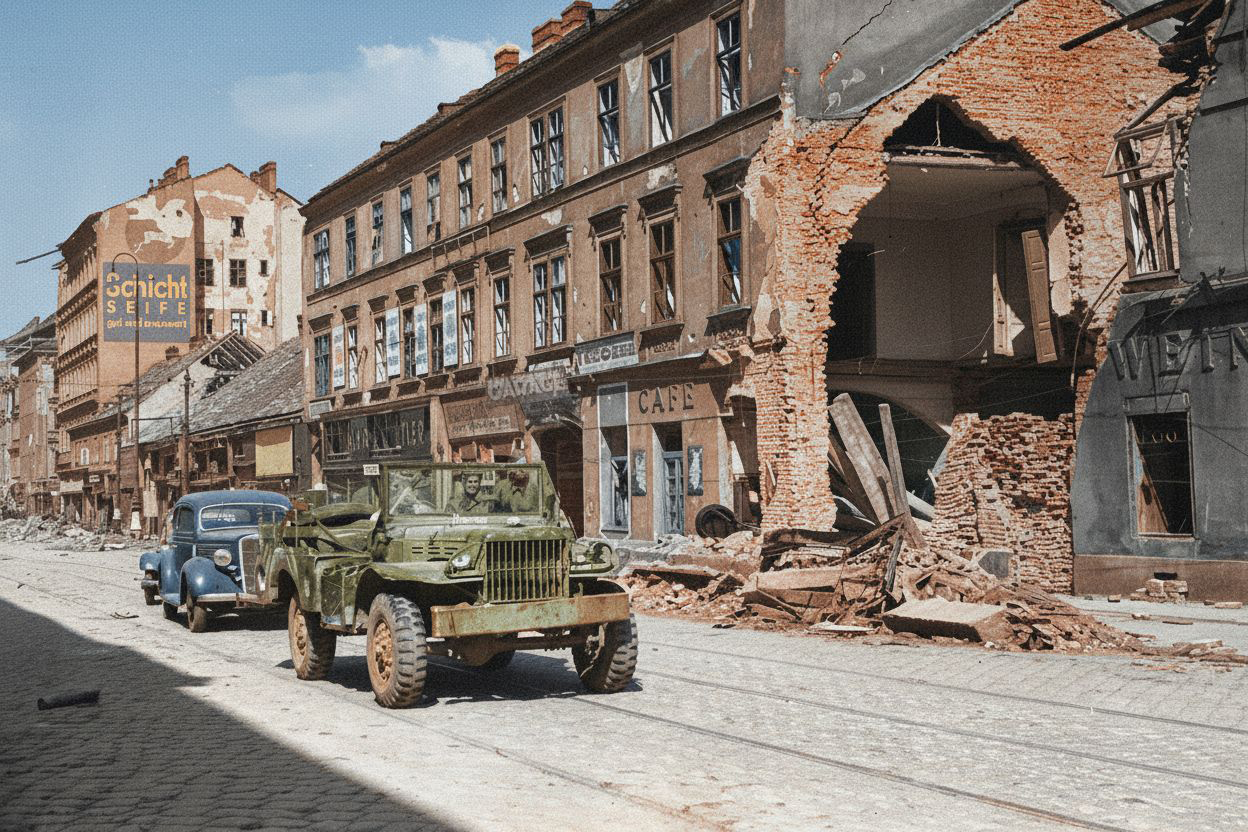
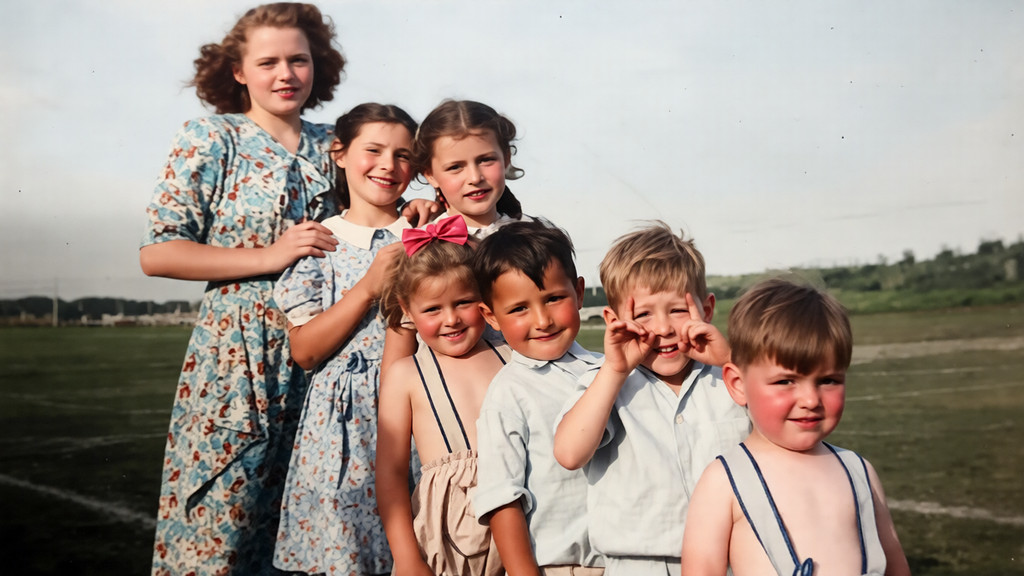
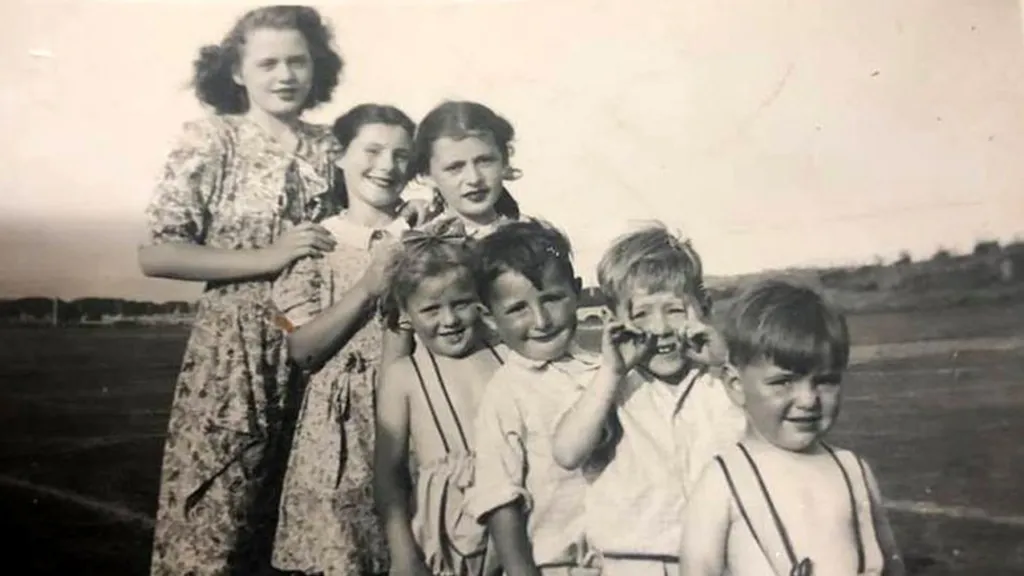
After - Restored and Colorized
Before - Black and White Damaged Photo
⇄
Before - Black and White Damaged Photo
After - Restored and Colorized

Realistic Colorization with Historical Accuracy

When using the "Restore & Colorize" mode, our AI applies realistic, historically accurate colorization to the entire image. The technology analyzes skin tones, clothing, background elements, and environmental context to apply colors that feel authentic and period-appropriate. The colorization respects the historical accuracy of the original scene while bringing your memories to life with vibrant, natural colors.
After - Restored with Vintage Feel
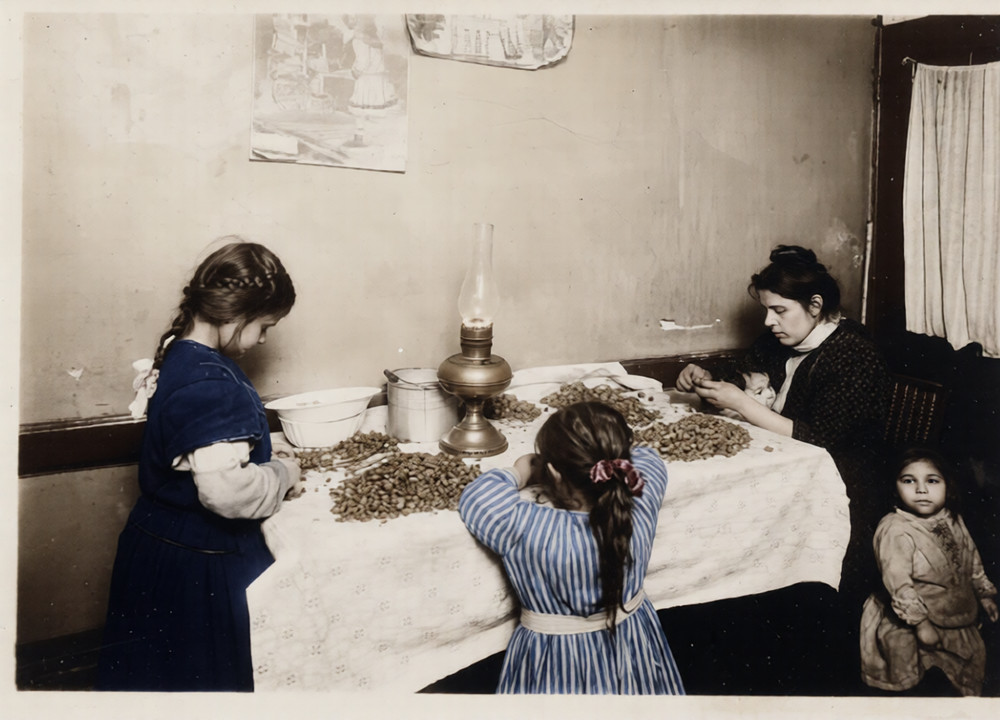
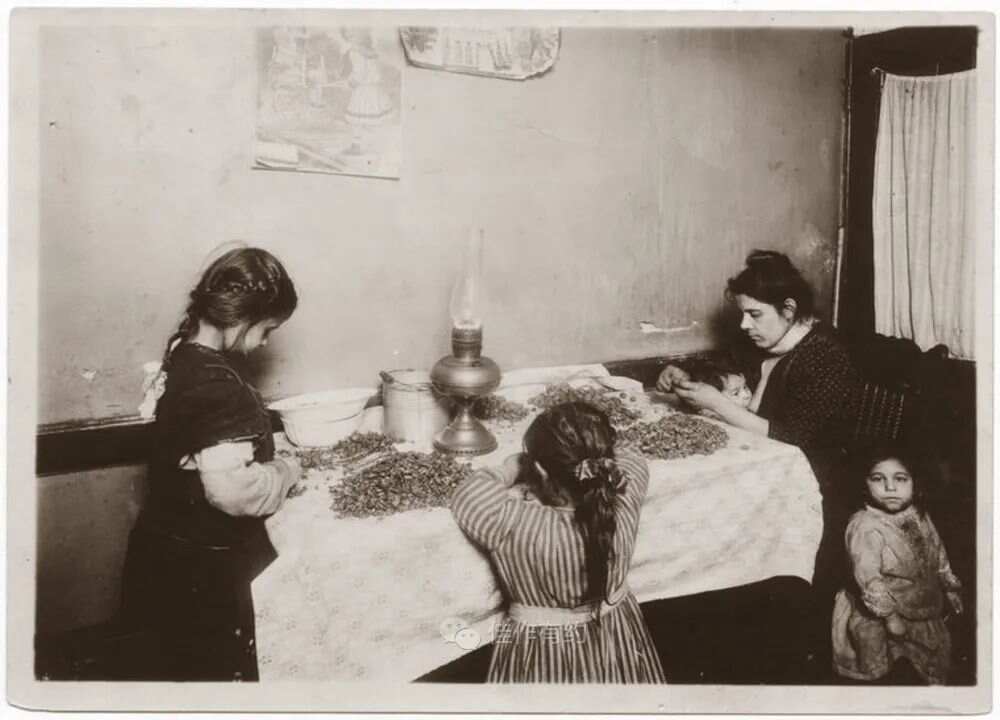
Before - Damaged Vintage Photo
⇄
Before - Damaged Vintage Photo
After - Restored with Vintage Feel

Preserve Authentic Vintage Photo Grain

Our restoration technology enhances overall clarity and contrast while preserving the authentic vintage photo grain and feel. The restored images don't look like modern digital photosβ€”they maintain their nostalgic character and period-appropriate appearance. This ensures that your restored photos retain their historical charm while being significantly improved in quality.
After - Missing Parts Restored
Before - Photo with Missing Parts
⇄
Before - Photo with Missing Parts
After - Missing Parts Restored

Intelligent Fill-in of Missing Parts

Even severely damaged photos with missing parts can be restored. Our AI technology intelligently analyzes the surrounding context and fills in missing areas with appropriate details that match the original photo's style and content. The algorithm understands the scene composition and reconstructs lost visual information seamlessly, creating a complete and natural-looking restored image.

Click to restore your photo!

Frequently Asked Questions

Is this free?+
Yes! You can restore up to 3 images at once for freeβ€”no sign-up needed. All basic restoration features are available at no cost.
Can it fix torn or scratched photos?+
Yes! The AI repairs torn, scratched, and damaged photos. It fills in missing areas, removes scratches, and restores lost details while keeping the original character of the photo.
Can it colorize black and white photos?+
Yes! Pick 'Restore & Colorize' mode and it'll restore the photo and add natural, historically appropriate colors. The AI analyzes the scene to apply colors that feel authentic.
What resolutions can I get?+
You can enhance images to various resolutions. Restored photos can be upscaled to higher resolutions while keeping quality. The exact resolution depends on your input image quality and which restoration model you pick.
How long does it take?+
Most images take 30-60 seconds with Restore mode, or 1-3 minutes with Restore & Colorize mode. We'll show you an estimated time before you start.
Do I need to install anything?+
No! Everything runs in your browser. Just visit our site, upload your old photo, pick a restoration mode, and download your restored photo. Works on any device.
Is my data safe?+
Yes. We delete processed images after 24 hours and never share or use your photos for anything else. If you're worried about sensitive photos, you might want to skip uploading them.
Can I use this on my phone?+
Yes! It works on phones, tablets, and computers. Just open your browser and go. All features work the same way on mobile.