Upload to get high resolution of image
Loading...
💡 Tip: You can also paste images from clipboard (Ctrl+V / Cmd+V)
By uploading an image or URL you agree to our Terms of Use and Privacy Policy.
Discover More Tools with OnlineImageUpscaler.com AI
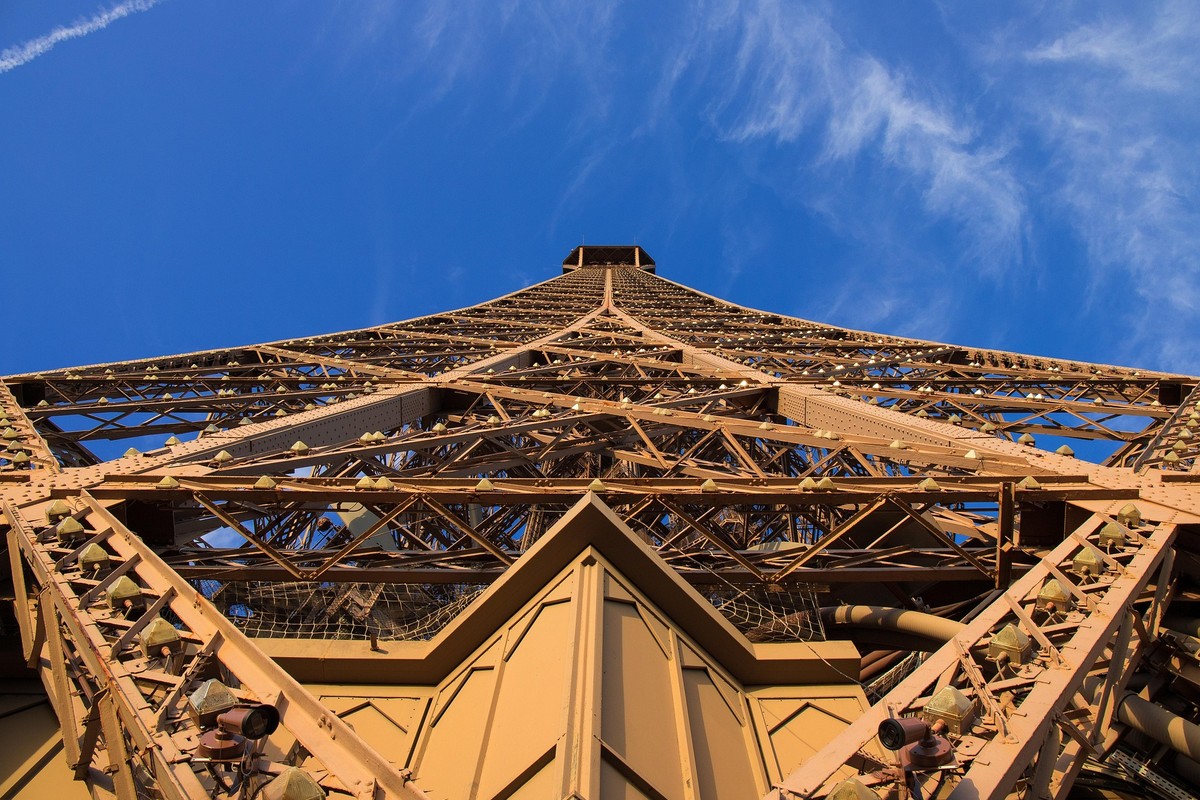
Restore Clarity & Missing Details
Nano Banana Pro images can sometimes look soft or lose texture during generation. Our AI enhancer rebuilds micro-details, refines edges, and restores clarity without introducing artifacts—making your artwork look sharper and more defined. The enhancement process intelligently fills in missing information while maintaining the artistic integrity of your original creation.
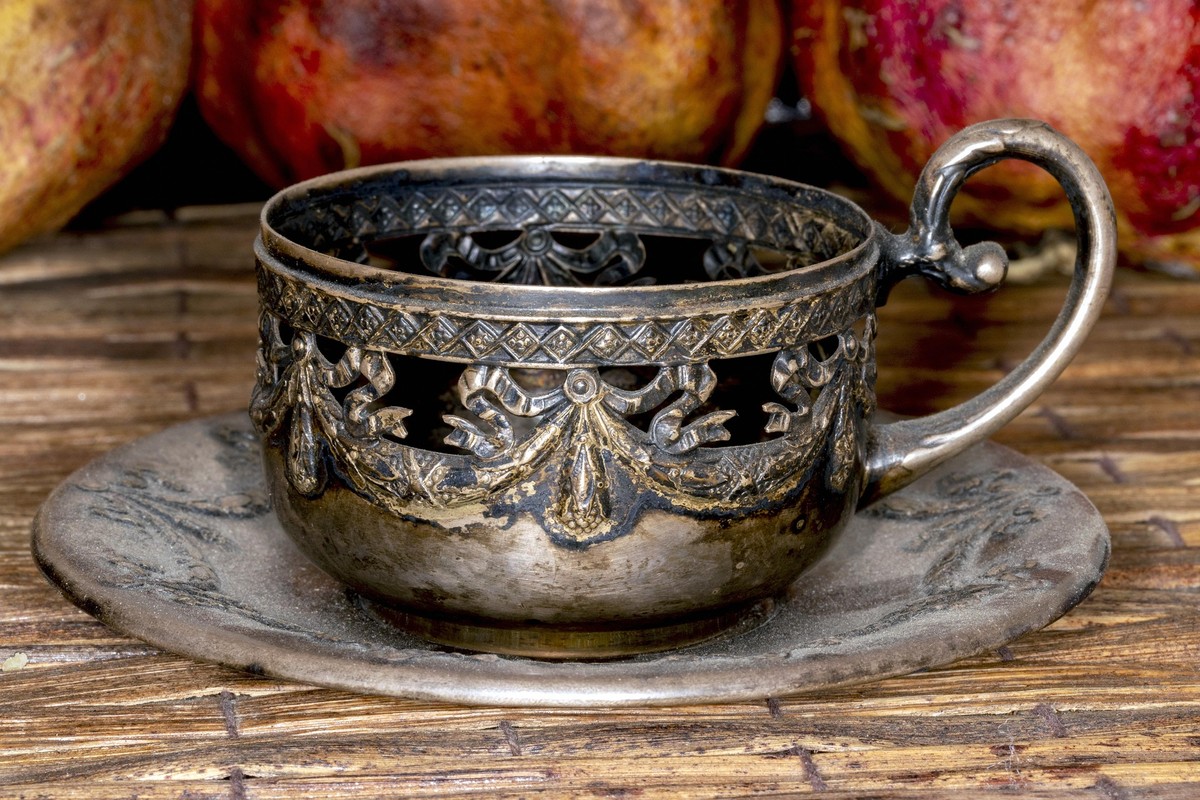
Preserve Artistic Style & Color Accuracy
Many upscalers oversmooth or distort AI art. This enhancer maintains the original Nano Banana Pro style, color palette, and brushwork while improving resolution, ensuring the upgraded image stays faithful to your prompt's visual intent. Your unique artistic vision remains intact, with enhanced quality that respects the original creative expression.
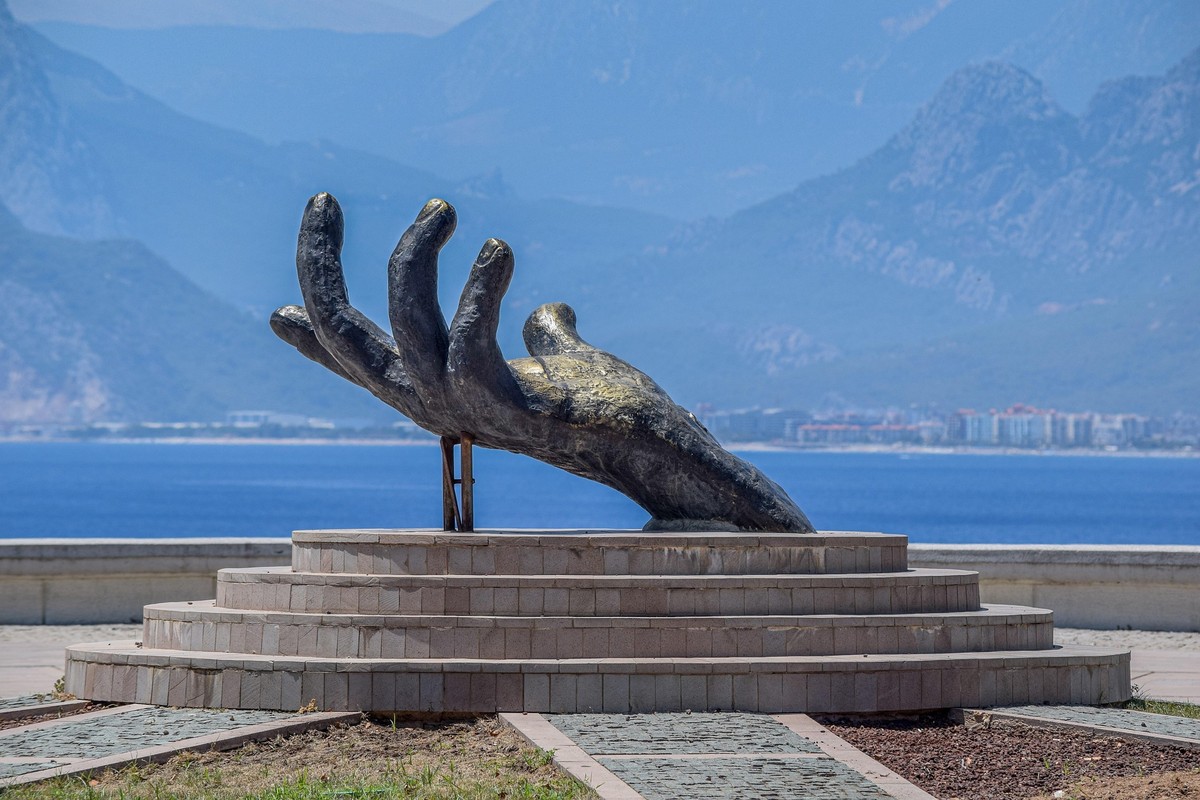
Upscale AI Art Up to 16K Resolution
Go beyond standard 2K or 4K upscaling. OnlineImageUpscaler.com can increase your AI-generated artwork to ultra-high 8K or 16K resolution—perfect for printing, professional design work, wallpapers, or large-format visuals. No matter how large you scale, the output maintains crisp details and vibrant colors, ready for any professional application.
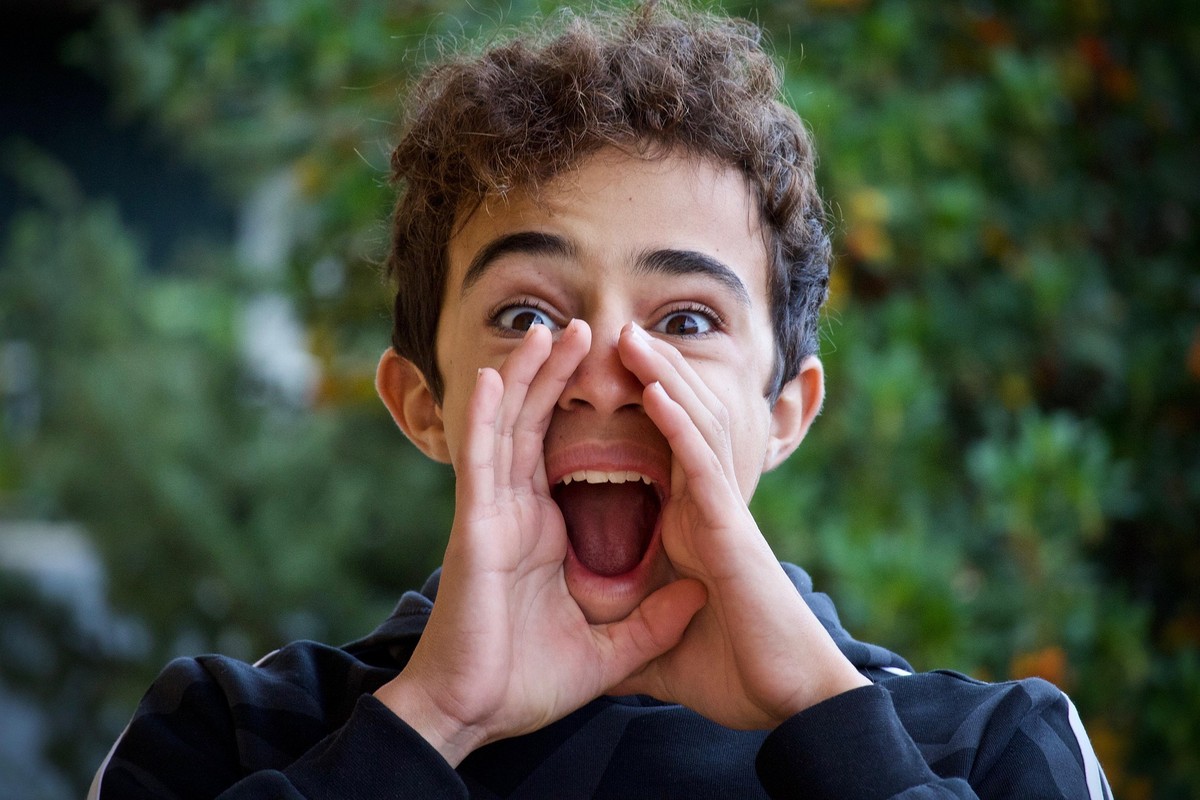
Fix Blurry Faces, Soft Eyes & Weak Textures
AI models often struggle with eyes, hair, and fine textures. Our enhancer specifically restores these difficult areas—improving definition in facial features, clothing details, skin texture, and environmental elements without over-smoothing. The result is artwork that looks professionally finished, with every detail sharp and clear.
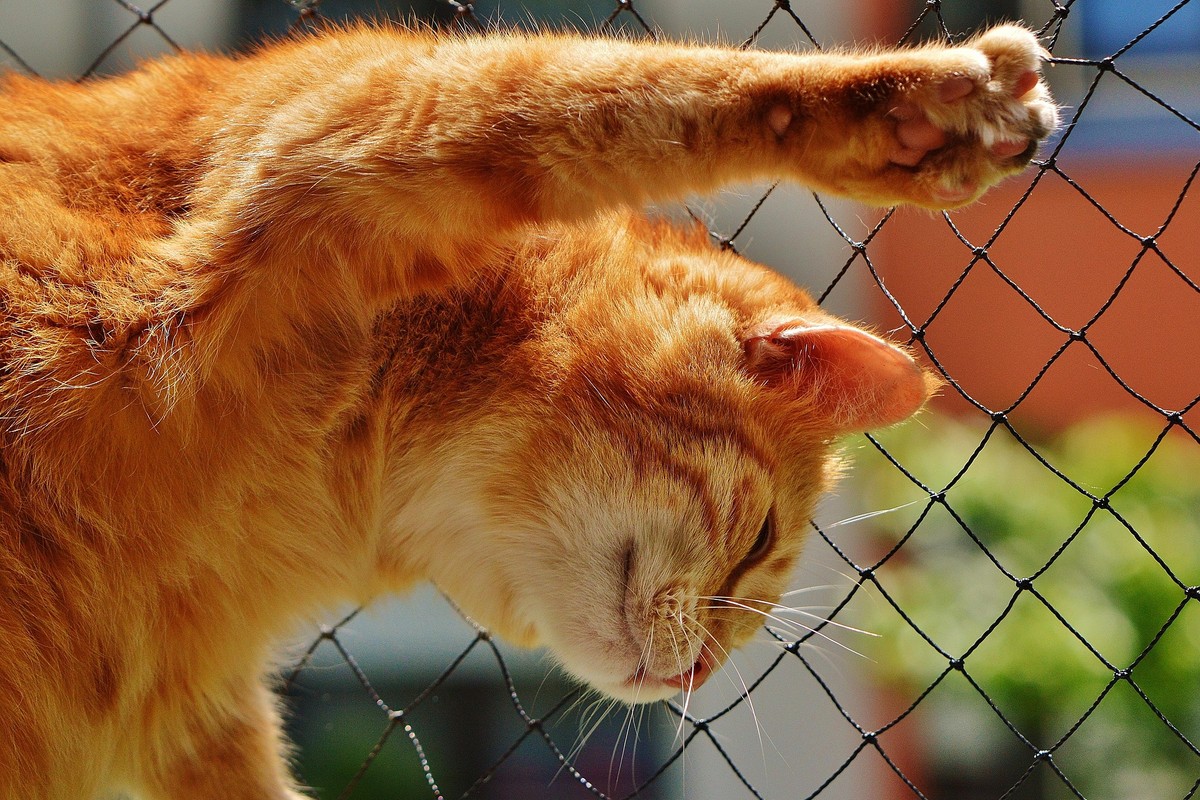
Fast Online Processing with Batch Support
No installation required. Simply upload your files, choose the desired resolution, and let AI handle everything automatically. Enhance up to three images at once, with results ready to download within seconds. Whether you're processing a single artwork or an entire collection, our system delivers consistent, high-quality results quickly and efficiently.
Ideal Uses for Nano Banana Pro Artwork
Transform your AI-generated art into professional-quality visuals for any purpose
Prepare AI Art for Printing
Convert AI-generated artwork into high-DPI versions suitable for posters, canvas prints, and merchandise without pixelation.
High-Resolution Social Media Posting
Make your creations stand out with crisp, professional-quality images for Instagram, X (Twitter), or ArtStation.
Professional Design & Marketing
Upgrade Nano Banana Pro assets for web design, branding work, and commercial projects with clean, sharp 4K–16K quality.
Desktop & Mobile Wallpapers
Turn your favorite AI generations into ultraclear wallpapers by upscaling them with our advanced enhancement model.