Free Unblur Image Online - Unblur Image Free

Blurry photos don't have to stay blurry. With OnlineImageUpscaler.com AI blur remover, you can remove blur from image files and restore sharp, vibrant clarity in just a few clicks.

After - Unblurred
Before - Blurry
⇄
Before - Blurry
After - Unblurred

Upload to enhance the image quality

Loading...

πŸ’‘ Tip: You can also paste images from clipboard (Ctrl+V / Cmd+V)

By uploading an image or URL you agree to our Terms of Use and Privacy Policy.

Discover More Tools with OnlineImageUpscaler.com AI
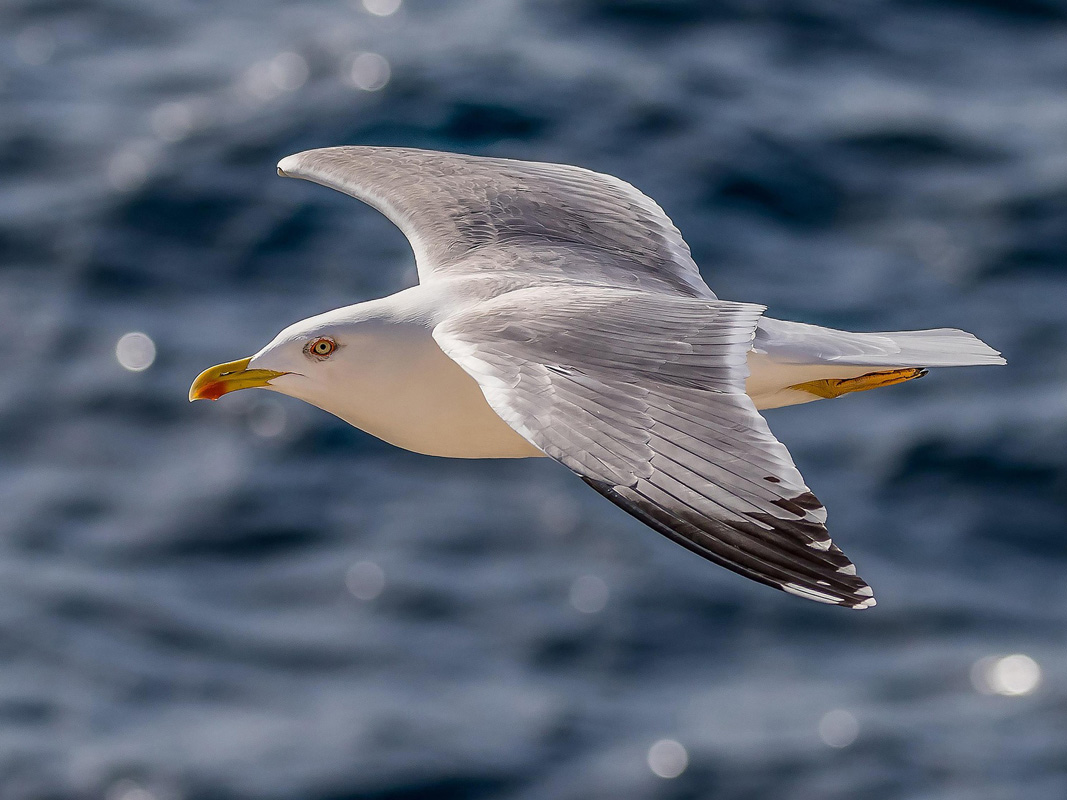
After - Motion Blur Removed
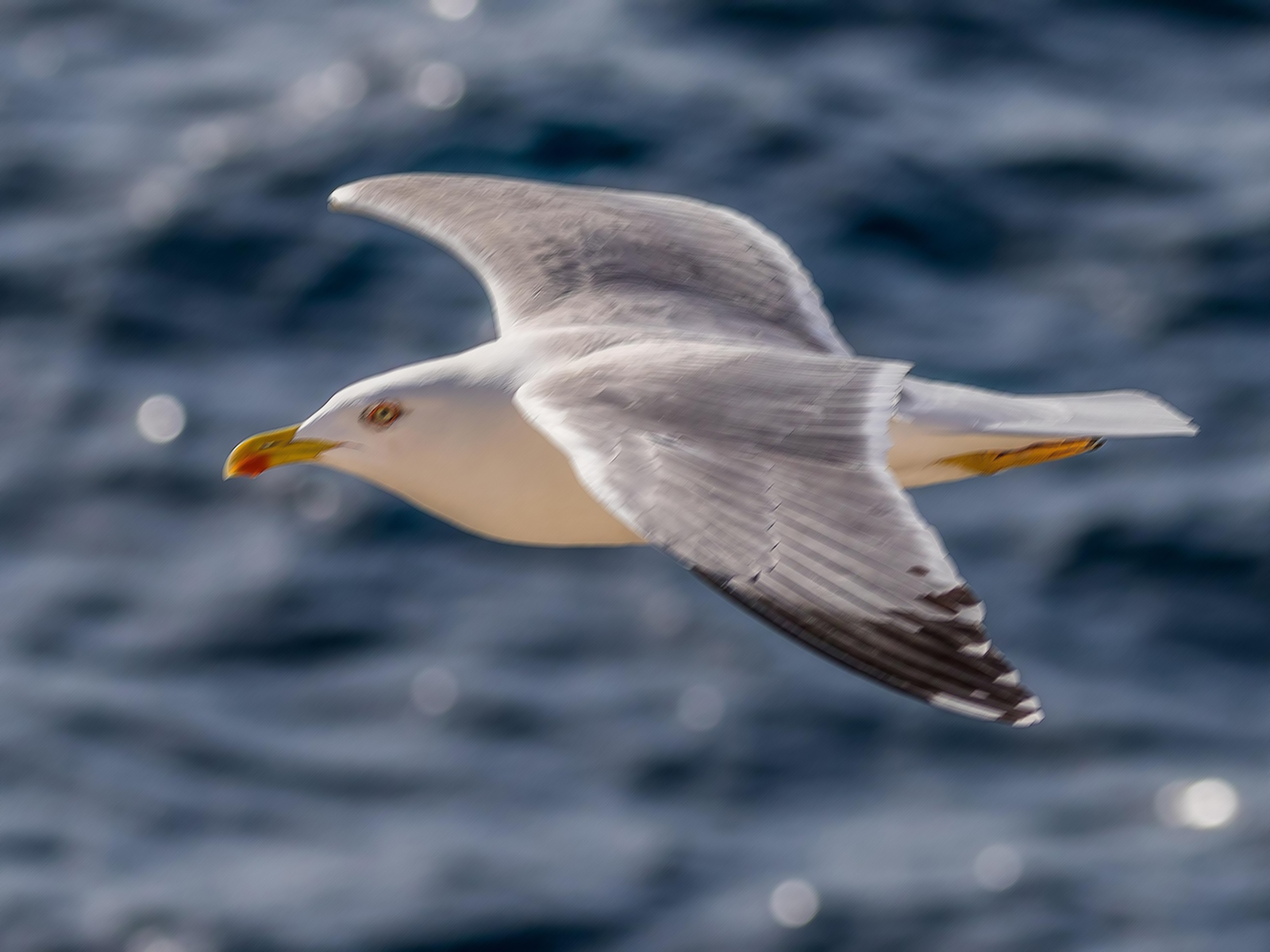
Before - Motion Blur
⇄
Before - Motion Blur
After - Motion Blur Removed

Remove Motion Blur and Camera Shake

Our AI technology can effectively remove motion blur caused by camera shake, hand movement, or subject motion. The advanced algorithm analyzes the blur pattern and intelligently reconstructs sharp details, restoring clarity to photos that would otherwise be unusable. Perfect for salvaging precious moments captured in less-than-ideal conditions.
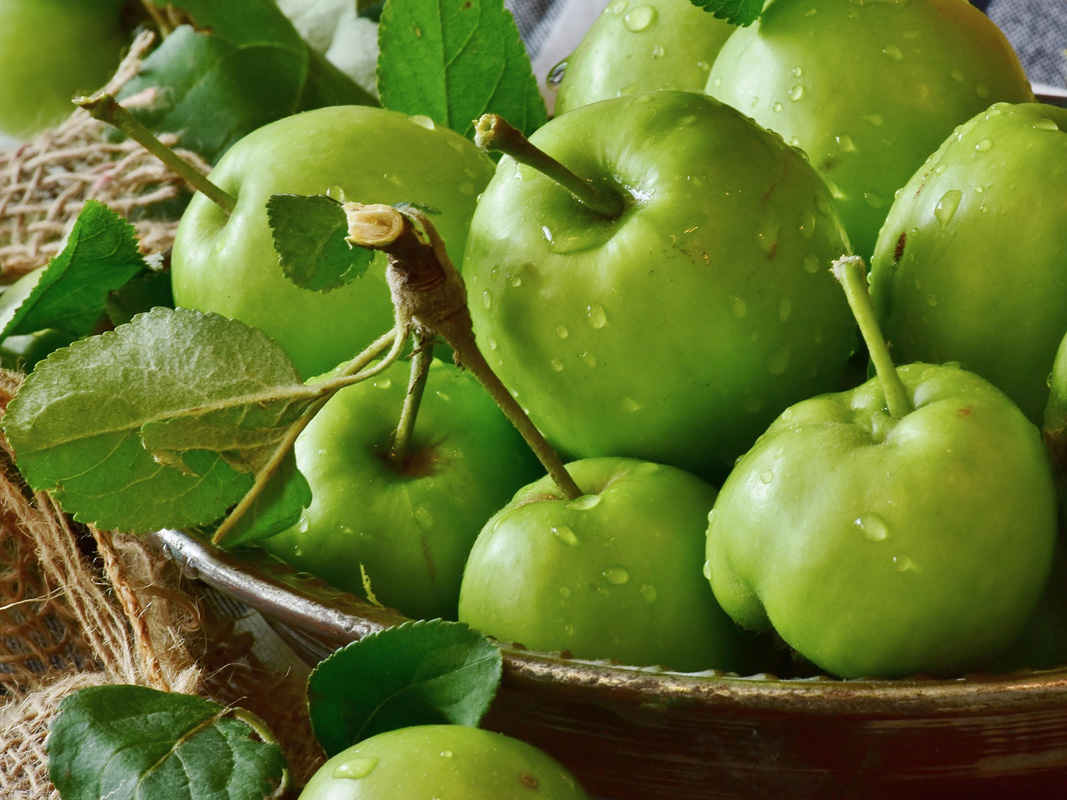
After - In Focus and Sharp
Before - Out of Focus
⇄
Before - Out of Focus
After - In Focus and Sharp

Fix Out-of-Focus Photos

Transform out-of-focus photos into sharp, clear images. Whether the focus was missed due to autofocus errors, manual focus mistakes, or depth-of-field issues, our AI can recover lost details and restore sharpness. The technology intelligently enhances edges and textures while maintaining natural-looking results.
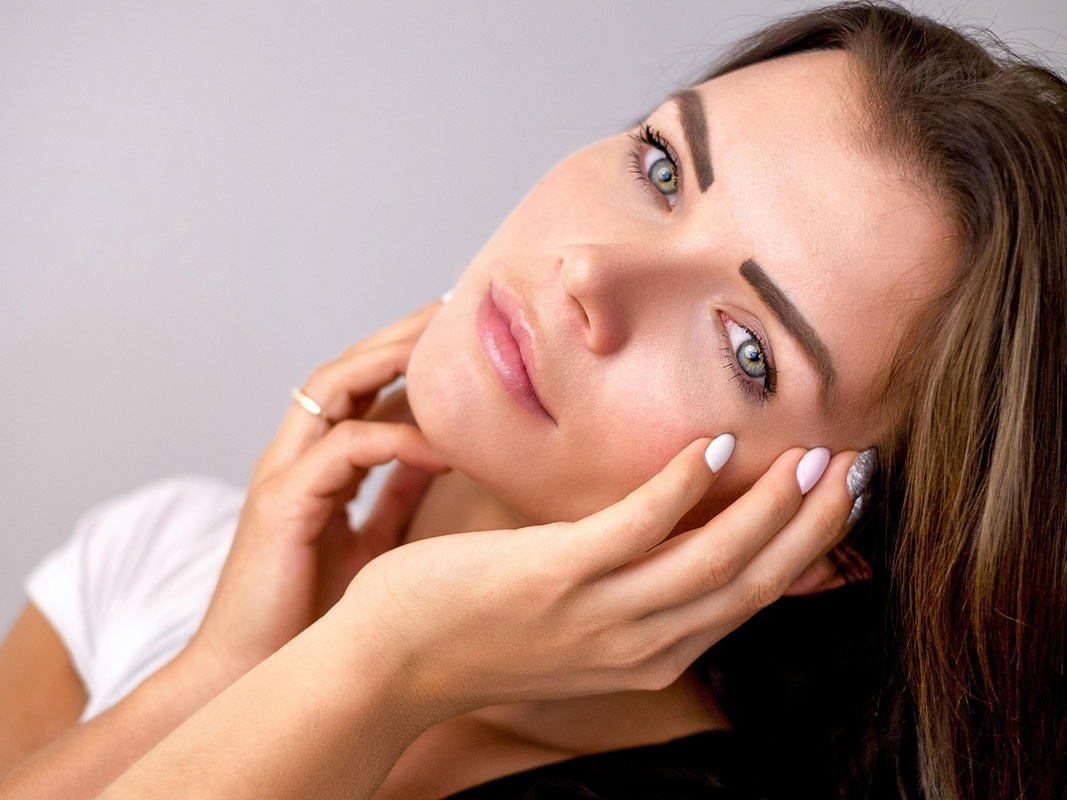
After - Sharp Facial Details
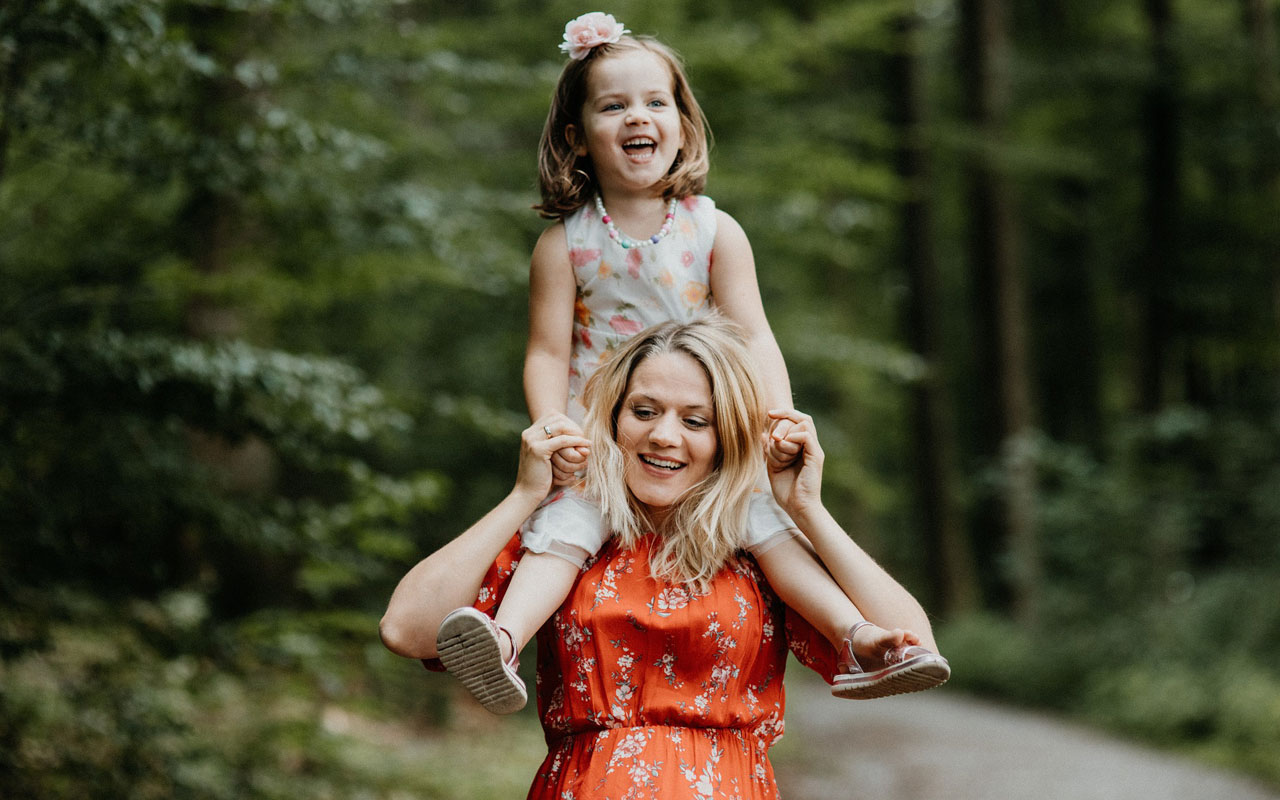
Before - Blurry Face
⇄
Before - Blurry Face
After - Sharp Facial Details

Restore Facial Details and Expressions

Bring blurry portraits back to life with enhanced facial clarity. Our AI technology prioritizes facial features, restoring sharpness to eyes, expressions, and skin details. The algorithm understands human facial structure, ensuring that unblurred portraits look natural and authentic, preserving the subject's unique characteristics.
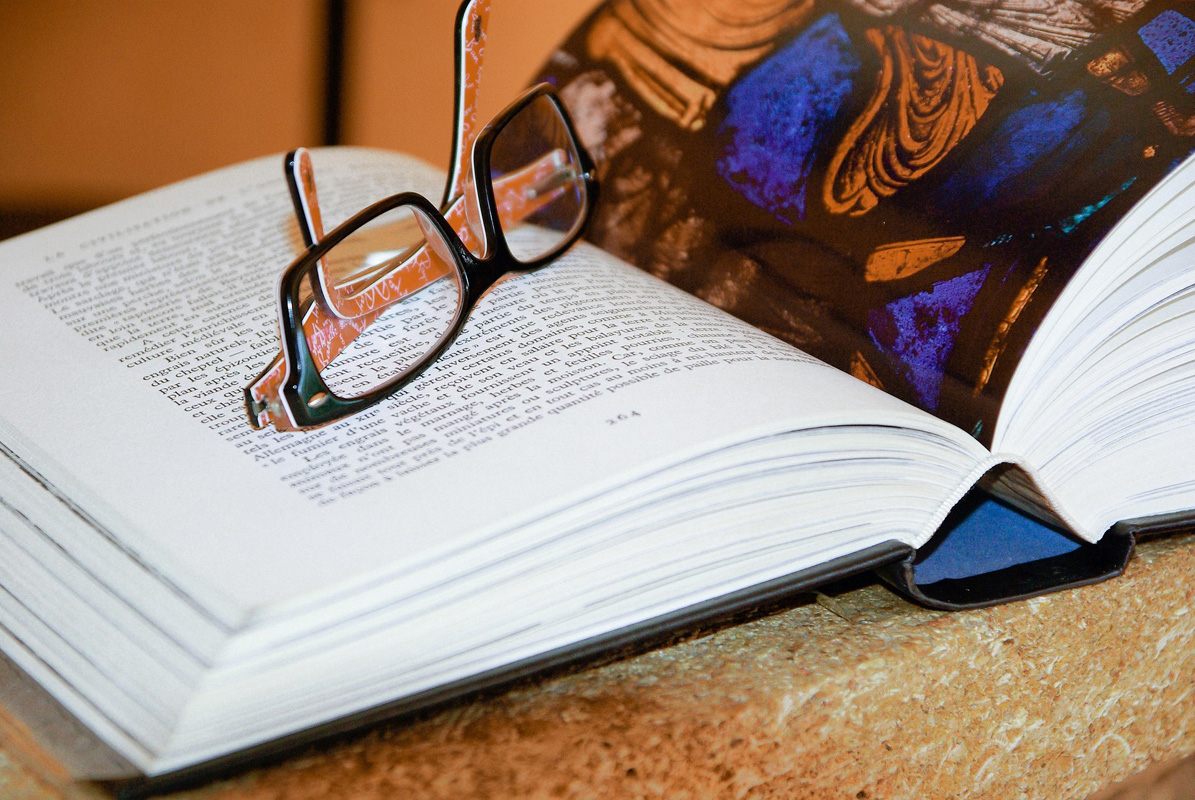
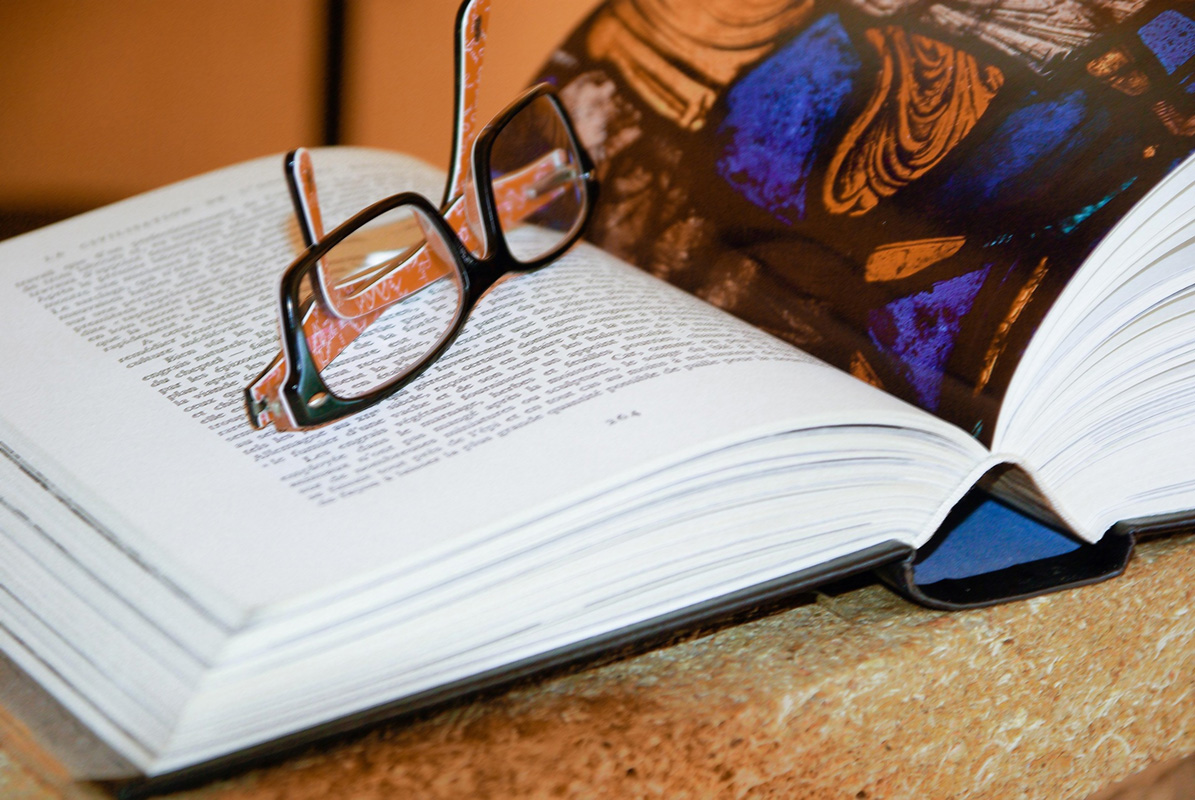
After - Clear and Readable Text
Before - Blurry Text
⇄
Before - Blurry Text
After - Clear and Readable Text

Enhance Text and Document Clarity

Make blurry text and documents readable again. Our unblur technology is particularly effective at enhancing text clarity, making it perfect for documents, screenshots, signs, and any images containing text. The AI sharpens character edges and improves contrast, significantly enhancing readability.
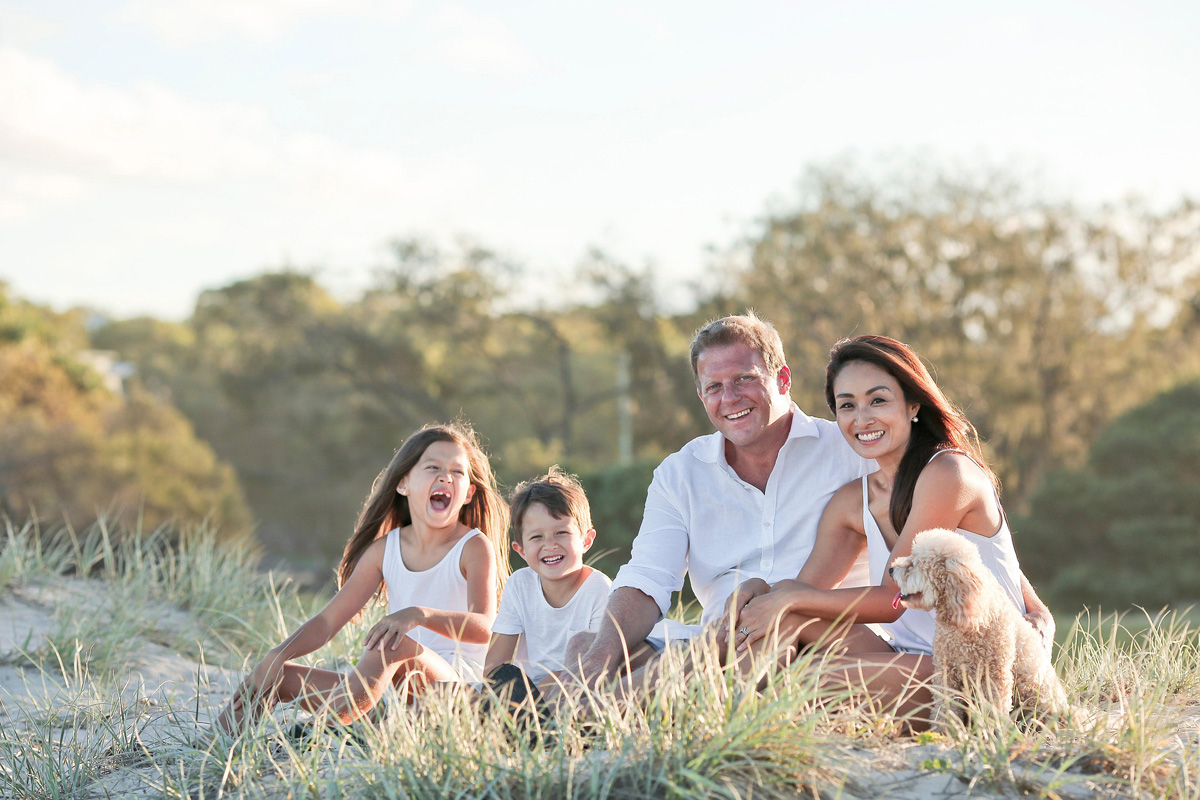
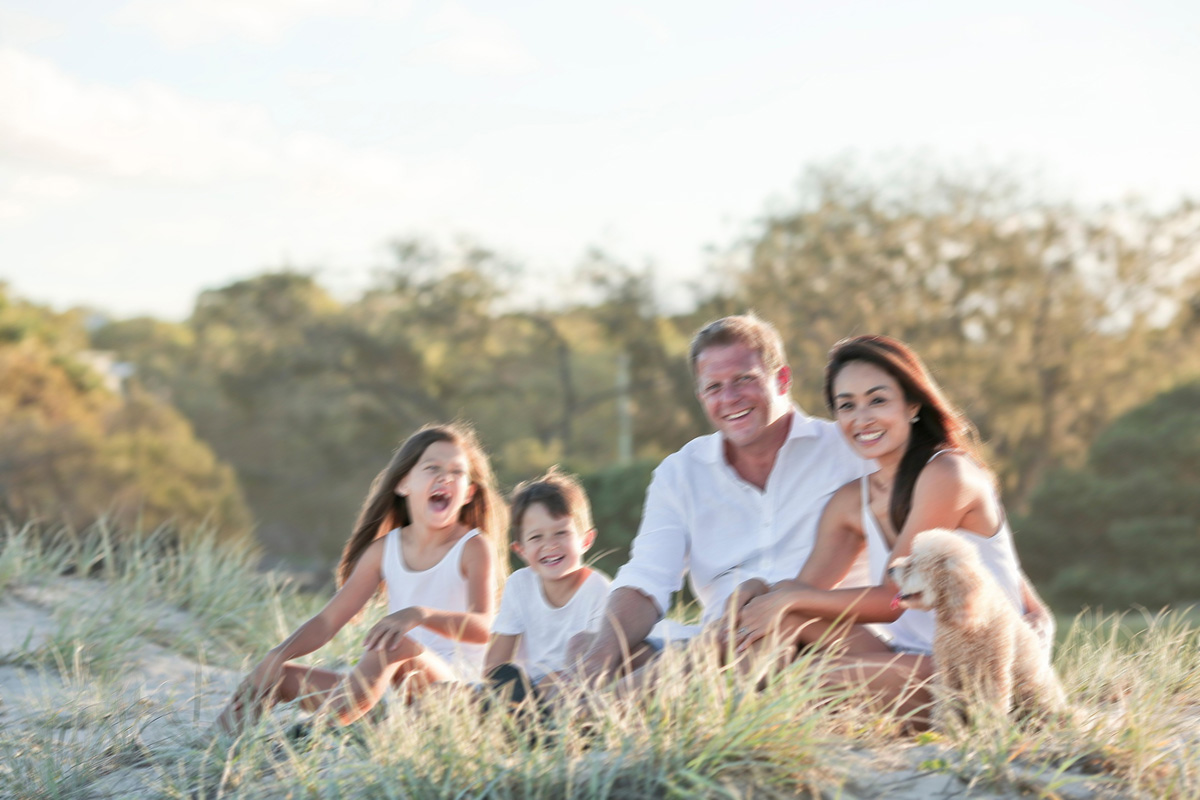
After - Natural Unblurred Result
Before - Blurry Photo
⇄
Before - Blurry Photo
After - Natural Unblurred Result

Natural Results Without Artifacts

Our AI unblur technology produces natural-looking results without introducing unwanted artifacts, halos, or over-sharpening effects. The algorithm intelligently balances detail recovery with natural appearance, ensuring that unblurred photos look authentic and professional, as if they were originally captured in sharp focus.

Upload & Unblur Now – It's Free!

Frequently Asked Questions

Is this free to use?+
Yes! You can unblur up to 3 images at once for freeβ€”no sign-up required. All basic features are available at no cost.
What image resolutions can I process?+
You can process images at any resolution. The tool improves clarity while keeping or boosting the resolution. For higher-res images, try the Unblur Pro modelβ€”it usually gives better results.
How many photos can I fix at once?+
Upload up to 3 images at the same time. They'll all process together using the same model you pick, so you can fix multiple blurry photos in one go.
Can I use this on my phone?+
Yes! It works on phones, tablets, and computers. Just open your browser and go. All features work the same way on mobile.
What file formats work?+
You can upload JPG, JPEG, PNG, WEBP, or GIF files. Keep files under 10MB each. We'll process them and give you a compatible format back.
Do you keep my photos?+
No. We process your images but don't store them permanently. Processed images are deleted after 24 hours. We never share or use your photos for anything else. Download your unblurred images right away to keep them.
Can it fix any type of blur?+
It handles motion blur, out-of-focus shots, and camera shake pretty well. If your photo is extremely blurry or very low resolution, results may be limited. For tough cases, try the Unblur Pro modelβ€”it usually does better.
How long does it take?+
Most images take 10-30 seconds with the Unblur model, or 30-60 seconds with Unblur Pro. We'll show you an estimated time before you start.
Are there any limits for free users?+
Free users can process up to 3 images per day, and the max output resolution is 1920px. Want higher resolutions (4K, 8K, 16K) or unlimited processing? Check out our premium plans. You'll also get access to advanced AI models and processing history.